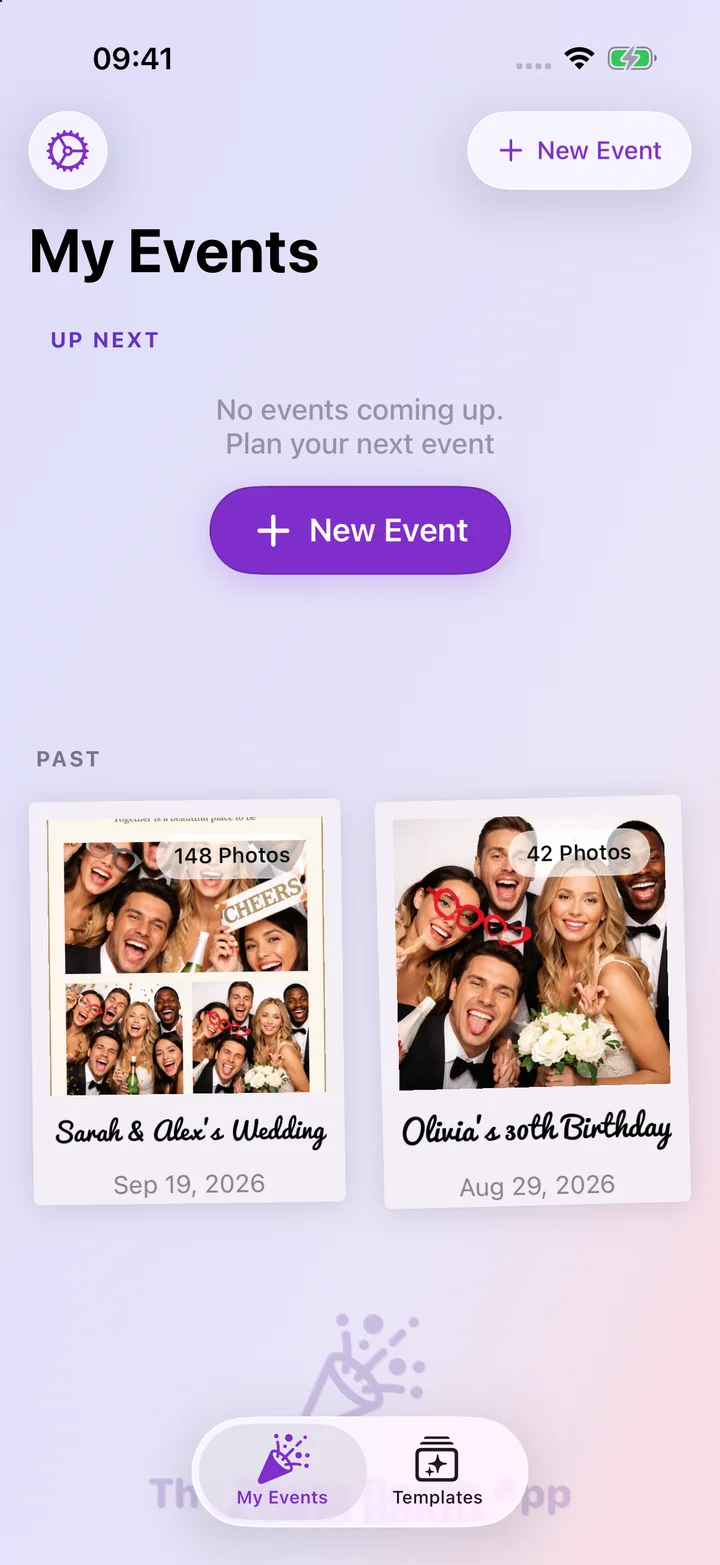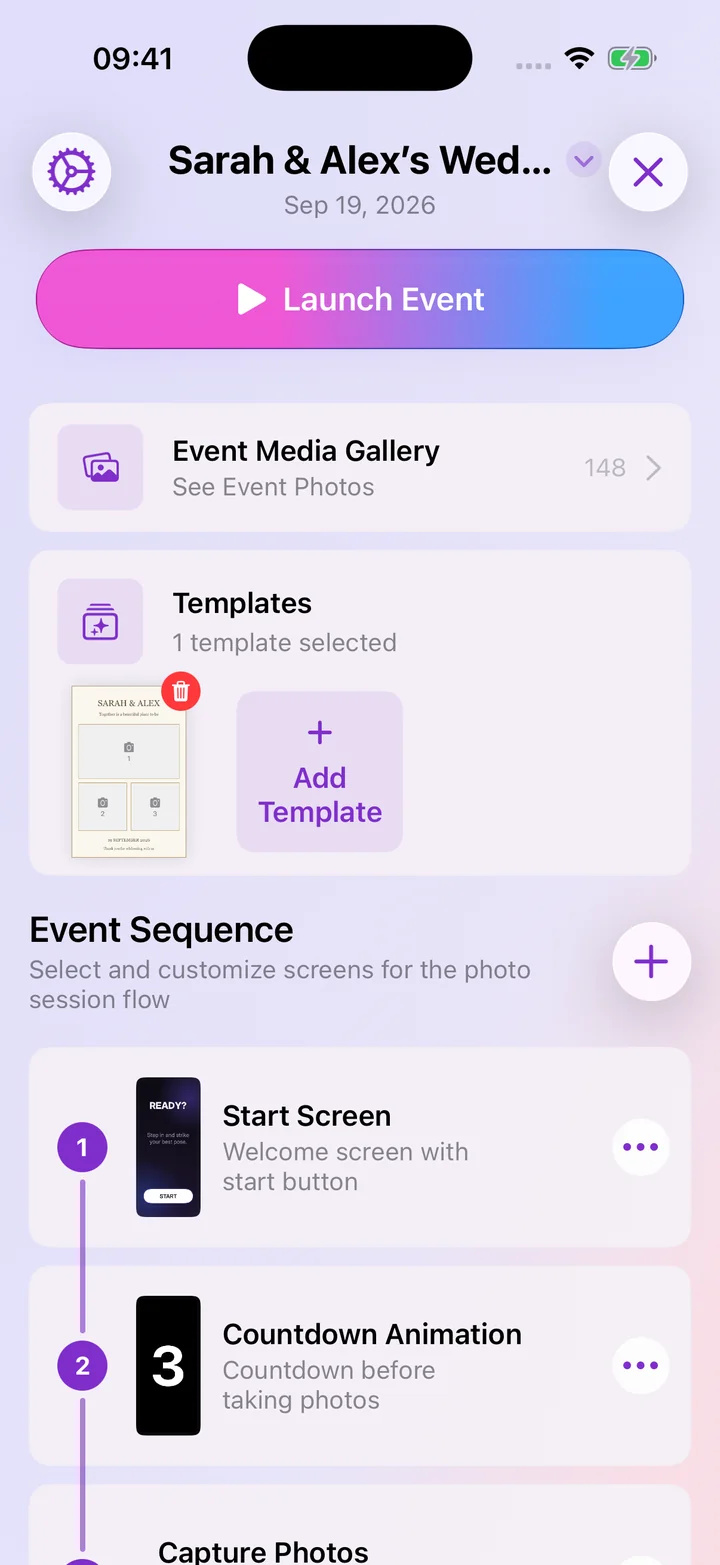
Your photo booth, on the web
See your events, galleries and templates, and edit your designs on a bigger screen.
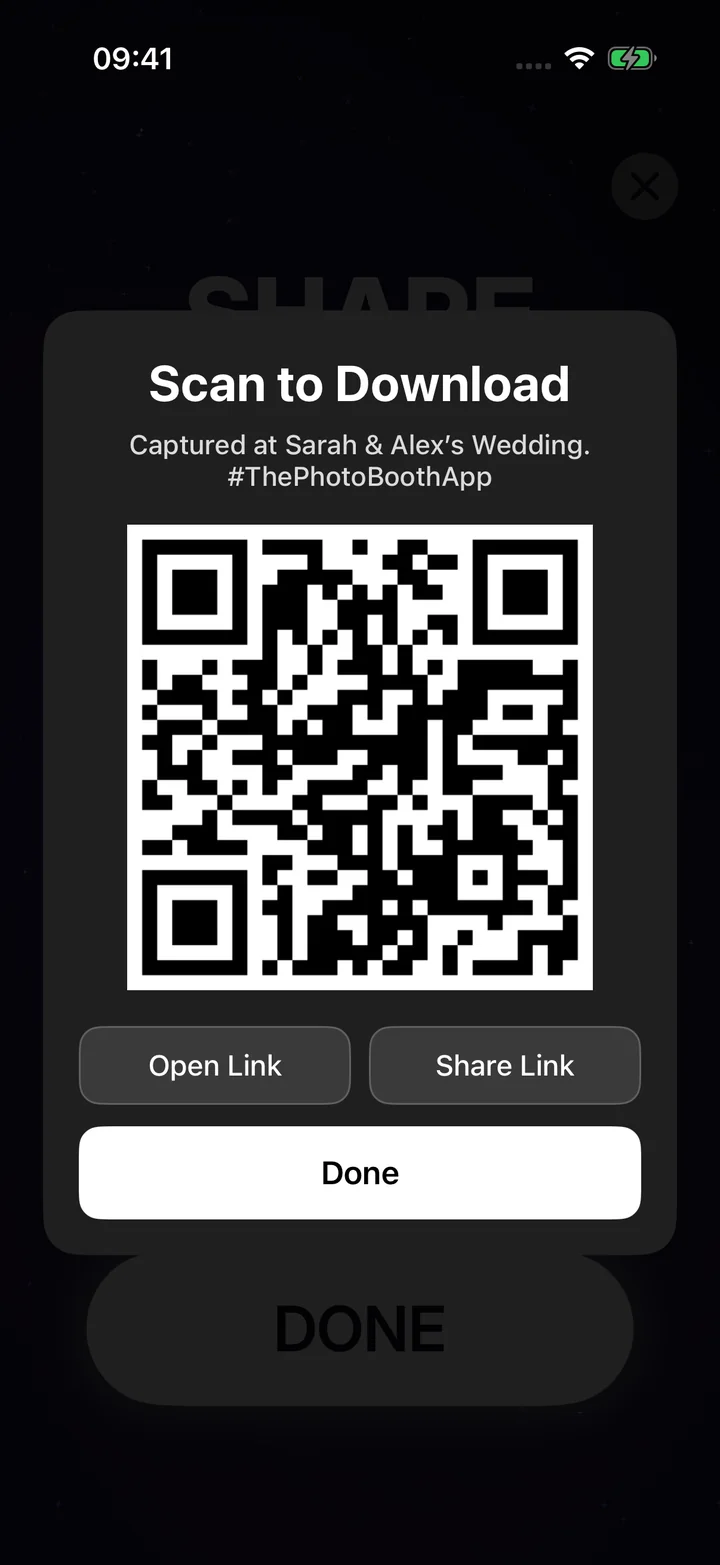
or scan with the app
- Open Photo Booth App on your iPhone or iPad.
- Go to Settings → Your Profile → Sign In on a Computer.
- Scan this code.
You need to be signed in with Apple in the app. The code refreshes every 5 minutes.
No sign-in needed. Explore example events, galleries and the editor. Your demo resets after one hour.