Photo Booth App is freemium. Download it for free: your first event is on us, and additional events require Premium.
# Start with a real event test
You need an iPhone or iPad running iOS or iPadOS 15 or later. For an unattended booth, use a stable stand and keep the device connected to power.
- Create an event and choose a photo template.
- Set the capture sequence and guest screens.
- Launch the booth and take a sample photo.
- Check the saved result and the sharing options you intend to use.
Use this test to check the camera angle, lighting, and guest experience before the event. The iPad setup guide covers the physical setup.
# Your first event is on us
Use your first event to try the booth with your own template and guest flow. Additional events require Premium. Check the purchase screen in the app for the current subscription price in your region.
# What needs an internet connection?
Photo capture and local saving can work offline. Online galleries, QR delivery, email, SMS, and account sync need a network connection. Test your delivery method on the venue’s network; capturing a photo successfully does not confirm that a guest can download it.
# Already using the app?
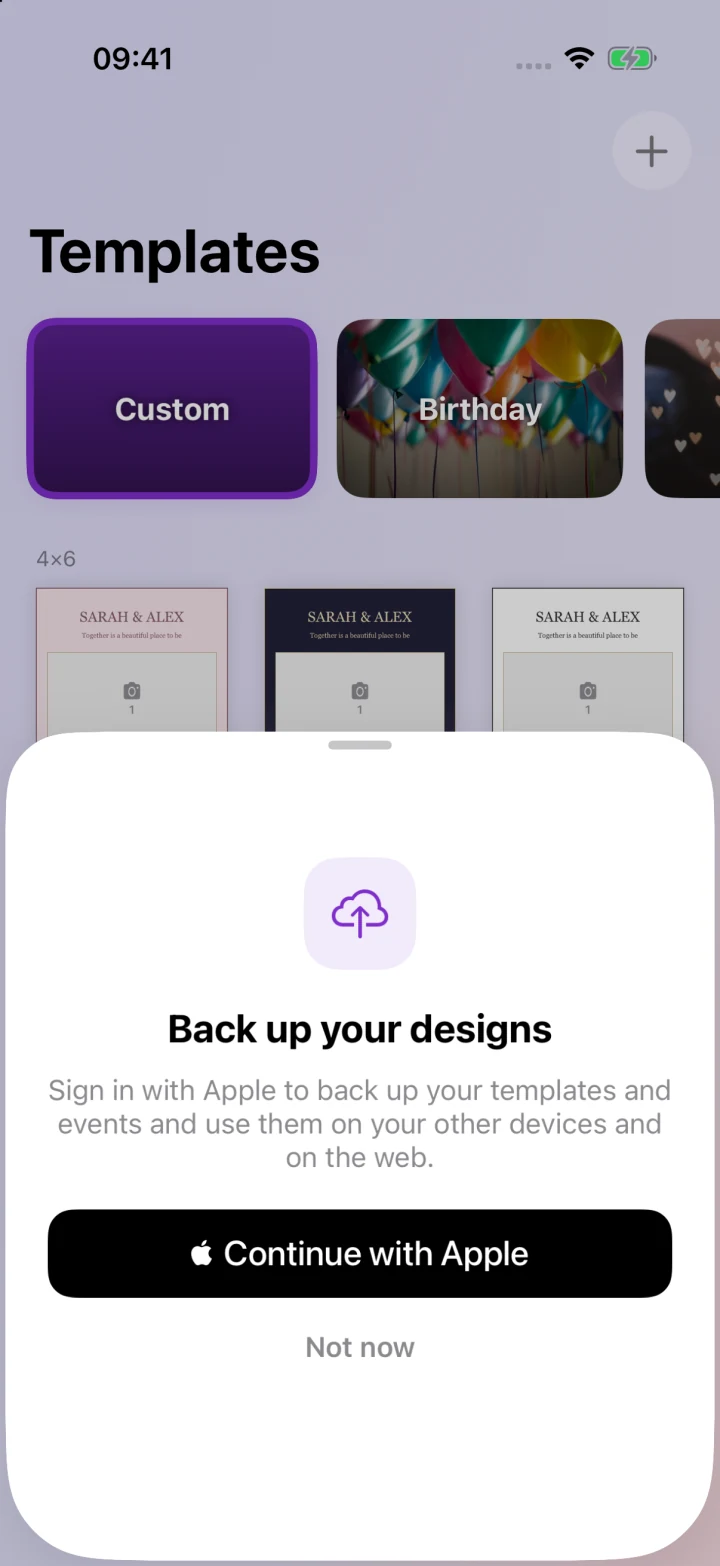
Sign in with Apple to back up supported event settings, flow screens, and templates. Event photos and guest contact details stay on the booth device unless you upload photos to an online gallery.
For help with a subscription, include your device model, app version, and what the subscription screen shows. Use the support page to contact us.