1vote
Under review
Fun camera effects like fish eye
Lens effects such as fish eye, on top of the color filters already in the app.
See what other users would like us to add to Photo Booth App and how each idea is coming along.
To vote or suggest an idea, open Settings → Feature Requests in the app. Votes shown here are shared with the app.
 Get Photo Booth App
18 community requests · Updated automatically
Lens effects such as fish eye, on top of the color filters already in the app.
Save and apply branding presets (logo, colors, overlays) per event.
Real-time background removal in the live camera view.
In-app tutorials and help for the key features.
Search for songs in the app and add them to an event quickly.
Queue several songs as a playlist for each event.
Record live sound from the microphone during an event and use it as the soundtrack of the videos the booth makes.
Choose how photos are emailed to guests: from the Mail app on the device, as now, or straight from the Photo Booth server, with no mail account needed on the booth.
Use a GoPro as the booth camera.
Show the event gallery on a TV or external display while the booth is running, with an optional live camera view. Shared layouts can show their QR code on the display so guests can download them.
Make a video from the event gallery and share it with guests through a QR code that links to it online.
Please add a setting to show the front-camera live preview unmirrored during the countdown. It’s difficult for guests to position themselves when the preview is mirrored.
Implement the option to sync dataa for users who are signed in, either iCloud sync or trough the app backend. Basically I want to have like accounts and the user should be able to see like the events created in one device into another device.
Shoot with a Canon, Nikon or Sony camera connected by USB, with live view on screen.
Improve users account to sync templates, screens, layouts and photos seamlessly across all user devices and web.
Implement a filter screen so the users can put a filter if desired to their photos.
Apple Watch App to control the booth.
Print to 2 2x6 templates in a 4x6 print
Ideas we’re reviewing or planning may change as we work on the app. See What’s new for released features.
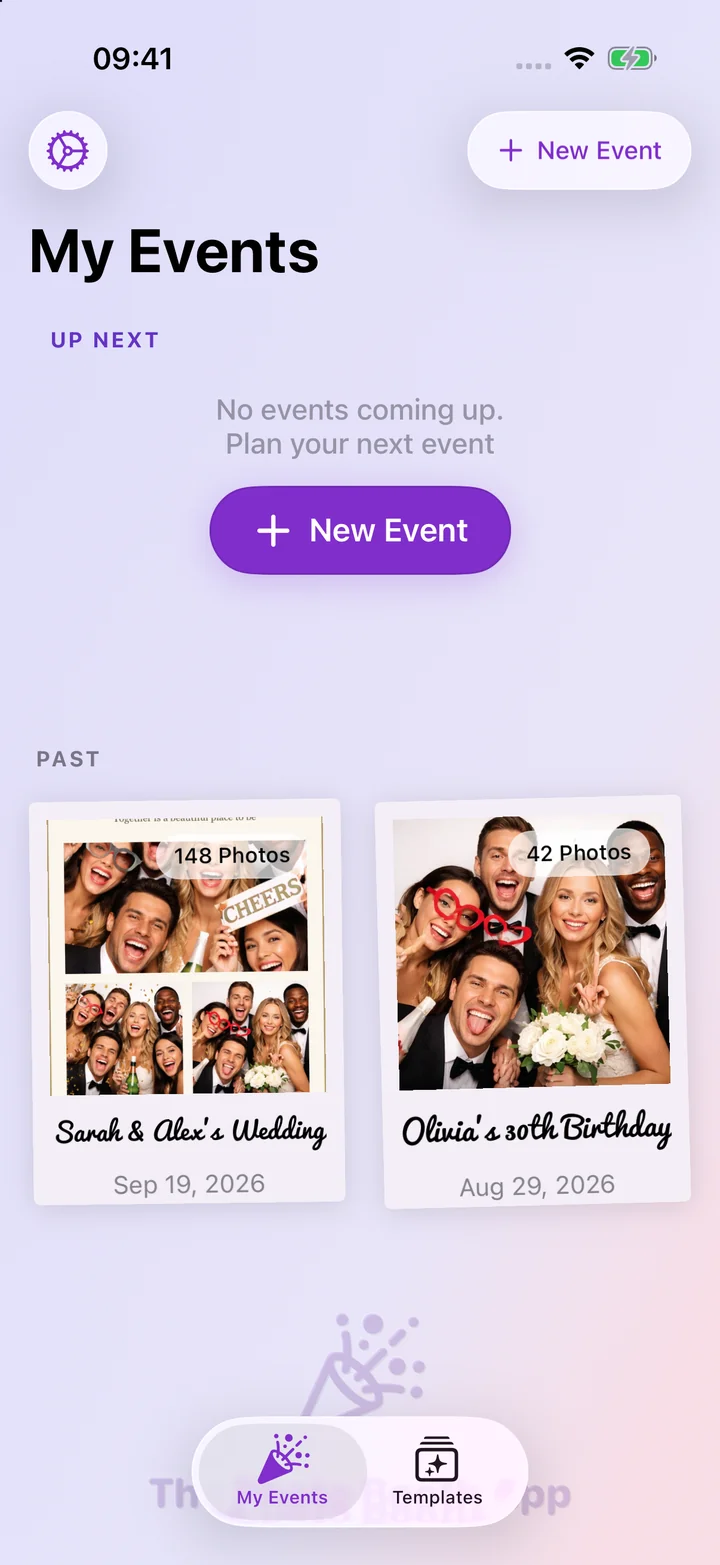
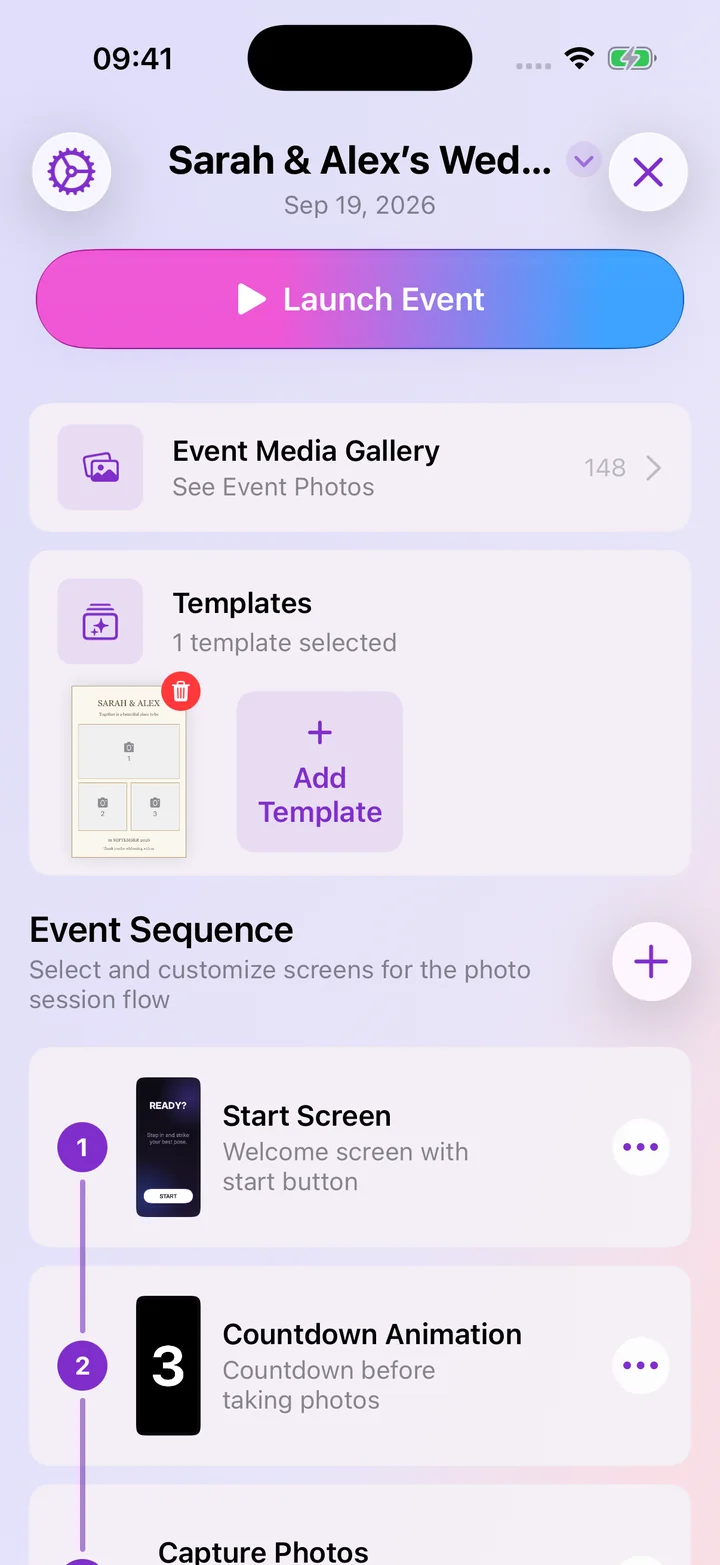
Download Photo Booth App, create an event, choose a template, and turn your own iPhone or iPad into a photo booth.
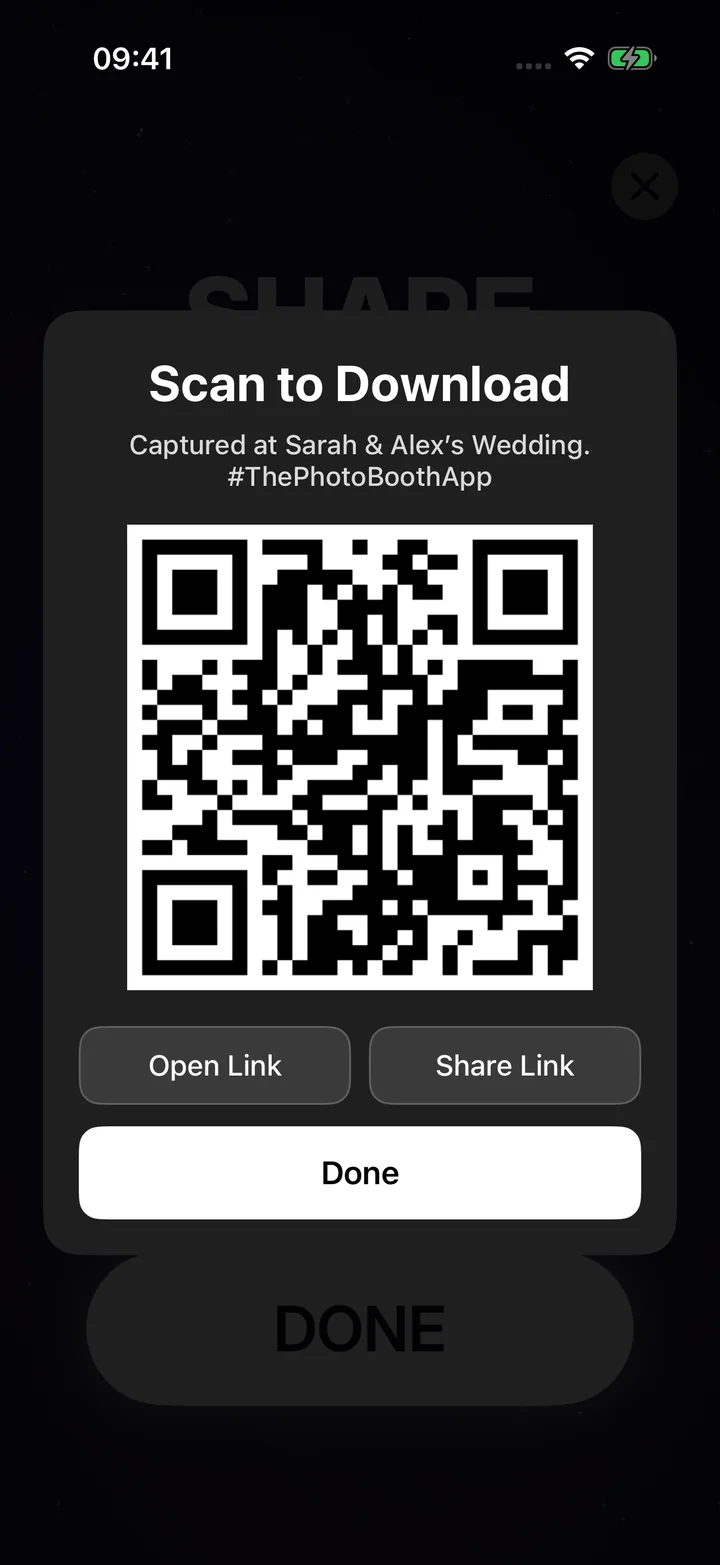
 Scan to download