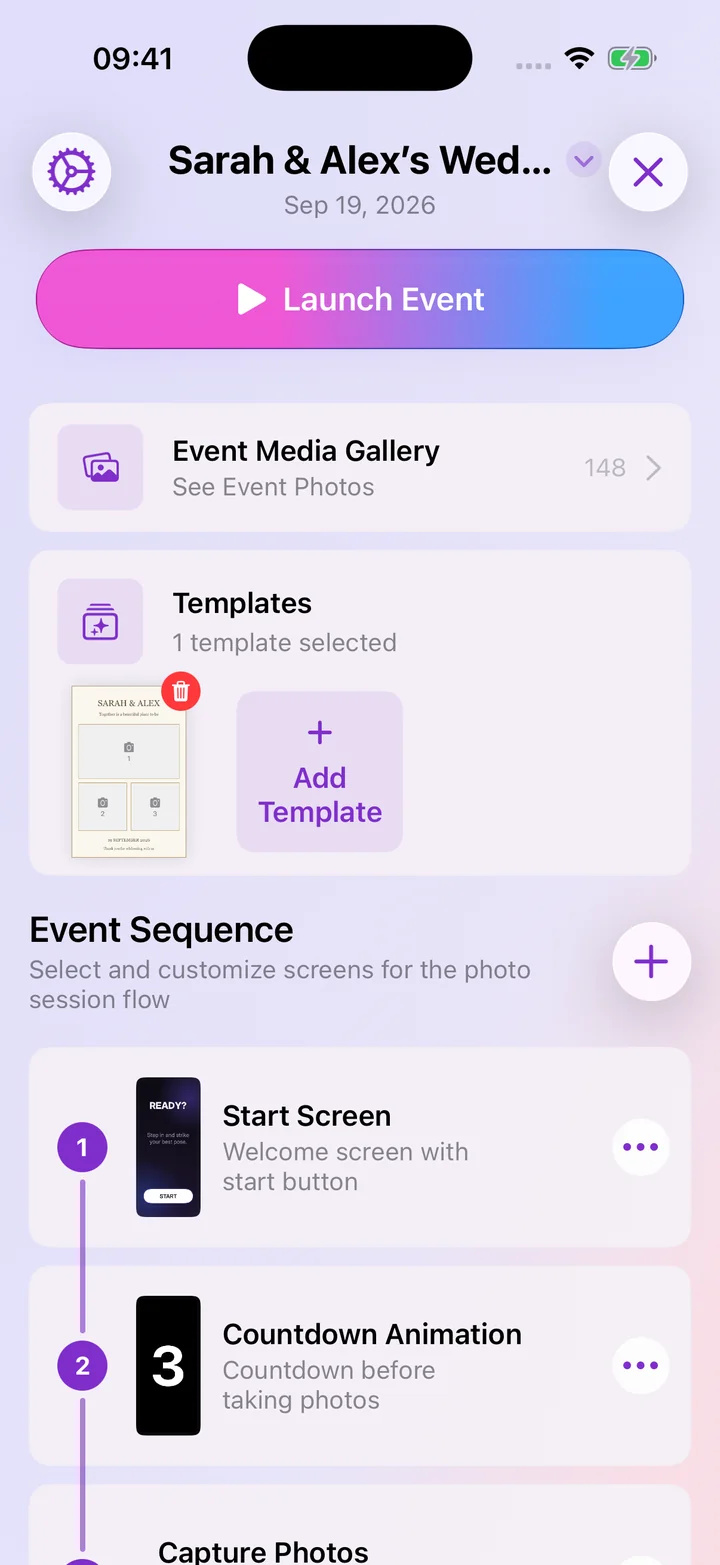
Separate event setups
Keep each event’s photo layouts, guest screens, and settings together.
See this featureExplore photo layouts, guest screens, sharing, printing, and event management on iPhone, iPad, and the web dashboard. Open a feature to see what it does and preview its screens.
See the six-step setup guideKeep each event organized and make the photo layouts your own.
Keep each event’s photo layouts, guest screens, and settings together.
See this featureAdd your PNG or JPG design and choose where the photos go.
See this featureEdit event templates in your browser, then use the designs on your signed-in booth device.
See this featureSign in with Apple to back up supported templates, flow screens, and event settings across devices.
See this featureGive guests a simple flow and photos they can take home.
Choose welcome screens and countdowns. Add instructions, a notice, or a Photo/GIF choice.
See this featureChoose photos or GIFs for your event and let guests follow the countdown.
See this featureShare photos by AirDrop, QR code, email, or message. Try each option on the venue’s Wi-Fi.
See this featurePrint with a compatible AirPrint printer. Check the paper size and finished layout before your event.
See this featureReview the results, run the booth remotely, and prepare your device.
See saved photos on the booth device, or upload them to an online gallery to share.
See this featureSee how often guests used the booth, shared photos, and chose each template.
See this featureOpen events with Siri or Shortcuts, find them in Spotlight, or control the booth from Apple Watch.
See this featureTake and save photos without internet. Use Guided Access to keep the iPad in the app.
See this feature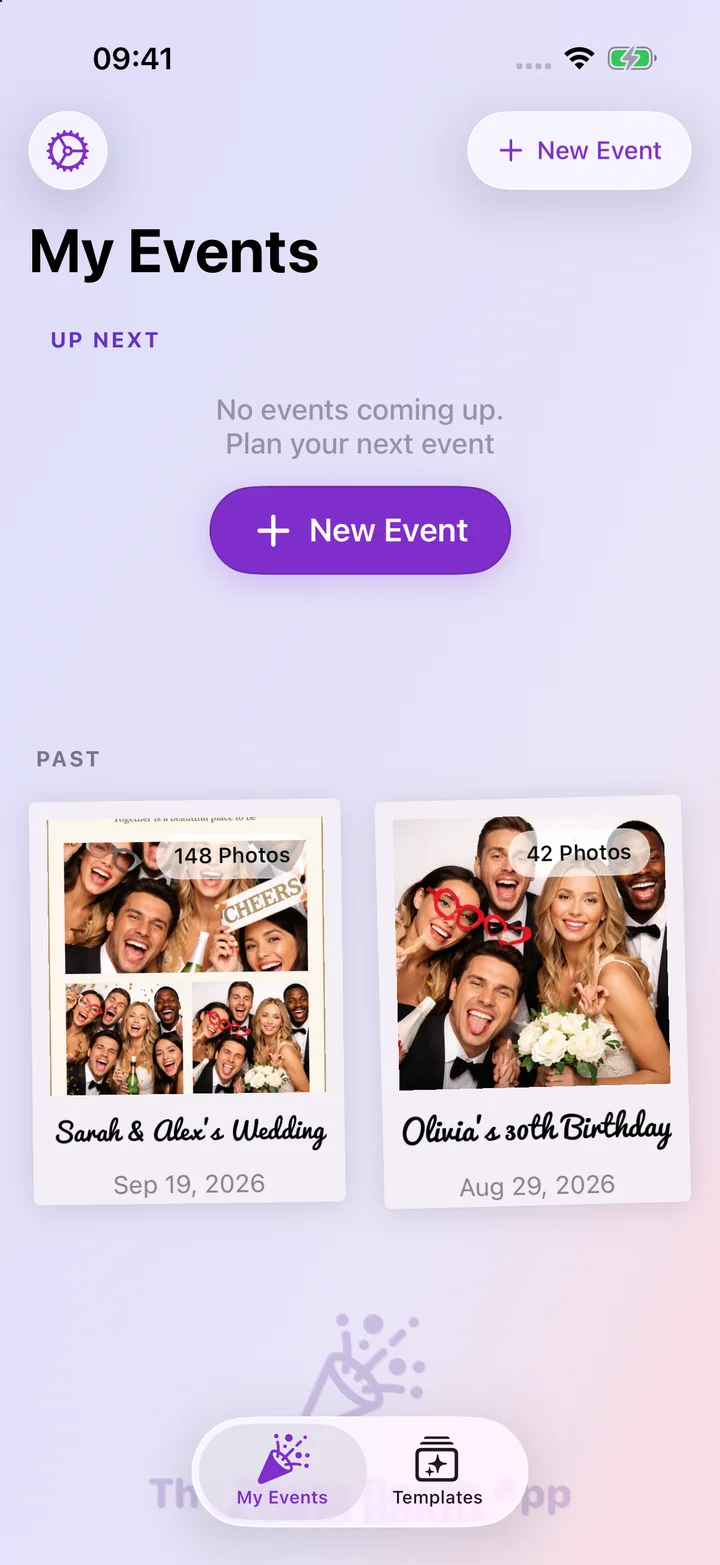
Download Photo Booth App, create an event, choose a template, and turn your own iPhone or iPad into a photo booth.
 Scan to download