
The most common photo booth print size is 4 × 6 inches. You can use the whole sheet as one photo card or place two 2 × 6-inch strips side by side and cut them apart. The right choice depends on the experience you want, the printer's supported paper, and whether somebody will cut strips during the event.
Quick size comparison
| Print format | Best for | What to check |
|---|---|---|
| 4 × 6 photo card | Groups, branded event cards, larger photos | Orientation, borders, and room for names or a logo |
| Two 2 × 6 strips on 4 × 6 paper | Weddings, guest books, classic booth look | Cutting method and safe space between strips |
| Square print | Social-style layouts and compact designs | Exact printer and paper support |
| Digital only | Fast queues and events without a printer | Venue internet, QR flow, and later gallery delivery |
Choose 4 × 6 for the simplest printing workflow
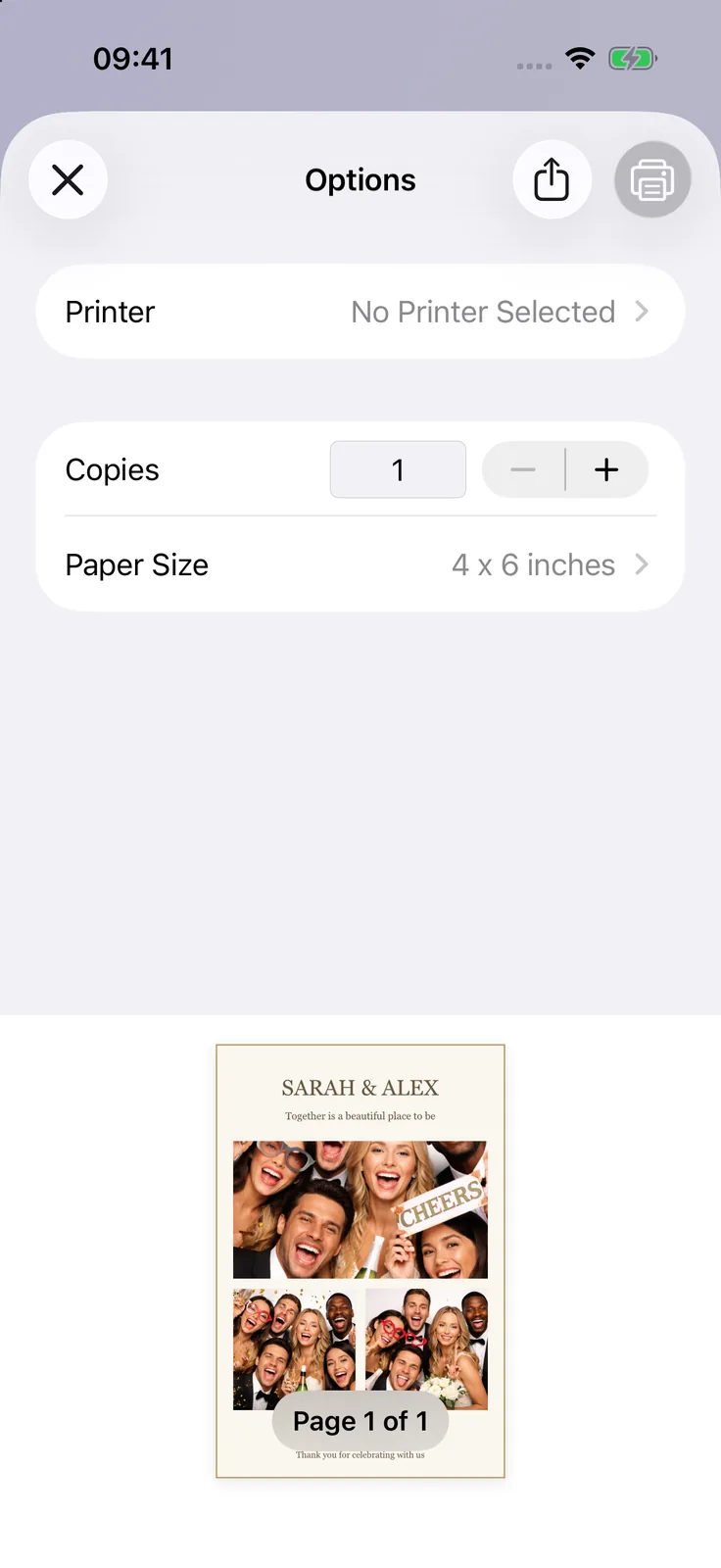
A single 4 × 6 output is straightforward: one booth session creates one finished card. It leaves more room for groups and makes text easier to read. Landscape works well for wider groups; portrait can suit stacked photos or a taller design. The app's preview is a guide, but printers handle edges differently. Some print edge to edge, while others leave a border or enlarge the image slightly. Put important content inside a safe area rather than against the edge.Use 2 × 6 strips when the classic look matters
Two 2 × 6 strips can fit side by side on one 4 × 6 sheet. That gives a couple two matching copies or lets one strip go into a guest book while the other goes home.
The important limitation is cutting. Selecting a strip layout does not make a standard photo printer cut the sheet. Some event printers support cutting; otherwise, plan for a paper trimmer and a person who can keep up with the queue. Never ask guests to handle a sharp cutter.
Match template orientation to the paper
Decide on portrait or landscape before designing. Rotating at print time can produce a sideways result, extra borders, or an image that is scaled differently from the preview.
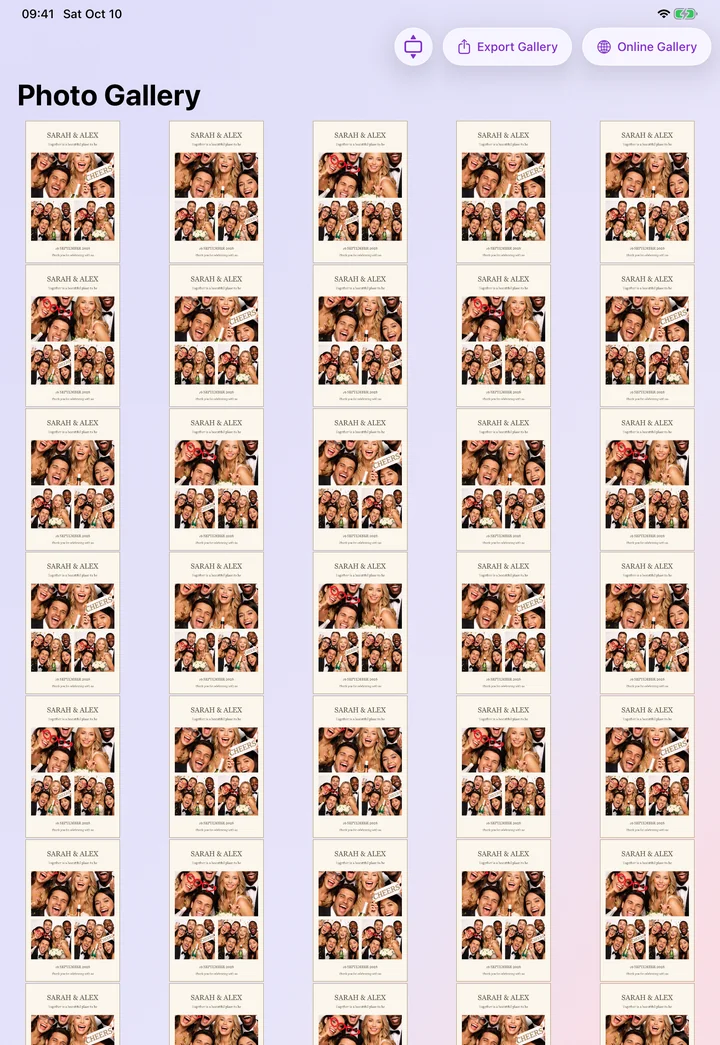
In Photo Booth App, choose a template that fits the intended output, add your names, date, or logo, and take a real test photo. Check the finished print rather than judging the blank template. Faces and clothing often occupy space that looked empty in the editor.
Leave a safe area around important content
Printers can crop a small amount when filling the sheet. Keep faces, thin borders, QR codes, names, dates, and logos away from the outer edge. Leave extra space down the center when two strips will be cut apart.
Use text large enough to read in a dim venue. A line that looks fine on an iPad screen may be tiny on a 2-inch-wide strip. Print it at actual size and ask someone else to read it from arm's length.
Test the entire print path
- Load the exact paper and supplies planned for the event.
- Connect the iPhone or iPad and AirPrint printer to the same Wi-Fi network.
- Take a booth photo with two or three people at the edges of the frame.
- Open the print preview and confirm paper size and orientation.
- Print three sessions, not just one.
- Check cropping, color, drying time, output order, and time per guest.
- If using strips, cut a sheet and verify the center spacing.
Follow the full AirPrint photo booth setup for network and troubleshooting steps. Apple also maintains a current list of AirPrint-compatible devices.
Plan the queue around print speed
Printing takes longer than taking a photo. If every group requests several copies, the printer can become the bottleneck. Set a sensible default number of copies and put the collection point beside the booth rather than in front of the camera.
Keep QR or gallery sharing available. Digital delivery gives guests another route when the print queue is long and keeps the booth useful if supplies run out.
Frequently asked questions
What is the standard photo booth print size?
4 × 6 inches is the most common paper size. It can be one full photo card or two 2 × 6 strips placed side by side.
Will my printer cut 2 × 6 strips automatically?
Only if that exact printer and setup support cutting. Many consumer AirPrint printers output a complete 4 × 6 sheet, which must be cut separately.
Should a wedding photo booth use strips or full cards?
Use strips for the classic booth look or a guest book. Use a full 4 × 6 card when group photos, larger images, or readable event branding matter more.
Why does the printer crop the edge of my design?
Borderless printing often enlarges the image slightly to avoid white edges. Move important content inward and verify the result with the actual printer settings.
Pick the format that your real printer can deliver reliably. A simple 4 × 6 design that has been tested is better than an elaborate strip workflow that slows down when guests arrive.

Manuel Escrig
Manuel is the creator of Photo Booth App and GoInspired LLC. He builds the iPhone, iPad, web, and event-gallery pieces behind the product. Read more about me
 Share on Facebook
 Share on X
Keep reading
All postsPrint photo booth photos with AirPrint
Set up an AirPrint printer, choose your paper size, and make a test print. Find out what to check if your printer does not appear.
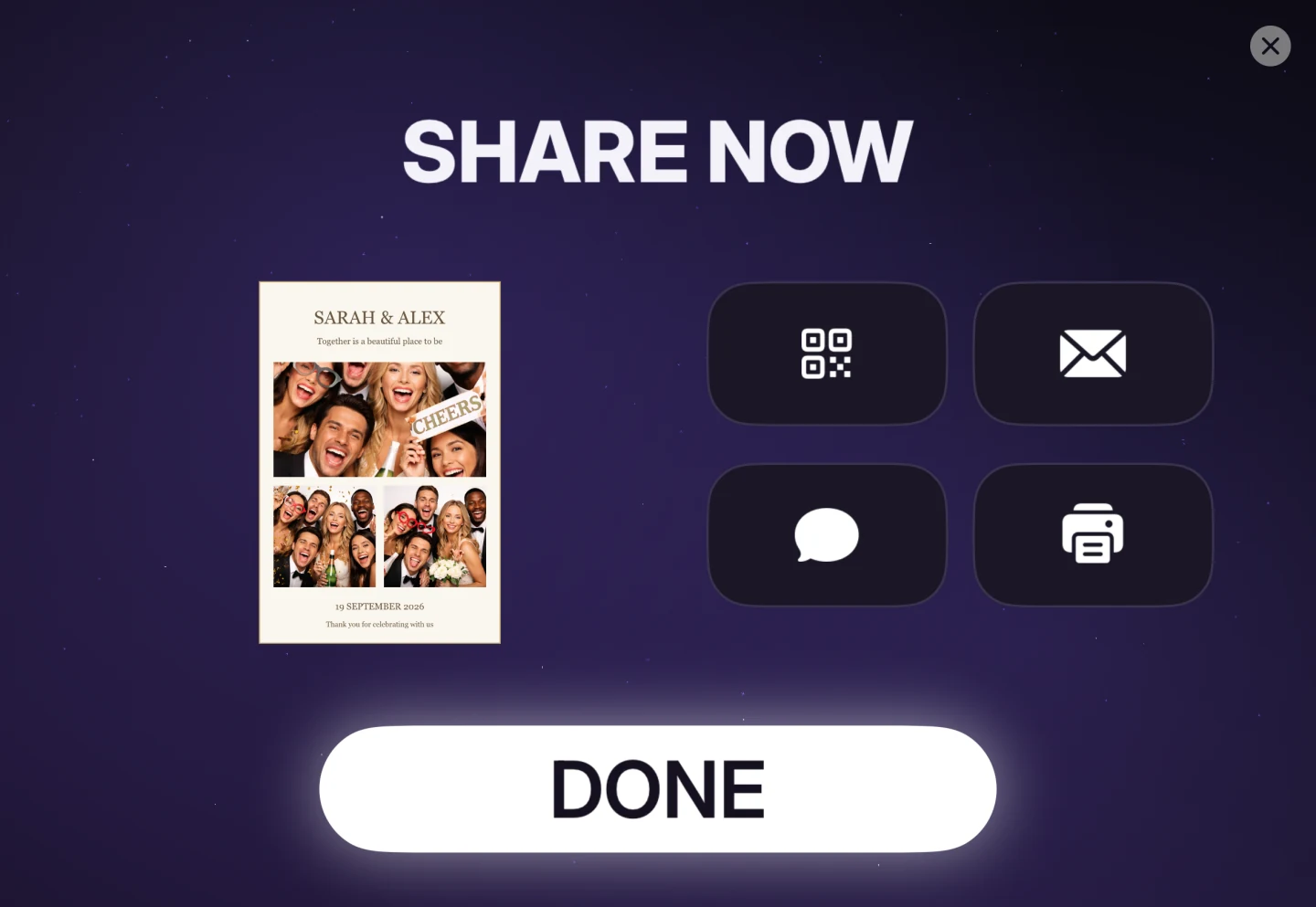

Photo Booth Sharing Guide for Event Hosts
Help guests get their photo booth photos through AirDrop, QR codes, email, text messages, online galleries, or prints.