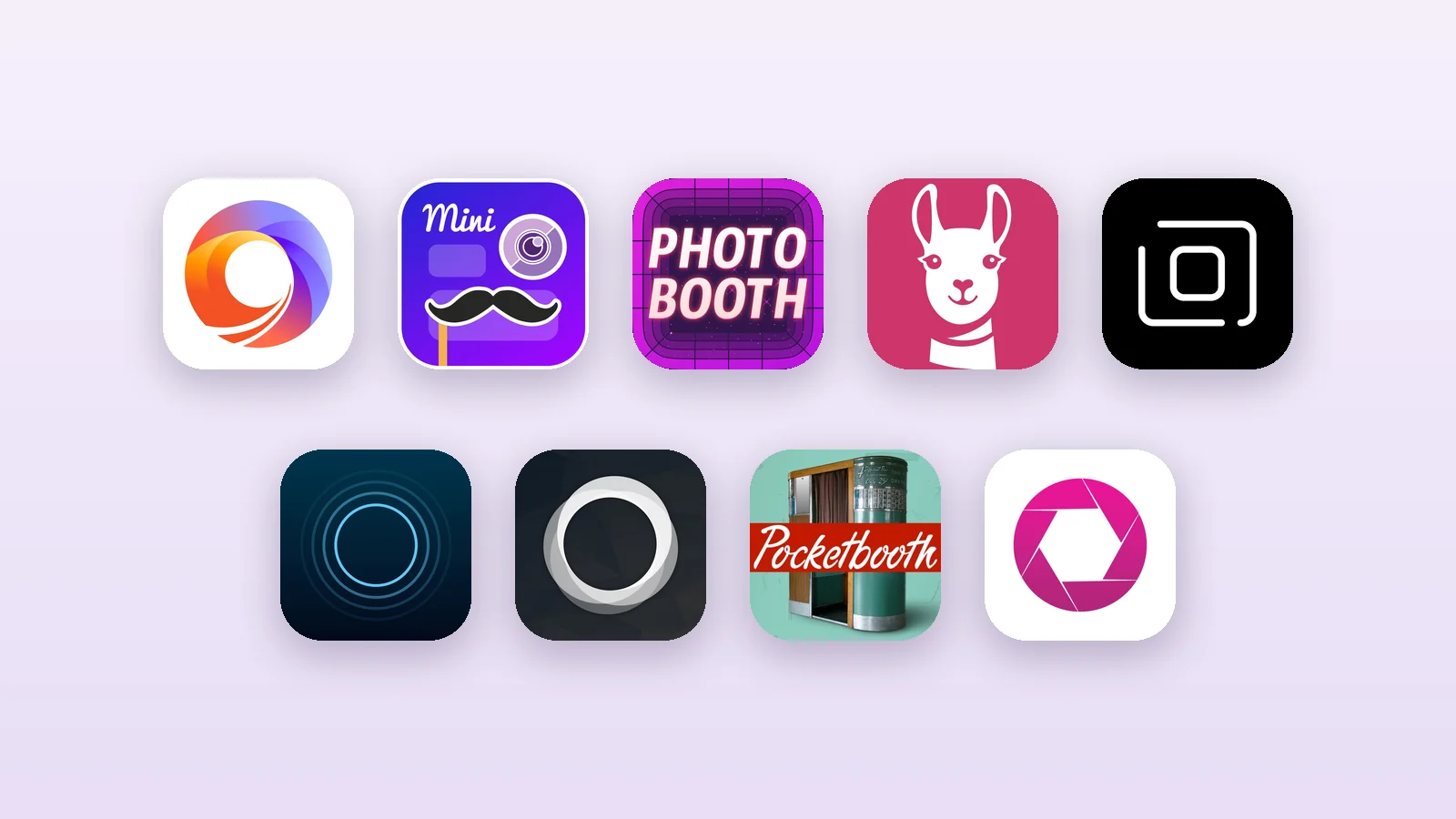
An iPad makes a great photo booth: a good front camera, a big screen guests can see themselves on, and it fits on any stand. The best photo booth app for iPad is the one that turns it into a booth for your kind of event, with countdowns, templates, printing and a way to send photos to guests.
We compared the 9 most popular iPad photo booth apps on the App Store. Ratings, prices and requirements are from each app's US App Store page on October 21, 2026, so check the listing for the latest numbers in your country.
Full disclosure: we make Photo Booth App, the first app on this list. We describe every app, including ours, from its App Store listing and pricing.
Quick comparison
| App | Best for | Rating | Price | Needs |
|---|---|---|---|---|
| Photo Booth App | Weddings and parties | 4.3 (26) | First event free, then $19.99/month | iPadOS 15 |
| Touchpix | Pro all-in-one booths | 4.8 (6,751) | From $43.90/week | iPadOS 15 |
| Mini Photobooth | DIY party booths | 4.8 (9,054) | Pro from $44.99/month | iPadOS 15.2 |
| LumaBooth | Hosts who also use Mac or Windows | 4.6 (1,586) | Full Access from $19.99 | iPadOS 15 |
| Booth.Events | DSLR and branded events | 4.8 (949) | Plans on booth.events | iPadOS 17.2 |
| Simple Booth HALO | Brands and venues | 4.7 (2,440) | From $14.99/week | iPadOS 26.1 |
| Snappic | Photo booth businesses | 4.5 (101) | From $69/month | iPadOS 13 |
| Pocketbooth | Classic photo strips | 4.5 (2,155) | From $4.99/week | iPadOS 16 |
| BoothLab | 360 video booths | 4.6 (508) | From $29.99/month | iPadOS 14 |
1. Photo Booth App: best for weddings and parties
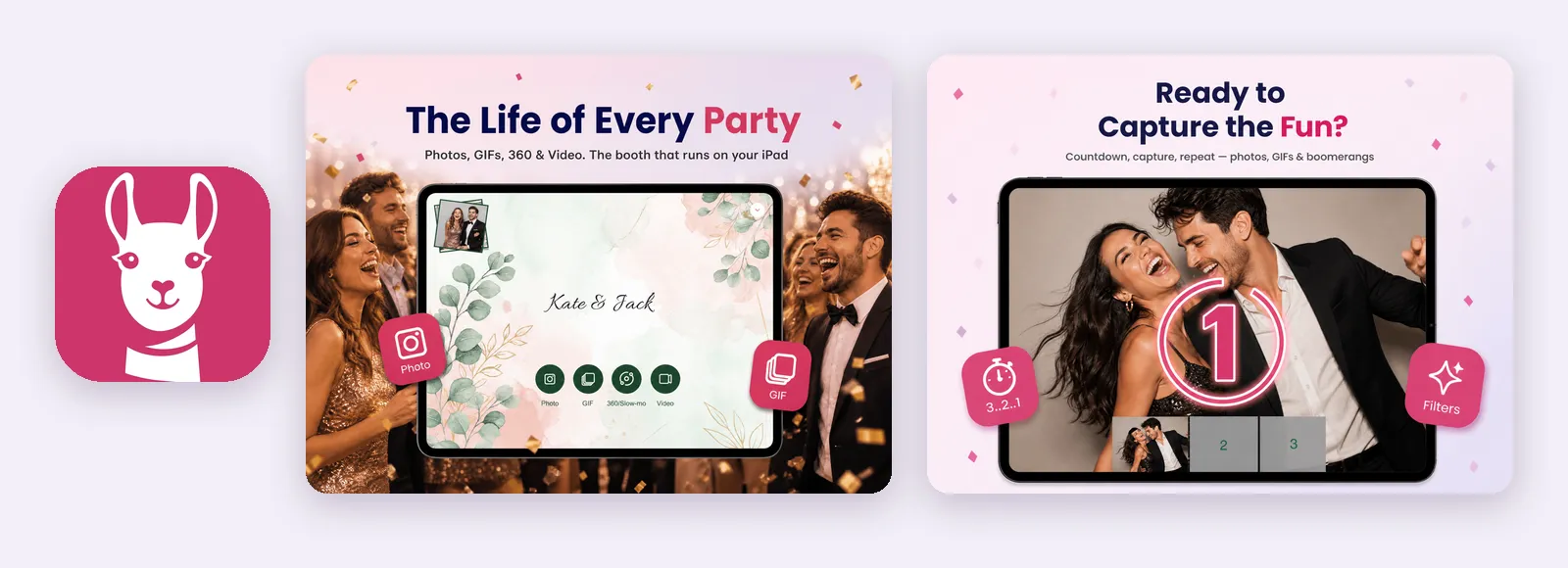
Photo Booth App is built for hosts who want a booth running in minutes, without renting one. You pick a template, choose the screens guests see, and launch the booth. Guests get photos, GIFs, boomerangs or videos, and can take them home by QR code, email, text message, AirDrop or a print.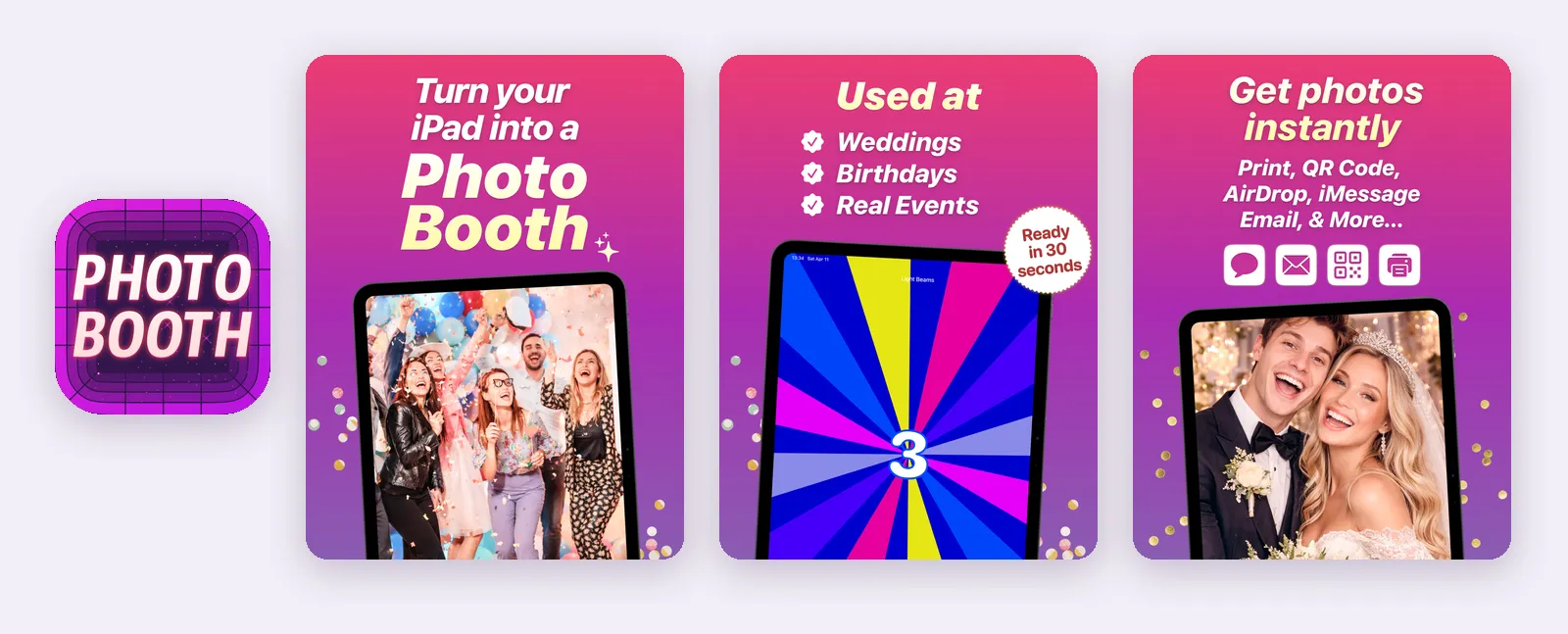
What stands out
- Photos, GIFs, boomerangs, videos and optional 360 experiences
- Custom layouts with your logo, text, overlays, backgrounds and green screen
- Branded start and end screens, and a session flow you control (countdown, number of shots)
- Sharing by QR code, email, text message, AirDrop and online galleries, plus AirPrint printing
- Works on iPhone and iPad, supports external cameras, and saves photos on the device without internet
Keep in mind: Newer on the App Store, so it has far fewer ratings than the older apps here. After the first event you need Premium to create more events.
Price: free to download, and your first event is free. Premium is $19.99 per month or $99.99 per year.
Download Photo Booth App on the App Store
2. Touchpix: best all-in-one app for professionals
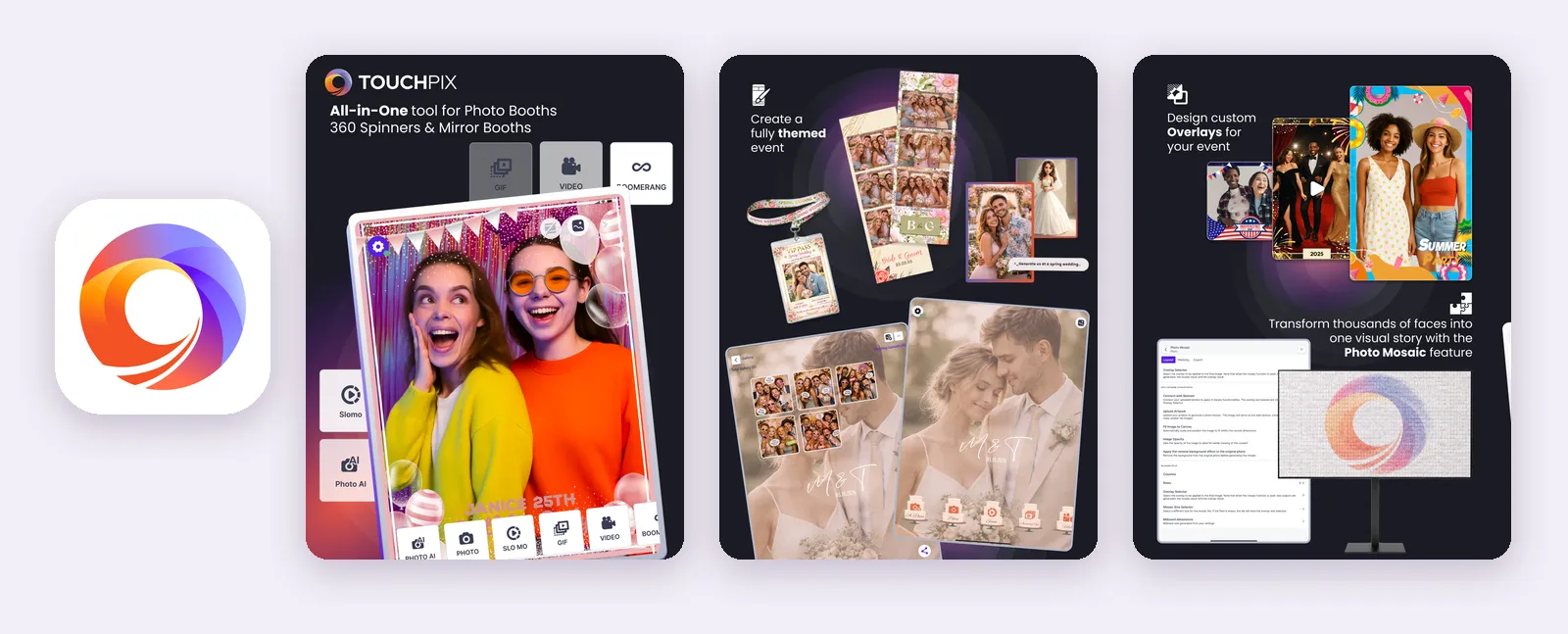
Touchpix is the most complete professional app on this list. It runs iPad stations, 360 spinners, Magic Mirror booths, slow motion booths and DSLR setups, and works across iOS, Mac and Windows. It also has the most ratings of any pro app here, at 4.8 stars from 6,751 reviews.
What stands out
- 360 photos and videos, boomerangs, GIFs, slow motion and Super Slomo
- Offline QR sharing (Scanpix) and offline AI background removal
- Video guest book mode, photomosaics and an overlay designer
- GoPro, Canon, Nikon and Sony camera support, plus print servers for Mac and Windows
Keep in mind: Expensive for occasional use: $43.90 per week, $122.99 per month or $879.99 per year. A large download (about 500 MB) with a lot to learn.
3. Mini Photobooth: best for DIY party booths
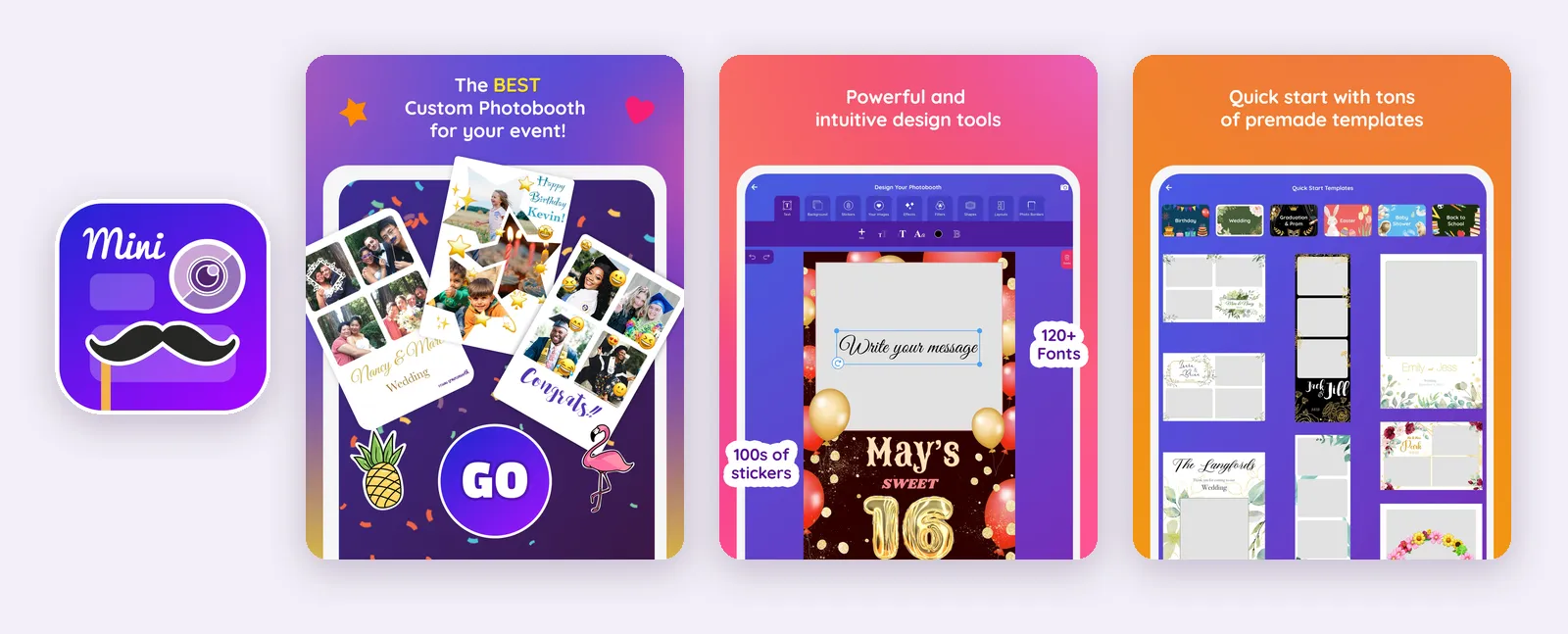
Mini Photobooth is the most rated app in this list, with 4.8 stars from 9,054 reviews. It is aimed at people designing a fun booth for a party: lots of templates, stickers and fonts, then an Event Mode with a countdown and a passcode to keep guests in the booth.
What stands out
- Templates, photo strip layouts and animated GIF booths
- 800+ stickers, 120+ fonts and custom backgrounds
- AirPrint printing and Bluetooth remote shutters
- Event Mode with a passcode, and support for Guided Access
Keep in mind: Built for parties: its listing does not mention DSLR cameras or online galleries. Pro Mode costs $44.99 per month or $269.99 per year.
Mini Photobooth on the App Store
4. LumaBooth: best if you also use a Mac or Windows booth
LumaBooth runs on iPhone, iPad, Mac and Windows (through dslrBooth), and you set up each event from a web dashboard before you arrive. It is popular with wedding hosts and smaller operators who want professional features without a steep learning curve.
What stands out
- Hundreds of ready-made layouts, plus stickers, filters and LUTs
- GIF, boomerang, slow motion and 360 video at up to 240 fps on recent iPads
- AI portraits in over 170 styles, and AI or green screen background removal
- AirPrint, plus DNP, Citizen and HiTi printers over USB
Keep in mind: Full Access is listed at $19.99 and $199.99 on the App Store, and the pricing tiers take some reading. Many of the best features shine with extra gear (DSLR, pro printer).
5. Booth.Events: best for DSLR and branded events
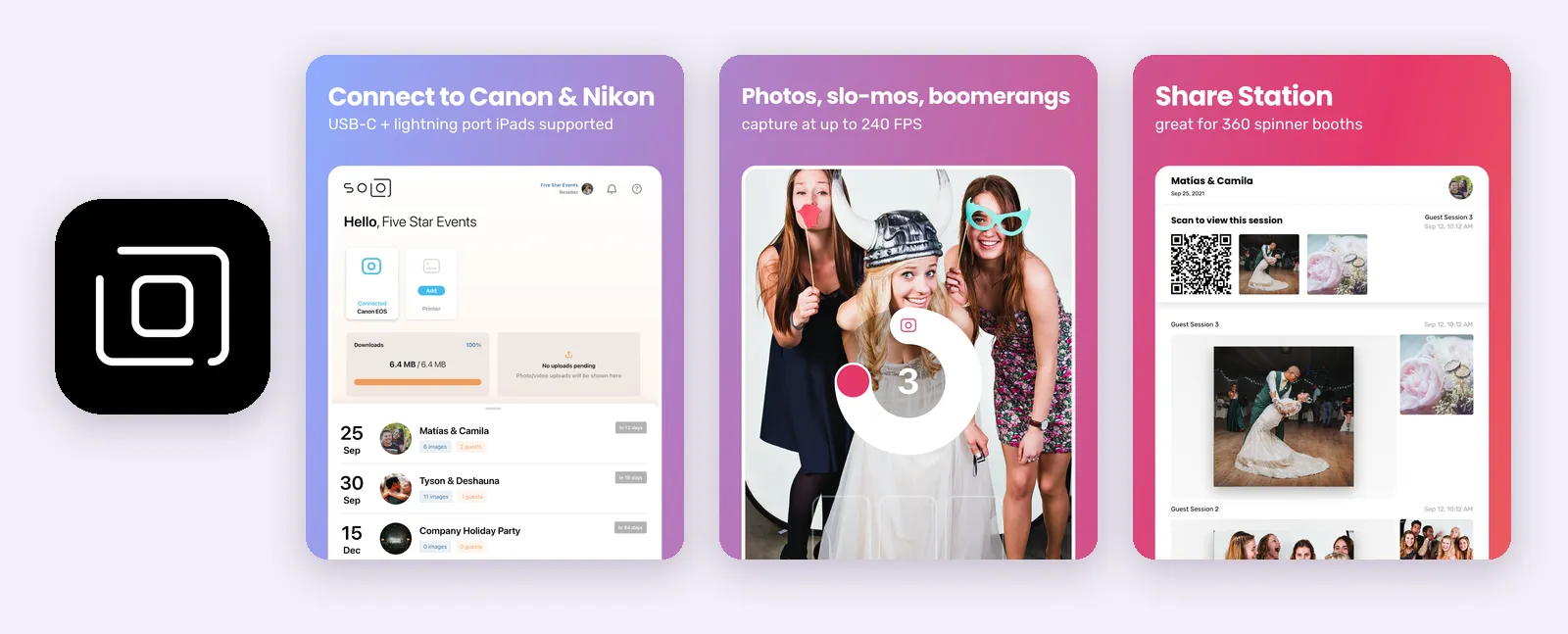
Booth.Events connects straight to a Canon EOS, Nikon or Sony camera over USB, so you can run a DSLR booth from an iPad without a laptop. It is designed for traditional and 360 spinner booths, with white labeling for businesses.
What stands out
- Direct USB connection to Canon, Nikon and Sony cameras
- AI Glam filter and AI background removal (SceneSelect)
- Text and email sharing, online galleries and offline queuing
- Guest data capture with a consent screen, and full white labeling
Keep in mind: Needs iPadOS 17.2 or later, so older iPads are out. Plans are bought on booth.events (Basic, Pro, Pro+, a one-week pass or event credits), not in the app.
6. Simple Booth HALO: best for brands and venues
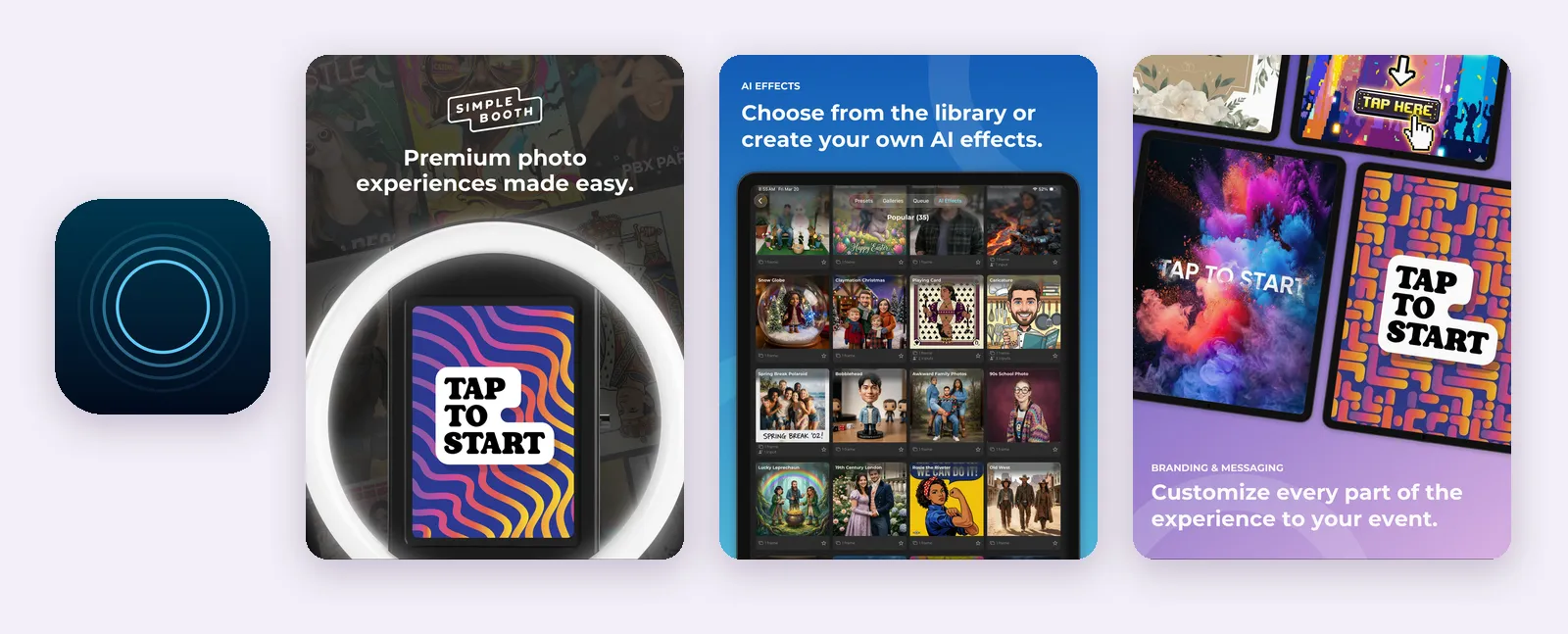
Simple Booth has powered booths at festivals, bars and brand activations for over a decade. HALO is an iPad-only app with a Layout Designer, an online dashboard and a Preflight Check that catches setup mistakes before guests arrive.
What stands out
- Stills, GIFs, looped videos and photo strips
- Layout Designer and a free library of themes
- Text, email and QR delivery, with offline use that syncs later
- DSLR camera support and AI effects
Keep in mind: Needs iPadOS 26.1 or later and does not run on iPhone. Plans run from $14.99 per week (Lite) to $149.99 per month (Pro).
Simple Booth HALO on the App Store
7. Snappic: best for photo booth businesses
Snappic is built for operators who run several booth types: iPad, 360, mirror, robot arm and roaming booths, all from one app. Its AI effects turn guests into trading cards, magazine covers or headshots, which helps operators sell premium packages.
What stands out
- Five booth types in one app, with every feature in every plan
- AI-FX and VideoFX effects for photos, GIFs, videos and 360
- Green screen, AI background removal and print server support
- Runs on older iPads (iPadOS 13 and later)
Keep in mind: Priced for businesses: plans start at $69 per month on snappic.com, with a 14-day free trial. Fewer App Store ratings than the other pro apps (101).
8. Pocketbooth: best for classic photo strips
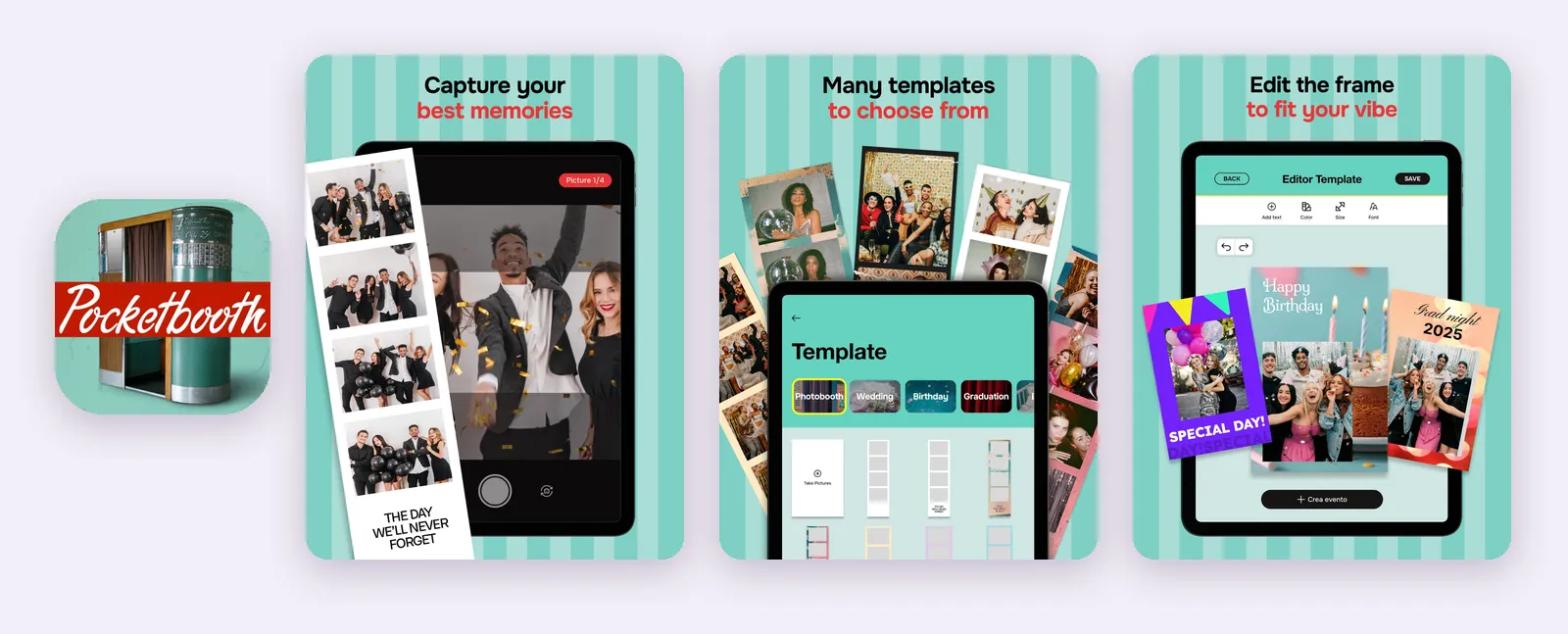
Pocketbooth recreates the look of a vintage photo booth: a series of shots a few seconds apart, laid out as a classic strip. It is one of the oldest apps in this category and the cheapest way to get a retro look.
What stands out
- Authentic vintage photo strips
- Templates for birthdays, weddings and graduations, with custom fonts and colors
- AirPrint printing and sharing by email or social media
- Low price: $4.99 per week, $19.99 per month or $99.99 per year, plus $0.99 style packs
Keep in mind: Made for fun and small parties, not for running a booth business. Its listing does not mention QR sharing, online galleries or DSLR cameras.
9. BoothLab: best for 360 video booths
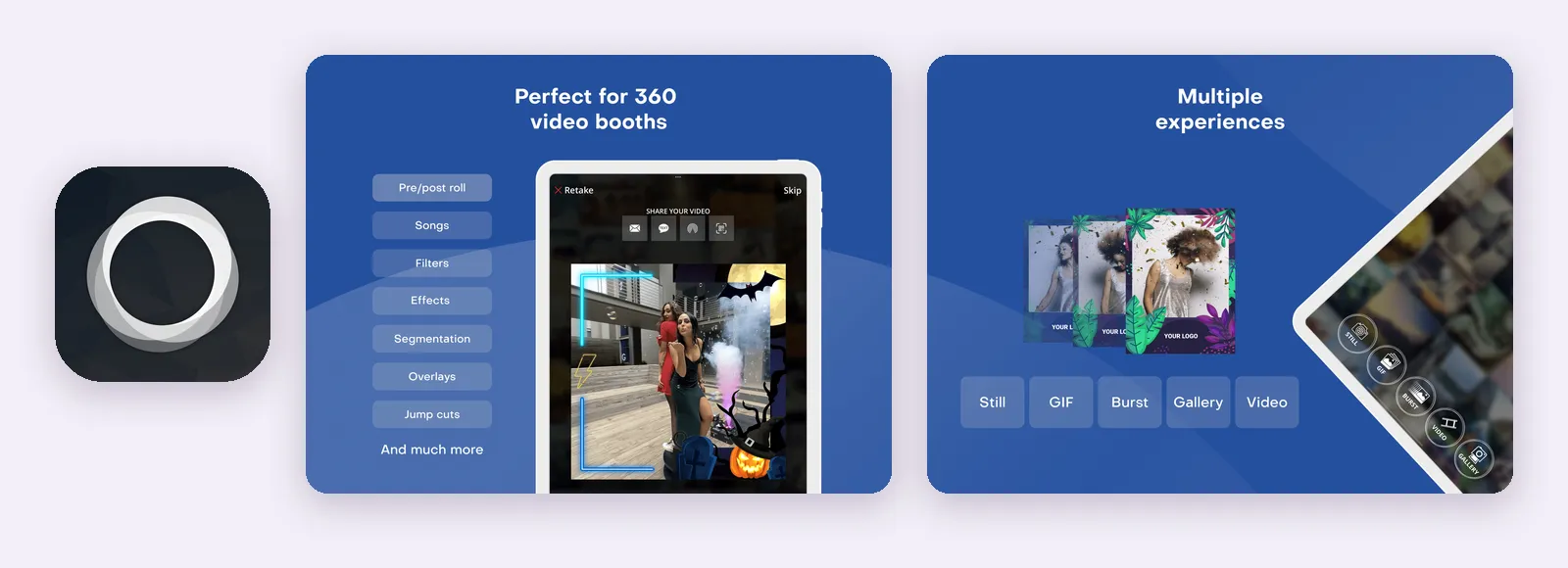
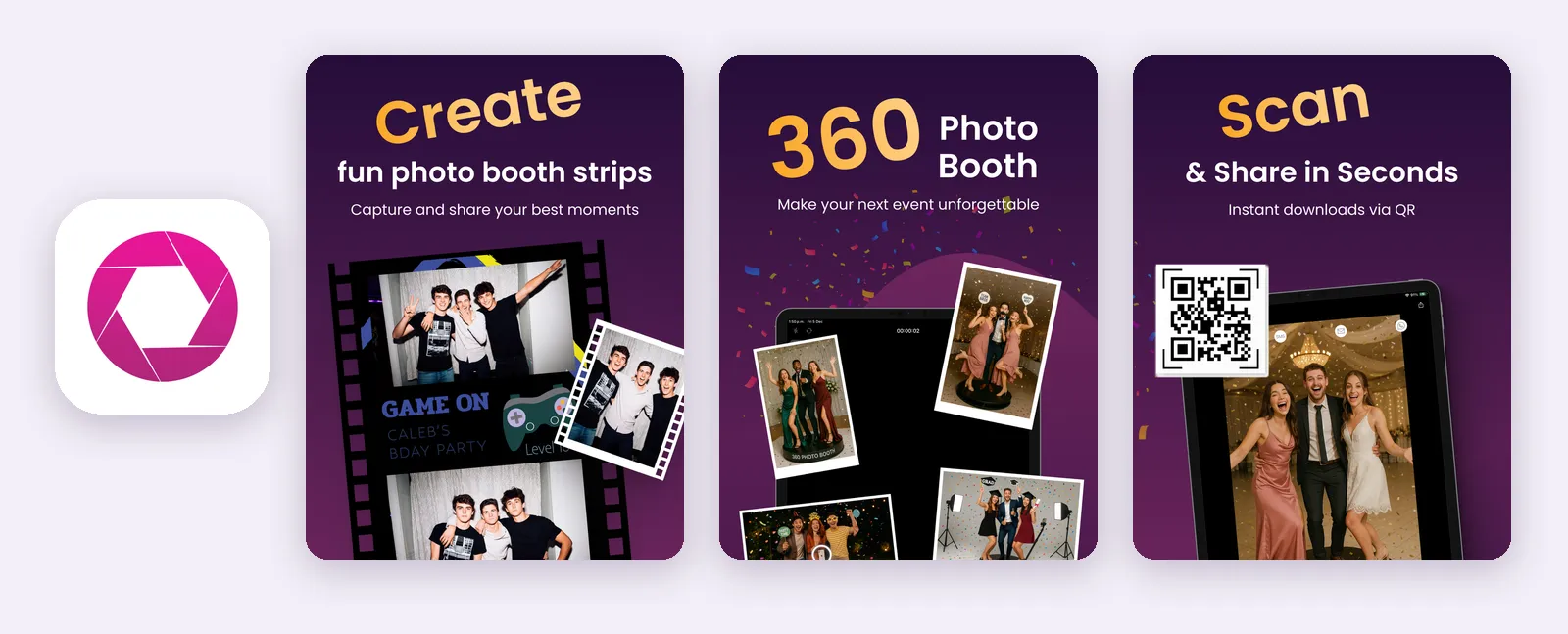
BoothLab focuses on 360 videos, with slow motion you can fine tune, and also makes classic photo layouts. It is a good pick if you run a 360 platform and want a simpler app than the all-in-one suites.
What stands out
- 360 video in 720p, 1080p or 4K at 60 to 240 fps
- Custom overlays, intros, outros and your own music
- QR sharing and a sharing station, plus AirPlay to Apple TV
- Sony camera support
Keep in mind: Pro costs $29.99 per month, $129.99 for six months or $179.99 per year. Built mainly for 360 video, so hosts who want photo strips may prefer another app.
How to choose an iPad photo booth app
Start with the event, not the feature list. For a wedding, birthday or company party, you need fast setup, good templates and an easy way for guests to get their photos. For a photo booth business, DSLR support, print servers, 360 and white labeling matter more.
Check how guests get their photos. QR codes work without collecting anyone's details. Text and email need a good connection at the venue. If you want prints, check that the app supports your printer, and read our guide to printing with AirPrint.
Check your iPad. Some apps need a recent iPadOS: Simple Booth HALO needs iPadOS 26.1 and Booth.Events needs 17.2. Older iPads are fine with Photo Booth App, Touchpix, LumaBooth, Snappic or BoothLab.
Count your events. If you run one or two events a year, a weekly plan, a one-week pass or a free first event costs far less than a yearly subscription.
Try it before the day. Every app here is free to download. Set up your template, take test photos in the real lighting, and send a photo to your own phone. Our iPad photo booth setup guide walks through the stand, lighting and Guided Access, and photo booth templates covers the layout.
If you are planning a wedding or party, download Photo Booth App and run your first event for free.
FAQ
What is the best photo booth app for iPad?
It depends on the event. For a wedding, party or first event, Photo Booth App, Mini Photobooth and LumaBooth are quick to set up. For a photo booth business that runs DSLR, 360 or print stations, Touchpix, Snappic, Simple Booth HALO and Booth.Events offer more professional tools.
Is there a free photo booth app for iPad?
Every app in this list is free to download, but most unlock their event features with a subscription. Photo Booth App lets you run your first event for free, which is enough to test a wedding or party before you pay.
Can I use an iPad as a photo booth at a wedding?
Yes. Put the iPad on a sturdy stand at chest height, keep it plugged in, light the guests from the front, and lock the app with Guided Access so guests cannot leave it. Test sharing on the venue Wi-Fi before guests arrive.
Which iPad photo booth app is best for 360 videos?
Touchpix, Snappic, LumaBooth, Booth.Events and BoothLab all support 360 and slow motion video. BoothLab is the most focused on 360 video, while Touchpix and Snappic cover the widest range of booth types.
Do I need a subscription to use a photo booth app?
For most apps, yes. Plans run from weekly passes to yearly subscriptions. If you only run a few events a year, look for a weekly plan, a one-week pass, event credits or a free first event instead of a yearly plan.

Manuel Escrig
Manuel is the creator of Photo Booth App and GoInspired LLC. He builds the iPhone, iPad, web, and event-gallery pieces behind the product. Read more about me
 Share on Facebook
 Share on X
Keep reading
All posts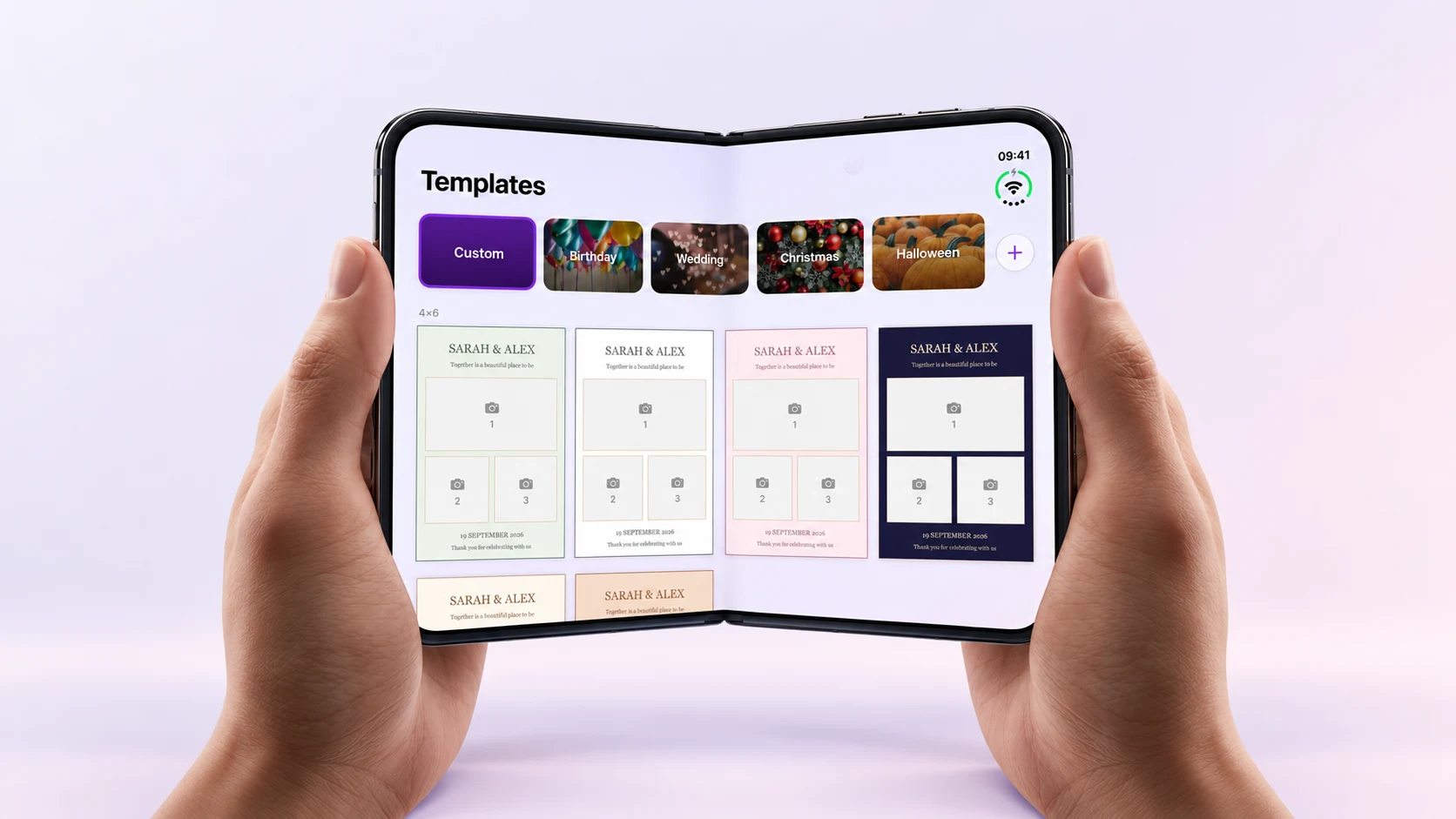
Photo Booth App Is Ready for iPhone Duo
See Photo Booth App's iPhone Duo layout in a fold video and app screenshots, and find the version that introduced it.
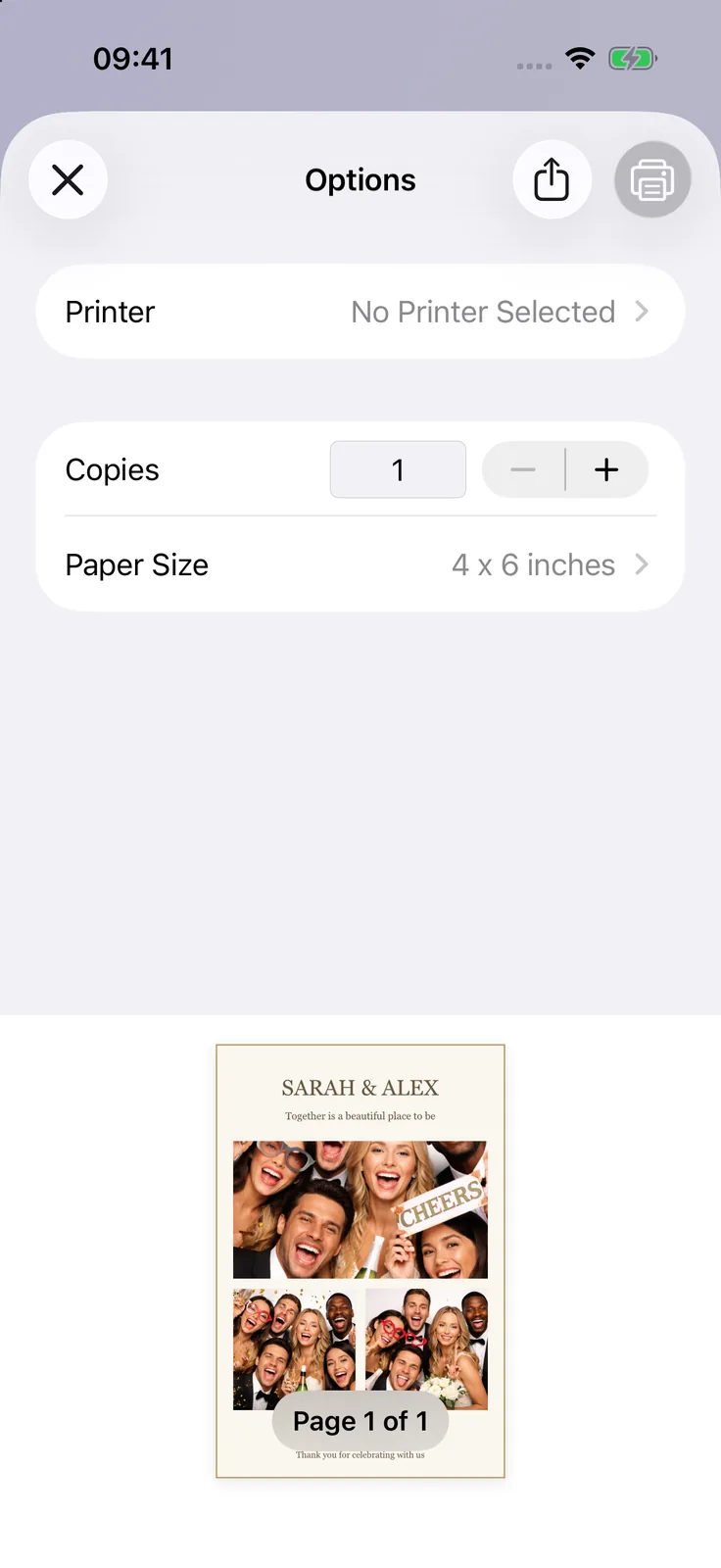
Print photo booth photos with AirPrint
Set up an AirPrint printer, choose your paper size, and make a test print. Find out what to check if your printer does not appear.