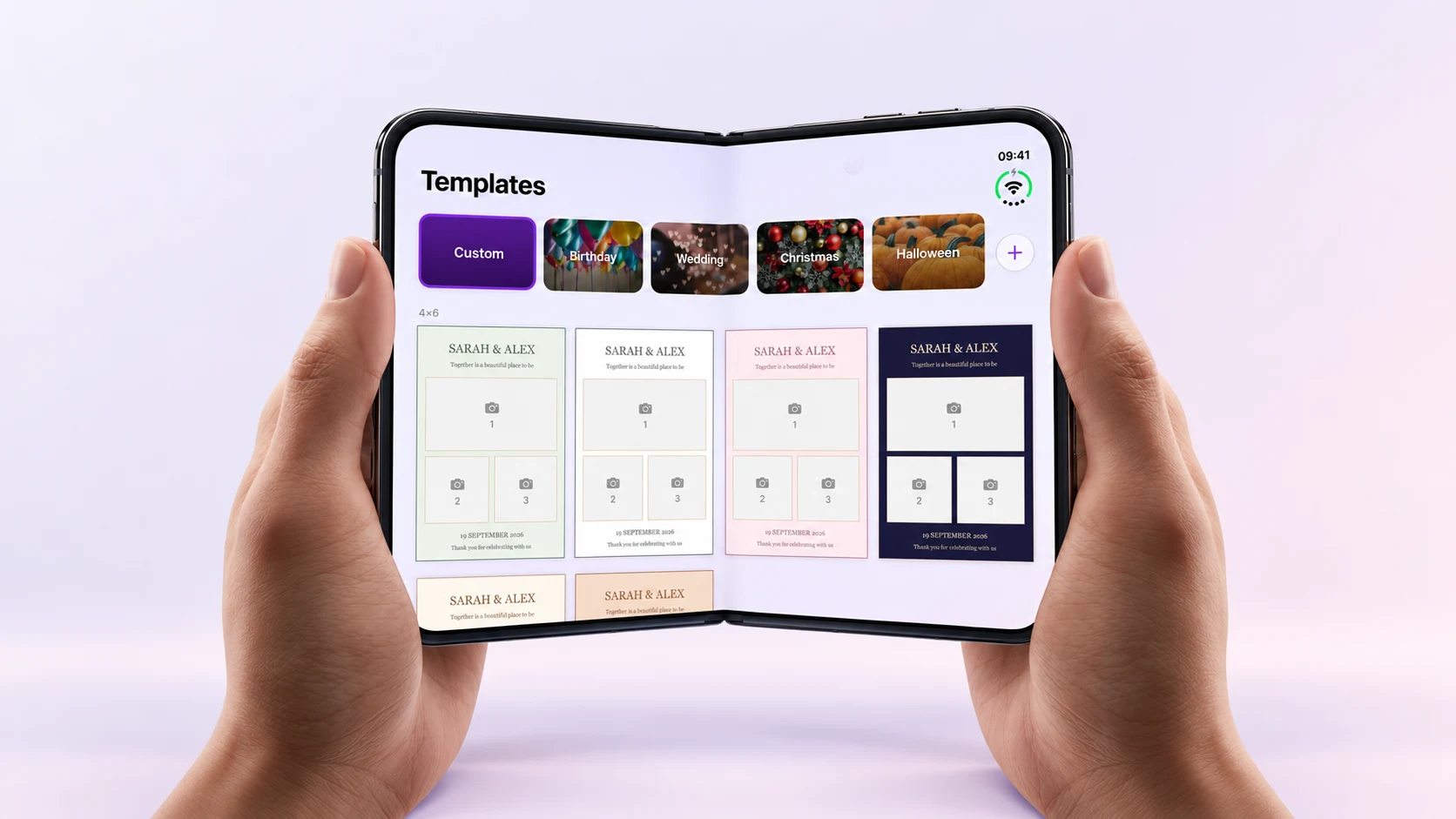
The best moment at a photo booth is when people stop thinking about the setup and start having fun. I wanted Photo Booth App to feel ready for that on iPhone Duo too, whether you are checking an event on the cover screen or opening the phone for more space before guests arrive.
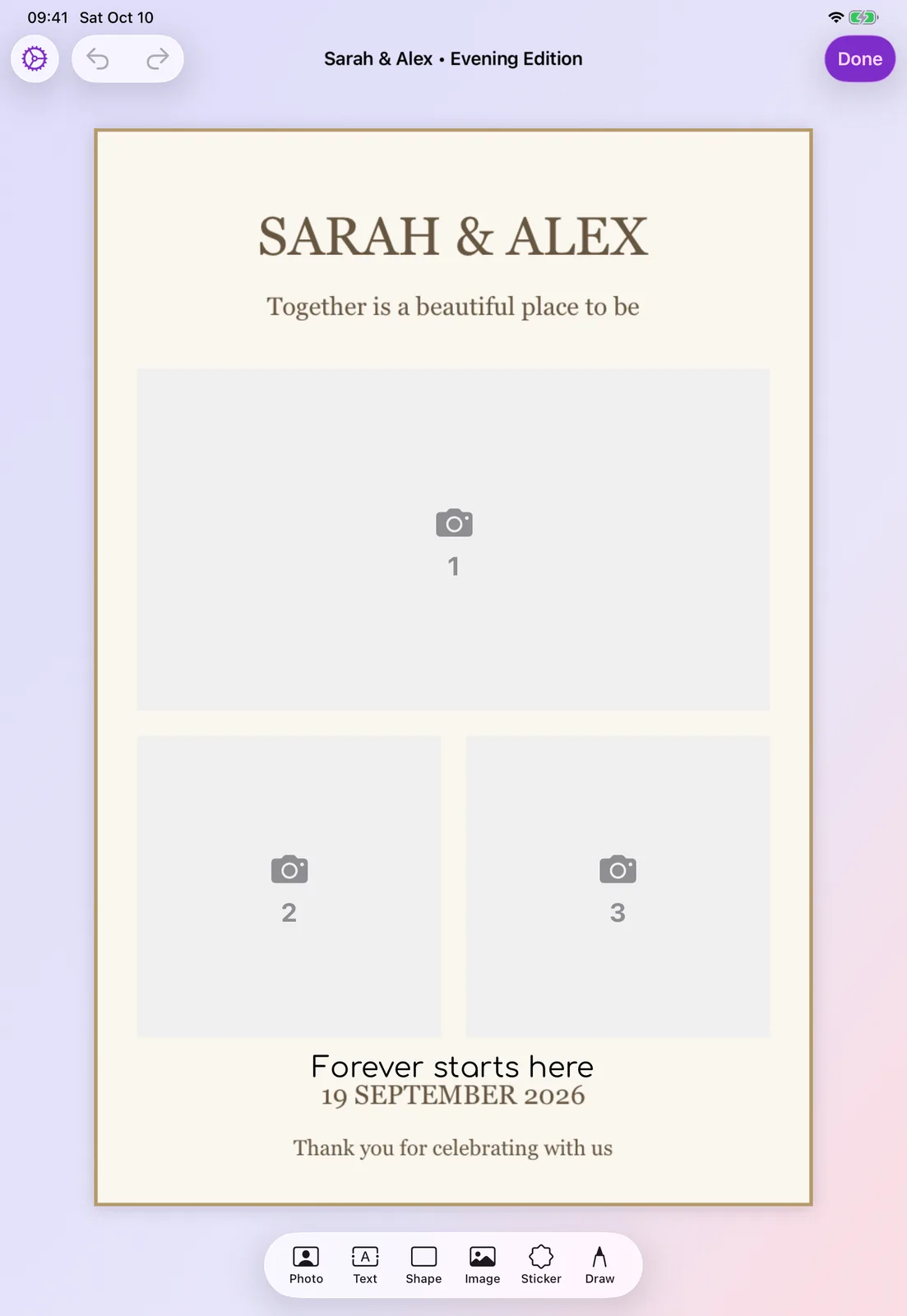
The iPhone Duo layout was added in version 1.18.0. The front camera also follows the fold, so the app can use the right camera as the phone changes shape. Here is the fold in action, followed by three example event screens.
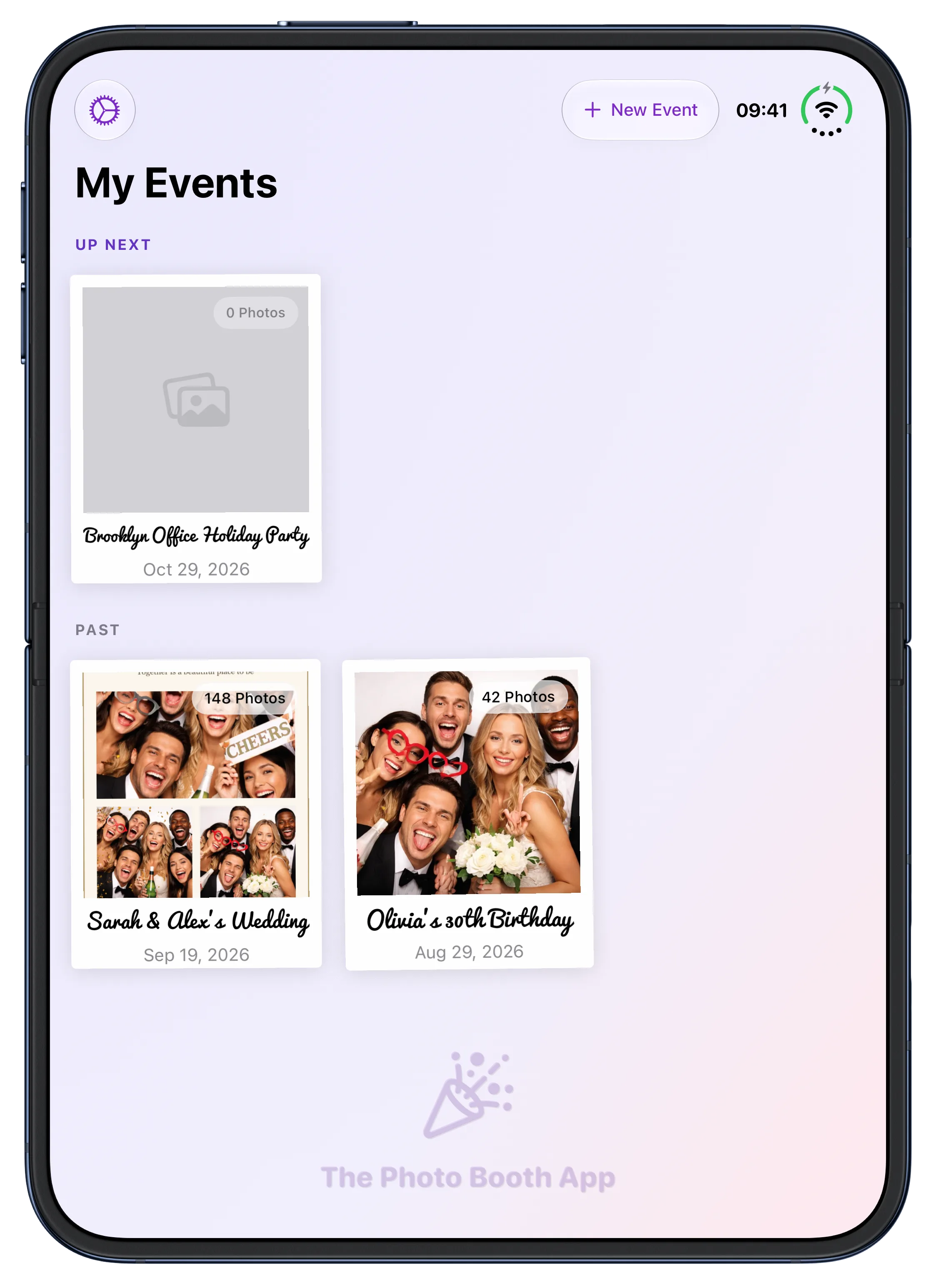
See your events on the open display
The larger display gives the event list more room. You can see what is coming up and return to a past event without squeezing everything into a narrow column.
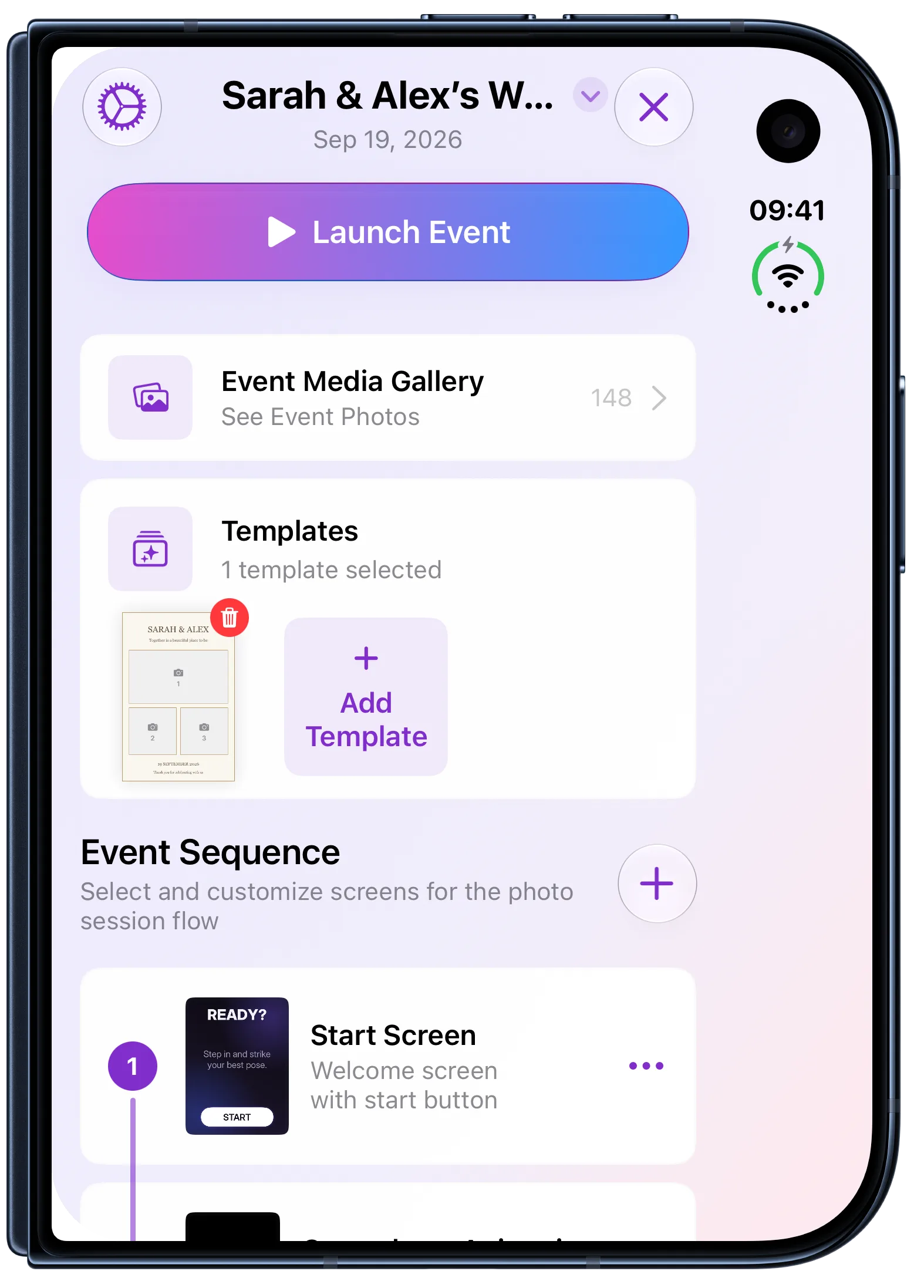
Keep event setup close on the cover
The cover screen keeps an event's setup close to hand: its template, photo gallery and the sequence guests will see.
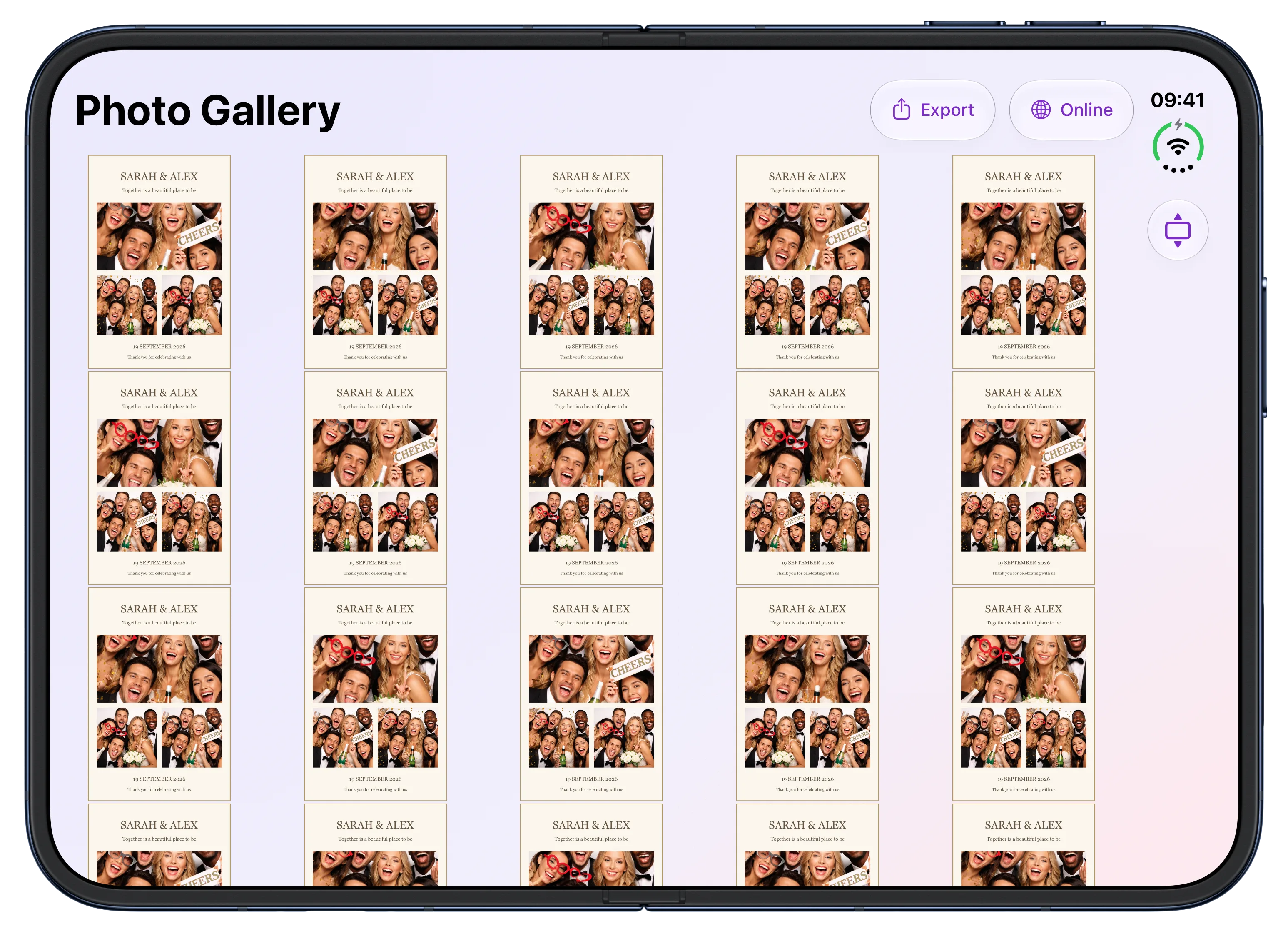
Browse the gallery after the event
After the event, the open display has room to browse the photos and prints guests made together.
For press: Download the iPhone Duo screenshot pack. It has ten app screens, each with and without device bezels.
If you have used Photo Booth App at a wedding, a party or an event of your own, thank you for letting it be part of the day. I build this app myself, and your feedback and support help me keep improving the things that matter when the booth is running. I hope this makes the next event a little easier to set up and a lot of fun to share.
Manuel Escrig

Manuel Escrig
Manuel is the creator of Photo Booth App and GoInspired LLC. He builds the iPhone, iPad, web, and event-gallery pieces behind the product. Read more about me
 Share on Facebook
 Share on X
Keep reading
All posts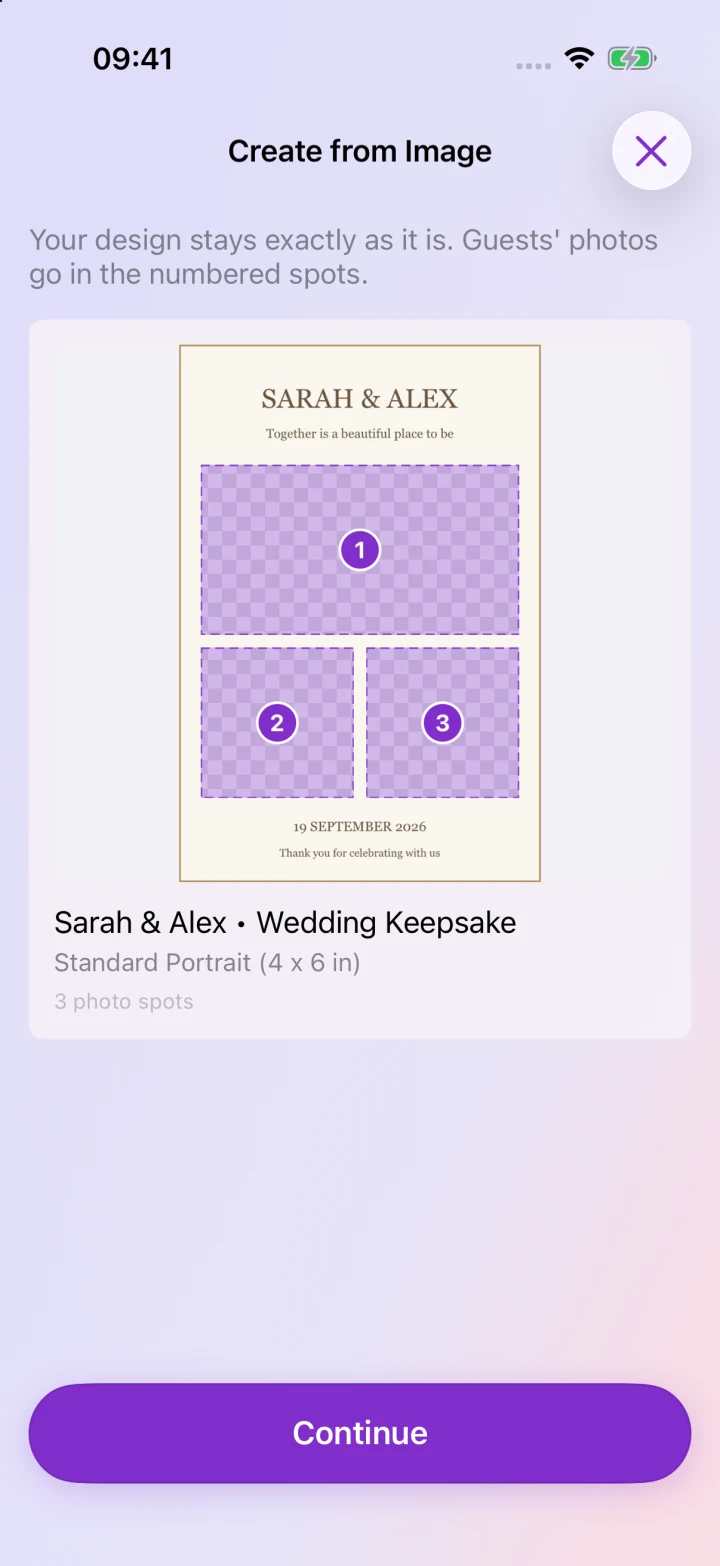
What's New in Photo Booth App: October 2026
Bring your own designs, sync events across devices, manage your booth from the web and get ready faster with the latest Photo Booth App updates.

Introducing Photo Booth App
Meet Manuel, the creator of Photo Booth App, and find out how a birthday party idea became an app for weddings, parties, and company events.