AirPrint printing
Use a compatible AirPrint printer to give guests a printed keepsake. Connect the printer and booth device to the same network, then check the event’s printing settings.
Test the actual paper size and finished template before the event. Check that the photo is the right way up, the edges fit, and your device can find the printer. Check a printed copy too.
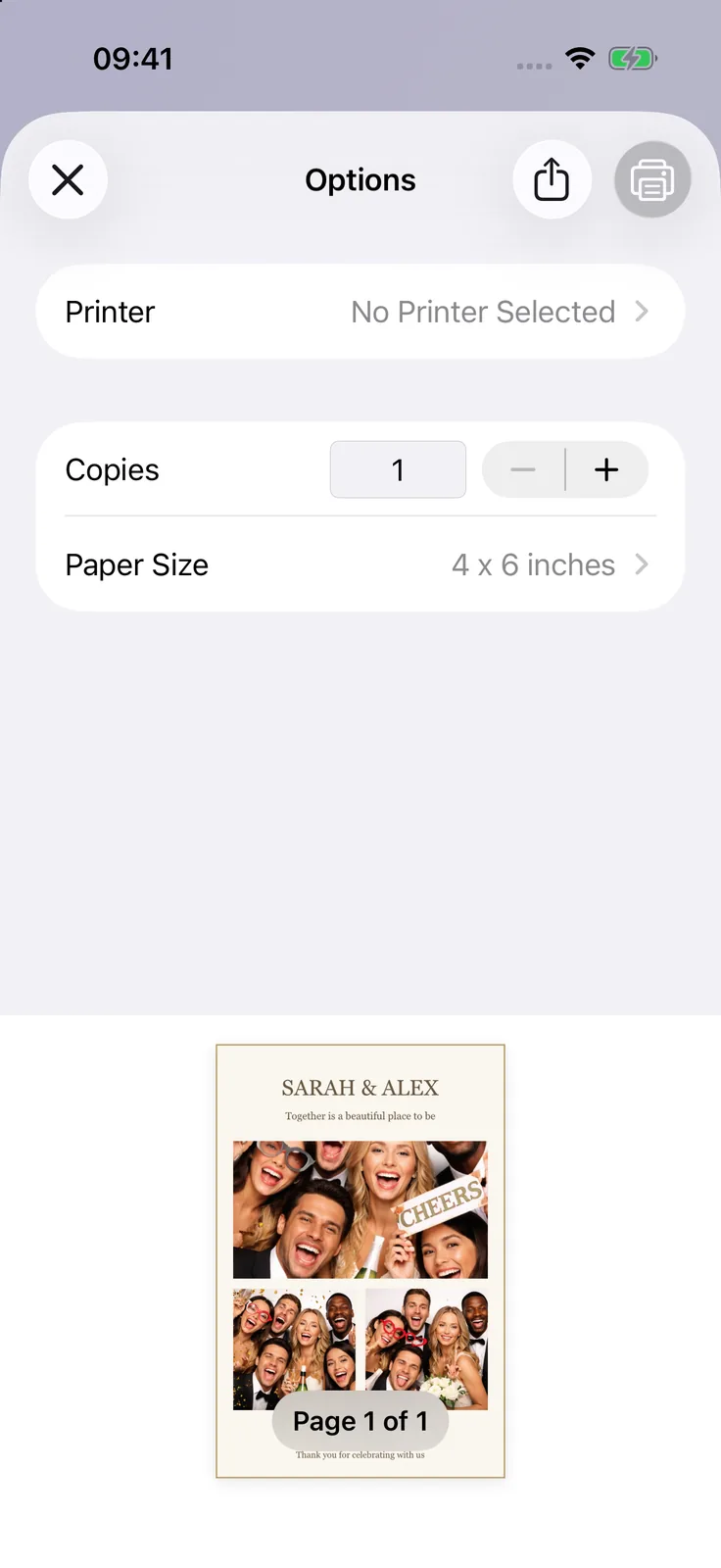
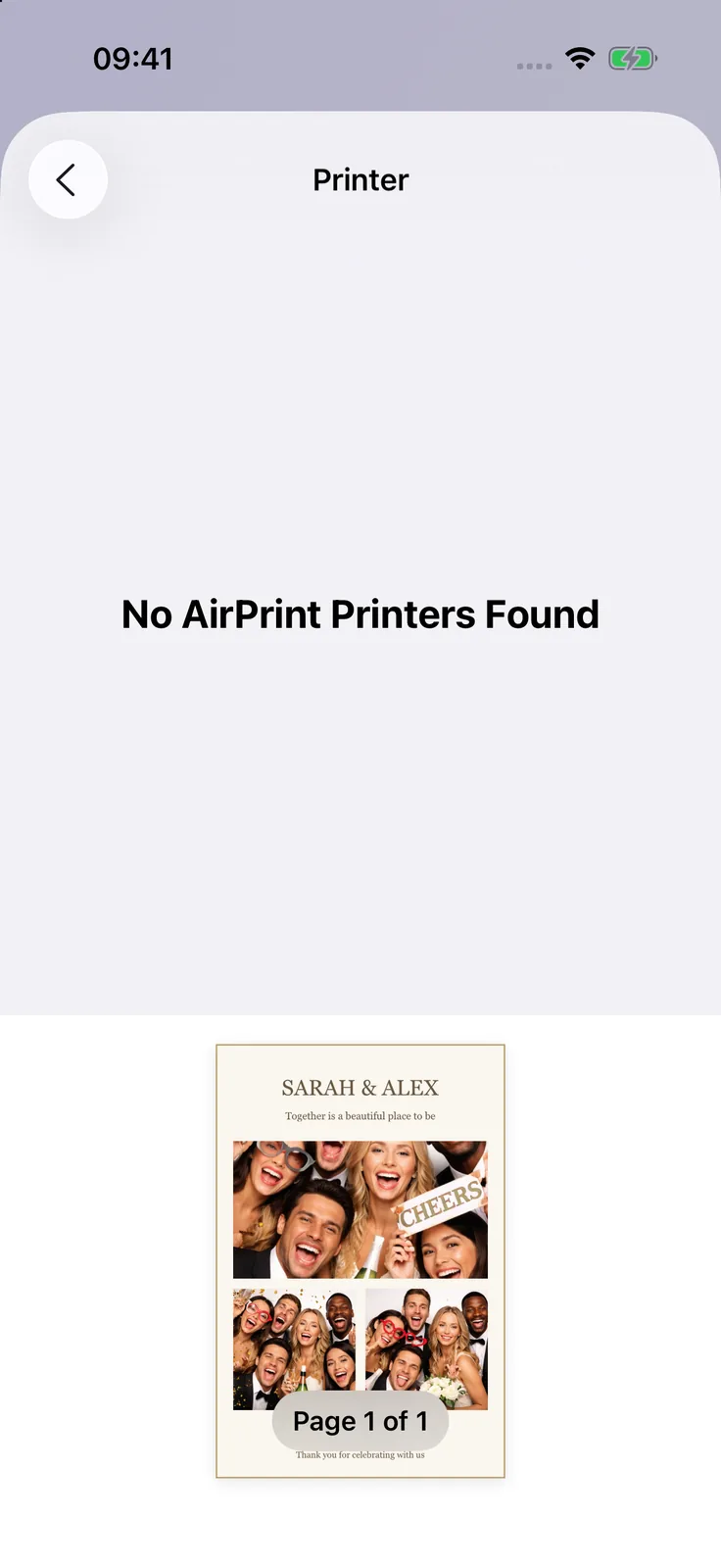
How it works
- Connect the booth device and the printer to the same Wi-Fi network.
- Load the paper you plan to use and choose a template that fits that paper size.
- In the event’s Print settings, use Select Printer to pick your printer. The app remembers it and prints straight to it.
- Take a test photo and print it. Check that it’s the right way up and that faces and text fit.
- Print another photo to see how long it takes and where guests will pick it up.
Common questions
What if my printer doesn’t appear?
Check that both devices are on the same network and the printer has finished starting up. Some guest Wi-Fi networks block devices from connecting to each other. Try printing from another app on the same device too.
Can I print two photo strips on one sheet?
Yes. Turn on Two Strips Per Print in the event’s Print settings to print two identical strips on one sheet, ready to cut apart. Don’t assume the printer will cut strips for you.
Does any Wi-Fi printer work?
No. A printer with Wi-Fi or Bluetooth doesn’t always support AirPrint. Confirm AirPrint support for your exact model with its manufacturer.