PHOTO BOOTH APP FEATURE
Backup & device sync
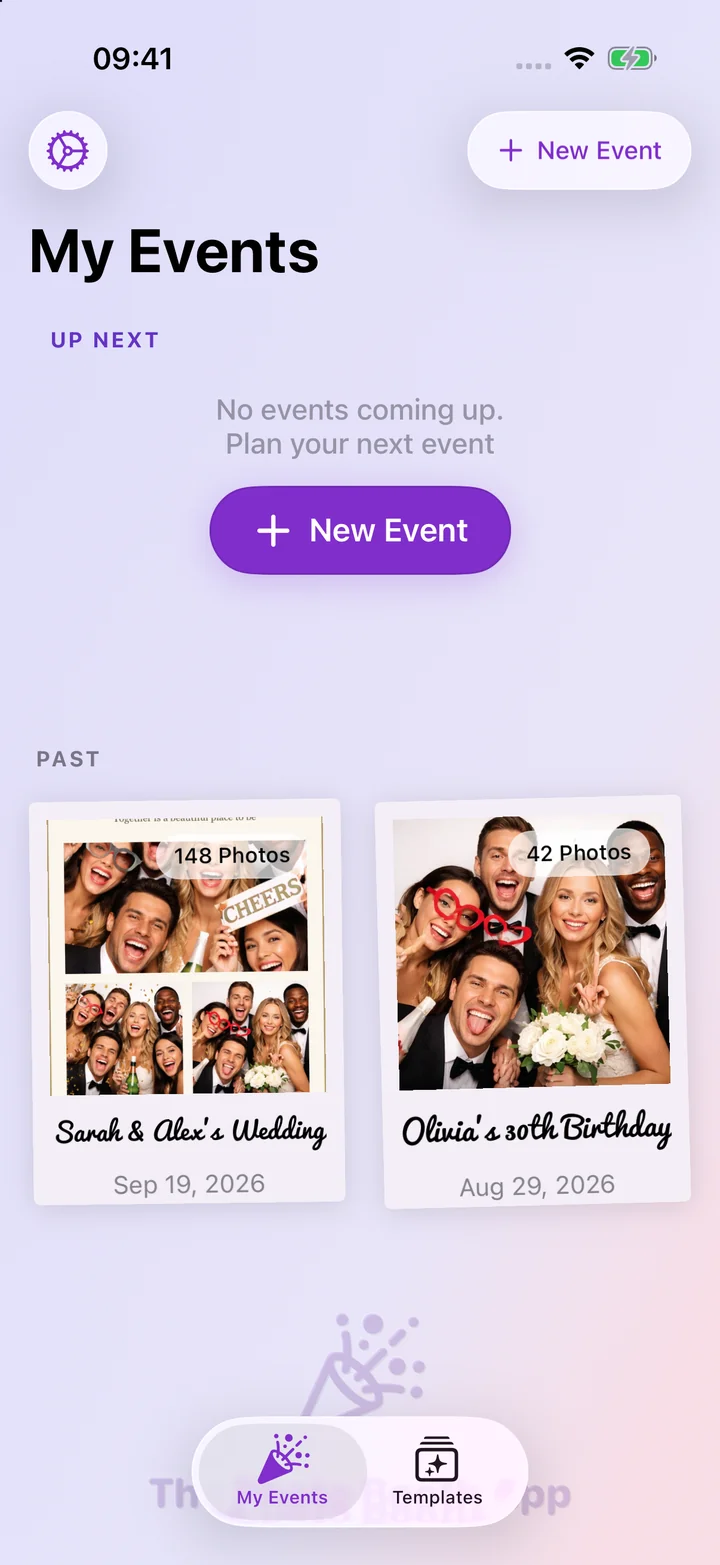
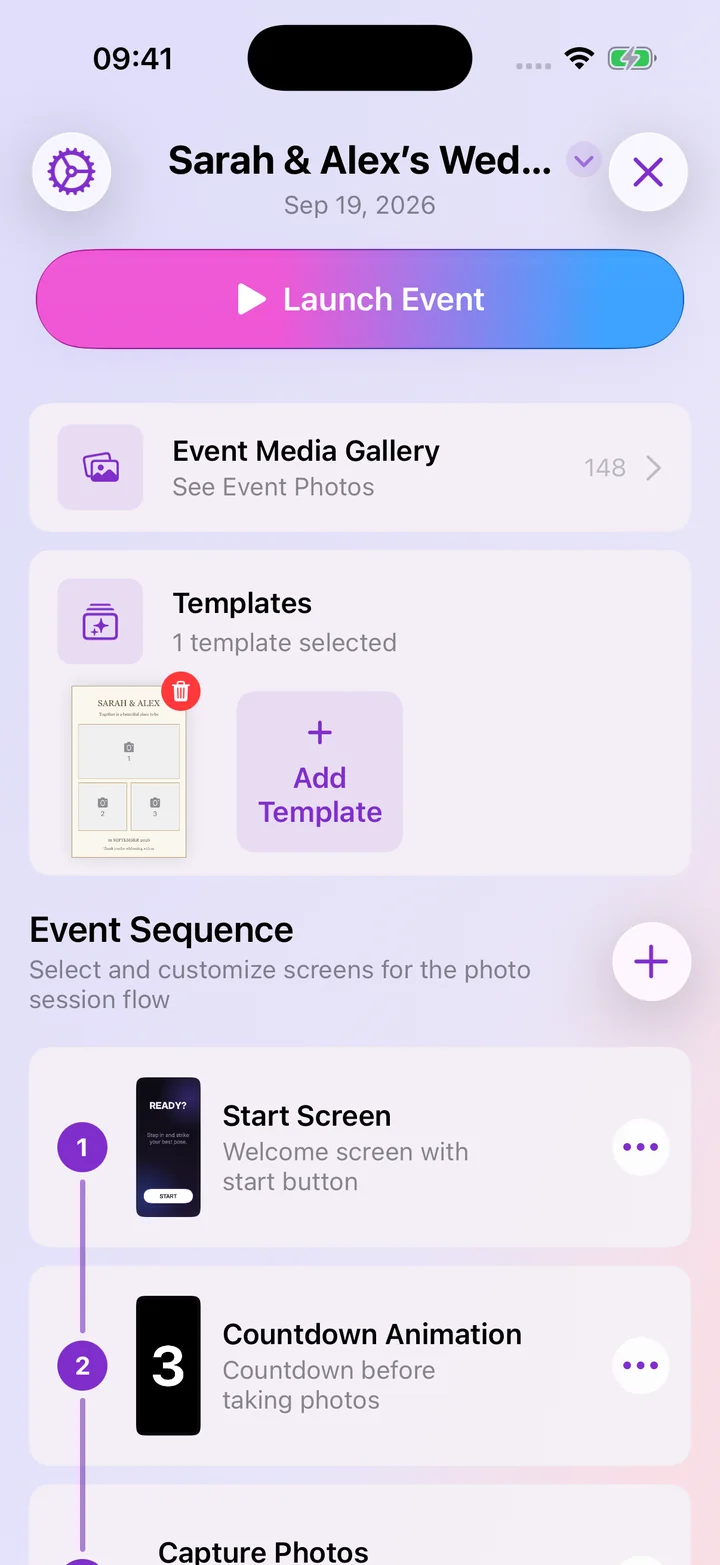
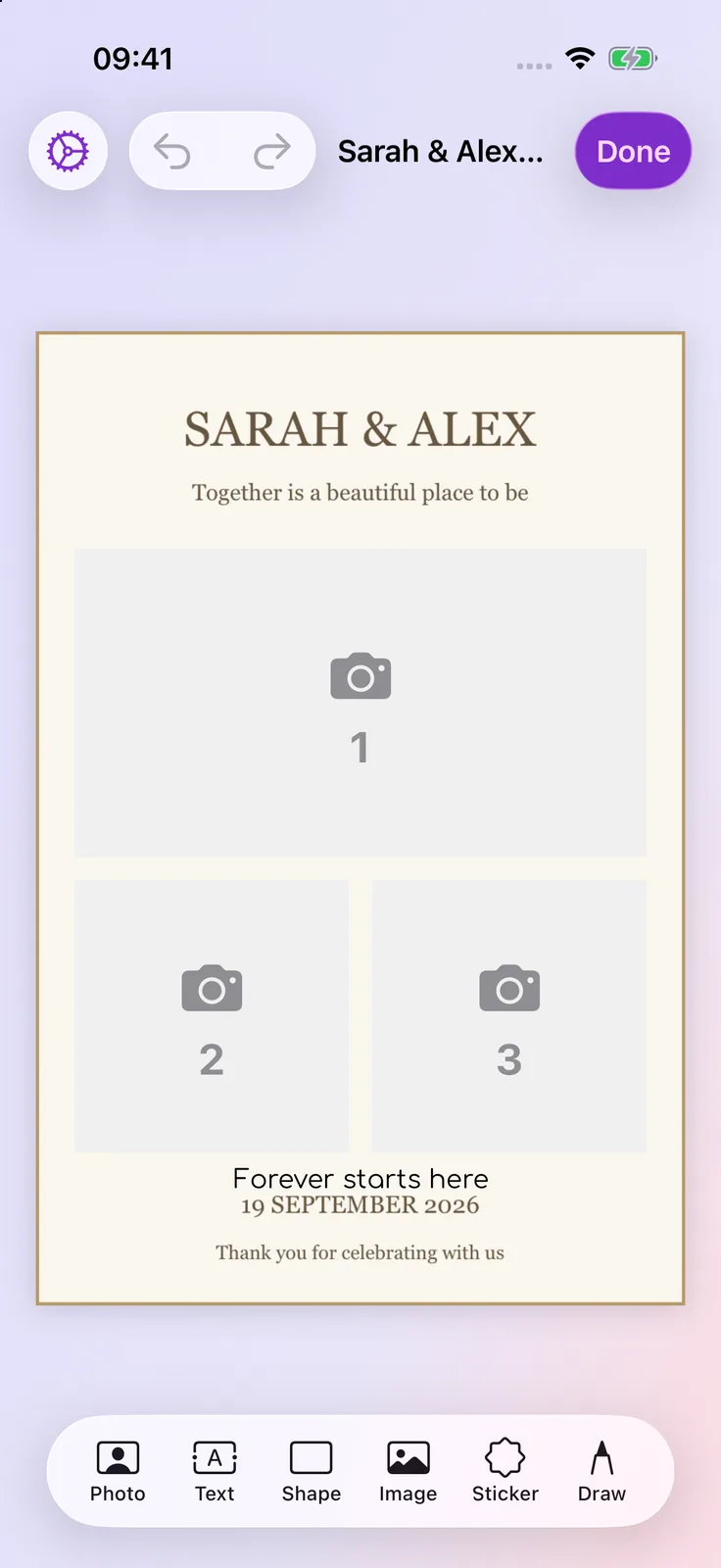
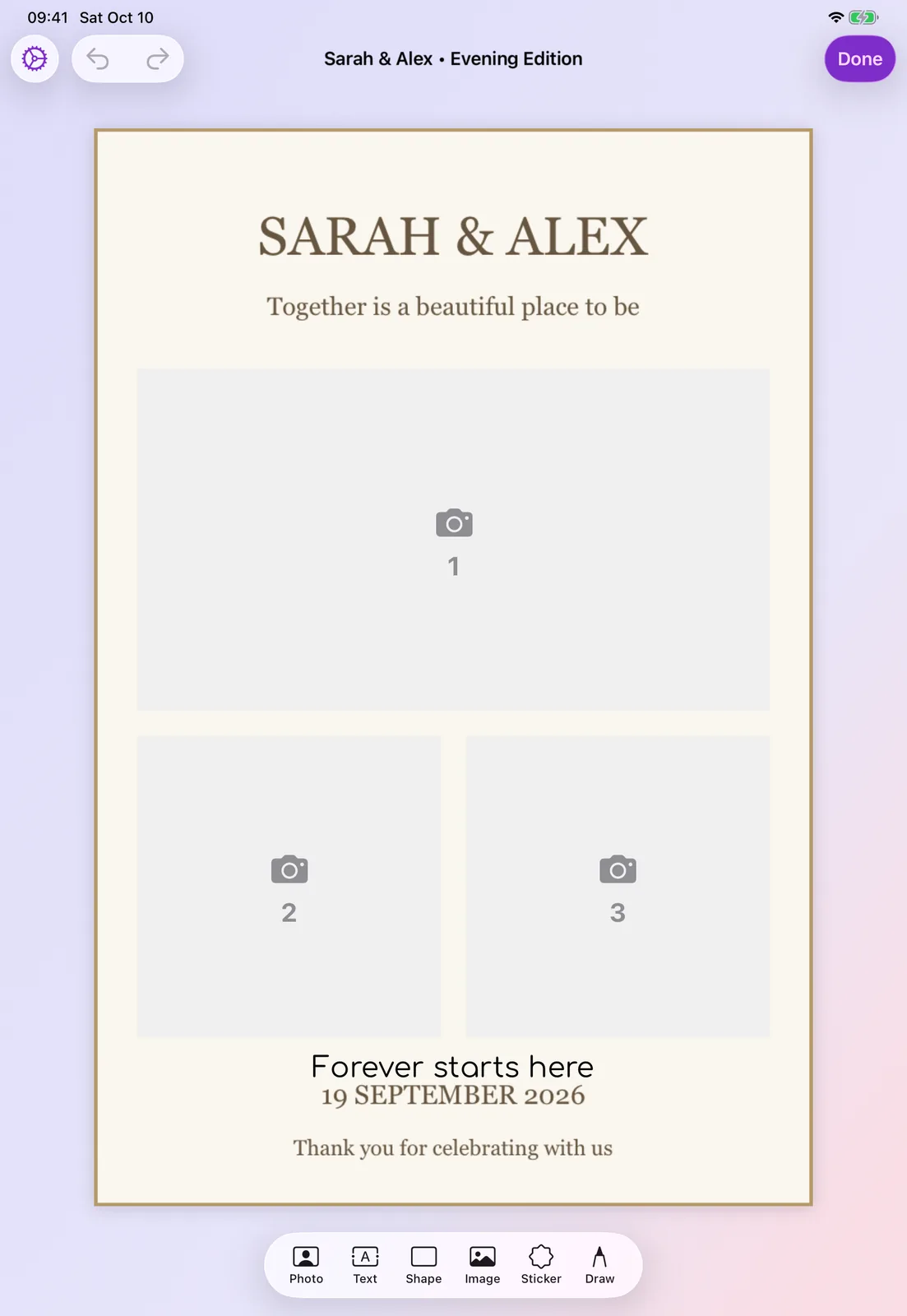
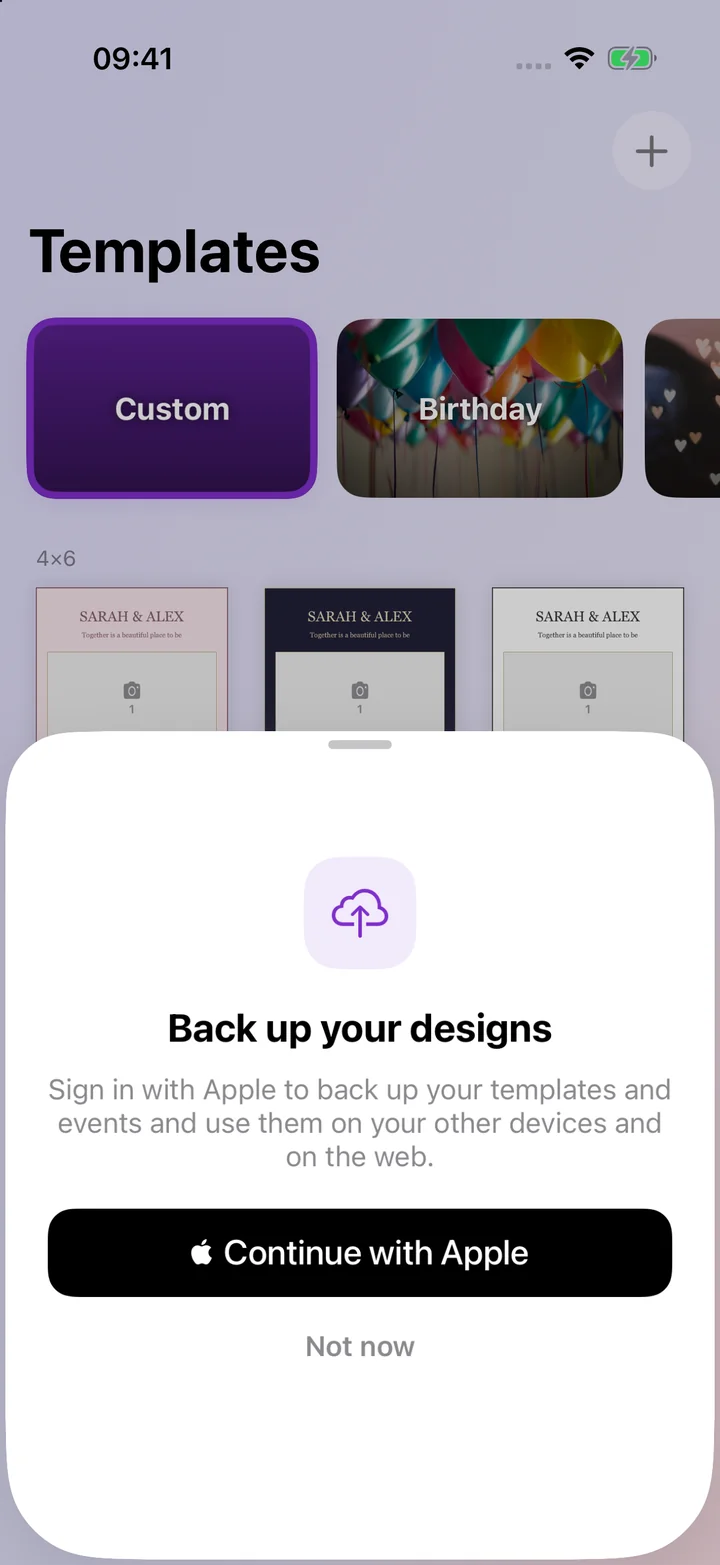
Sign in with Apple to back up supported templates, flow screens, and event settings. Use the same Apple sign-in on each device.
You’ll need internet to sync your setup between devices. Check it on the booth device before the event. To share your photos online, upload them to a gallery separately.
How it works
- Open Your Profile in the app and sign in with Apple.
- The app backs up your custom templates, custom flow screens, and events.
- On your other iPhone or iPad, sign in with the same Apple account.
- Open the event there and check that your template is there and selected before guests arrive.
Common questions
Are my event photos synced?
No. Sync covers your event setup. Event photos and guest contact details stay on the booth device unless you upload photos to an online gallery.
Is sync included for free?
Free accounts can sync one custom template, and Premium accounts can sync every custom design. If more designs are waiting, the app offers an upgrade without removing anything from your device.
What happens if I sign out?
Your designs and events stay on the device. They’re not mixed into another account you sign in with.