PHOTO BOOTH APP FEATURE
Event & online galleries
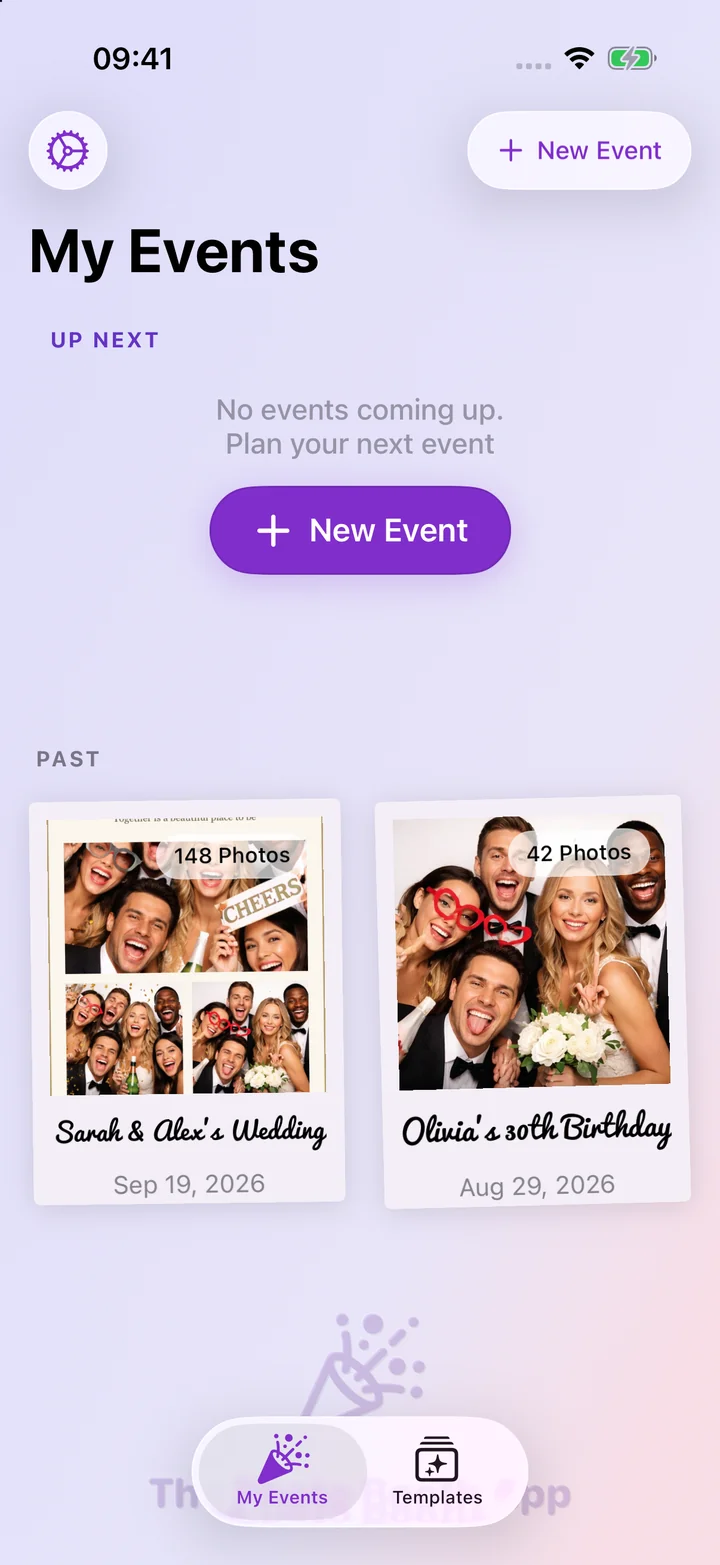
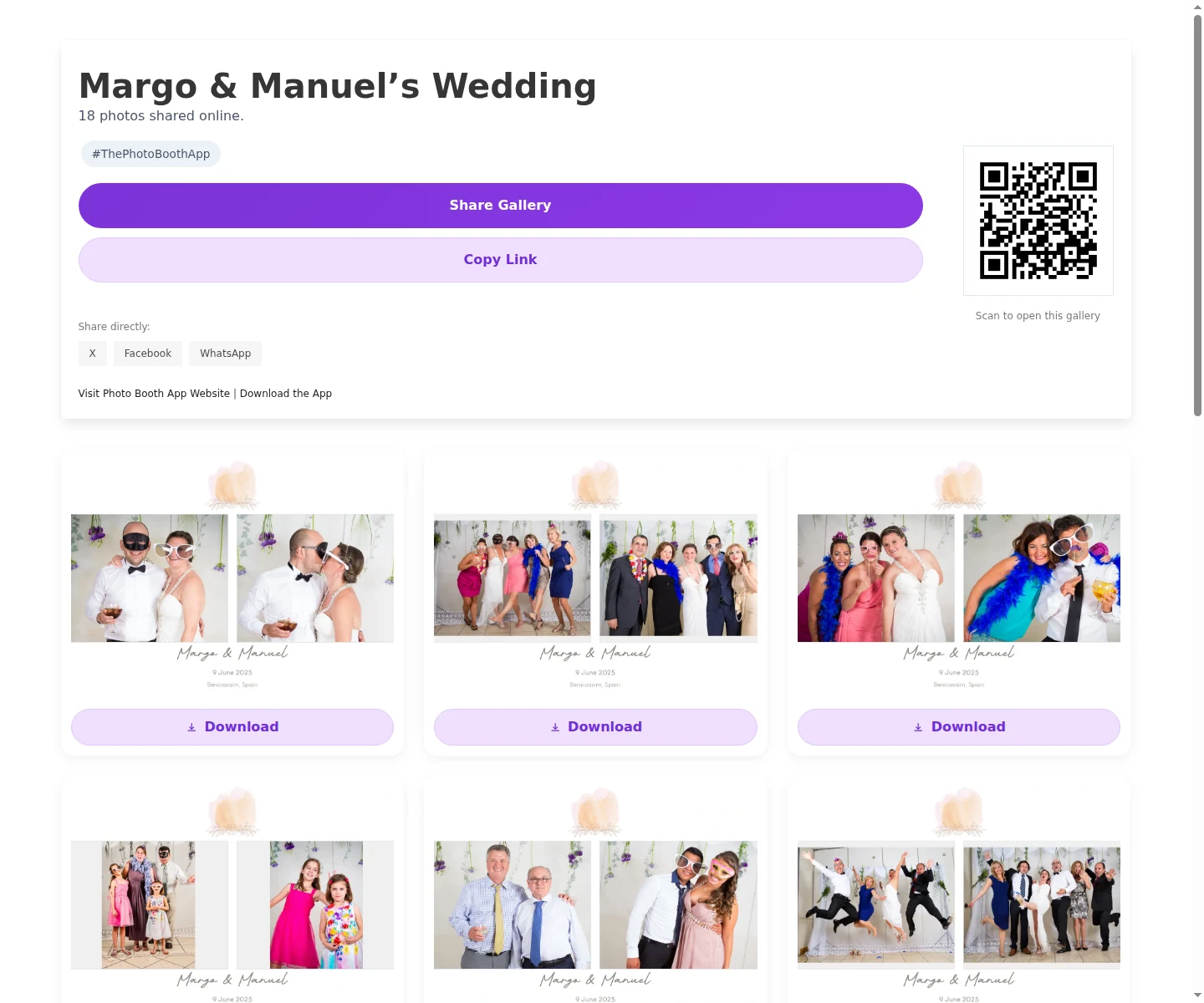
Review saved captures in the event gallery on your booth device. Use an online gallery when you want to upload and share event photos through the web.
You can save photos on your device without internet, but uploading them needs a connection. Choose which photos to share, wait for the upload to finish, and test the gallery link.
How it works
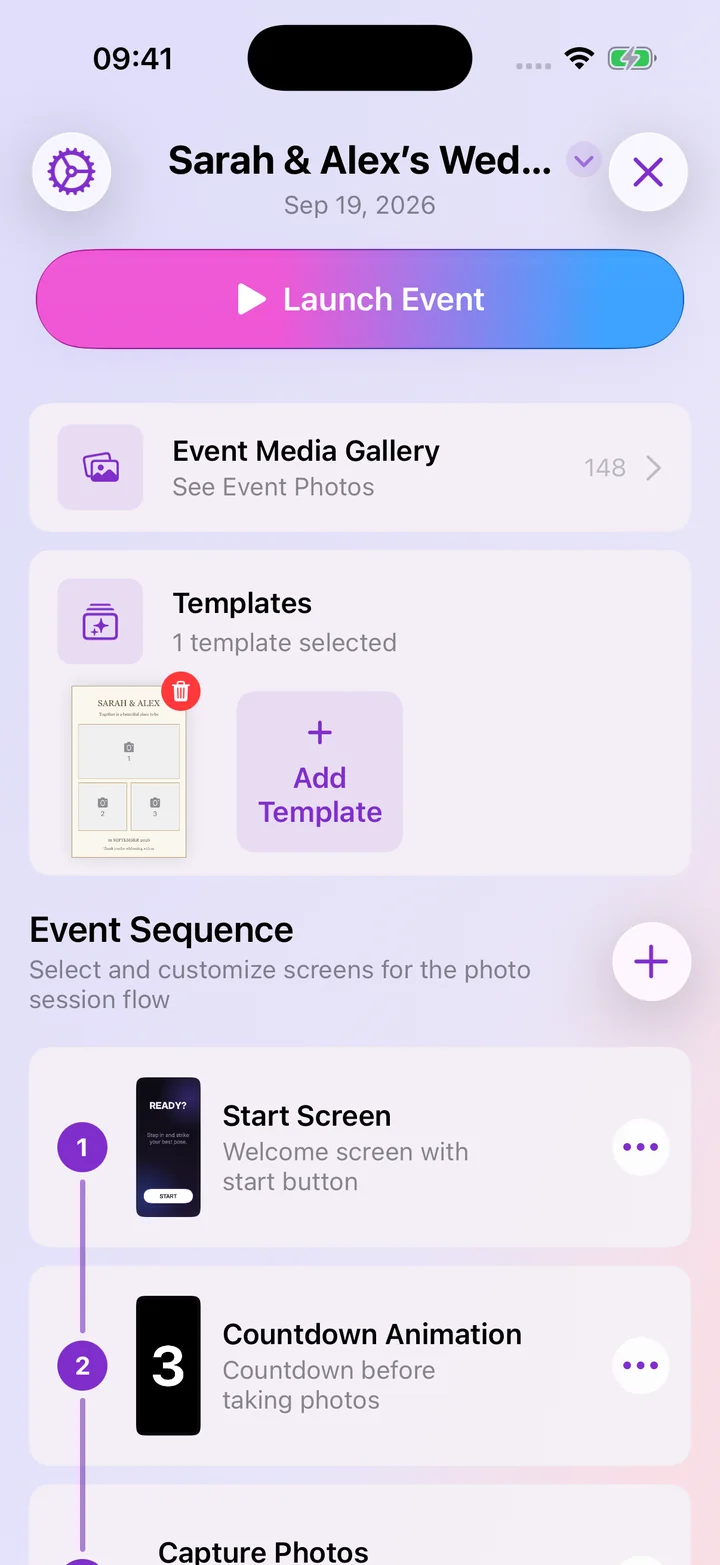
- Open your event on the booth device to browse the photos saved there.
- To create an online gallery, sign in with Apple. Galleries belong to your account and show up in the web dashboard.
- Choose the photos to share and upload them. If you’re offline, photos waiting to upload go up automatically once you’re back online.
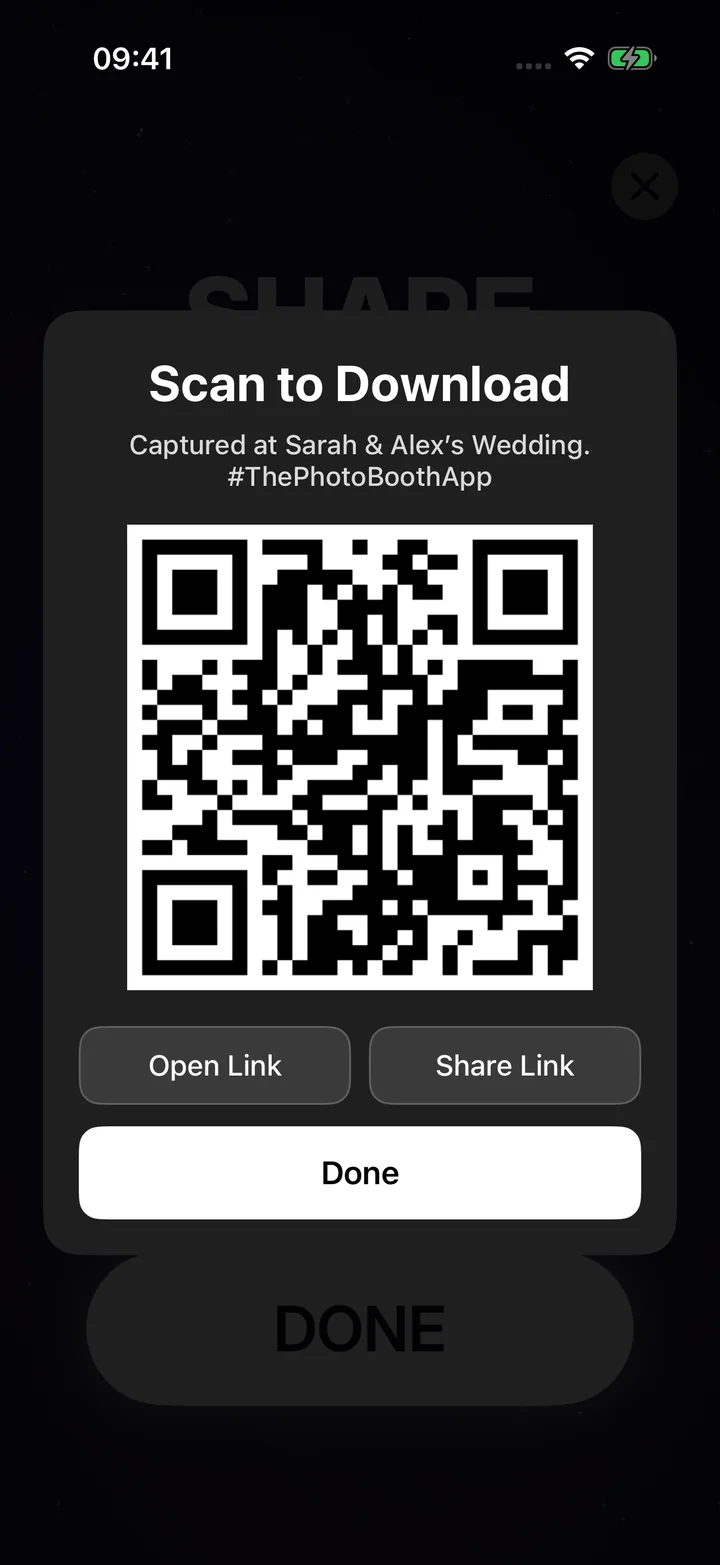
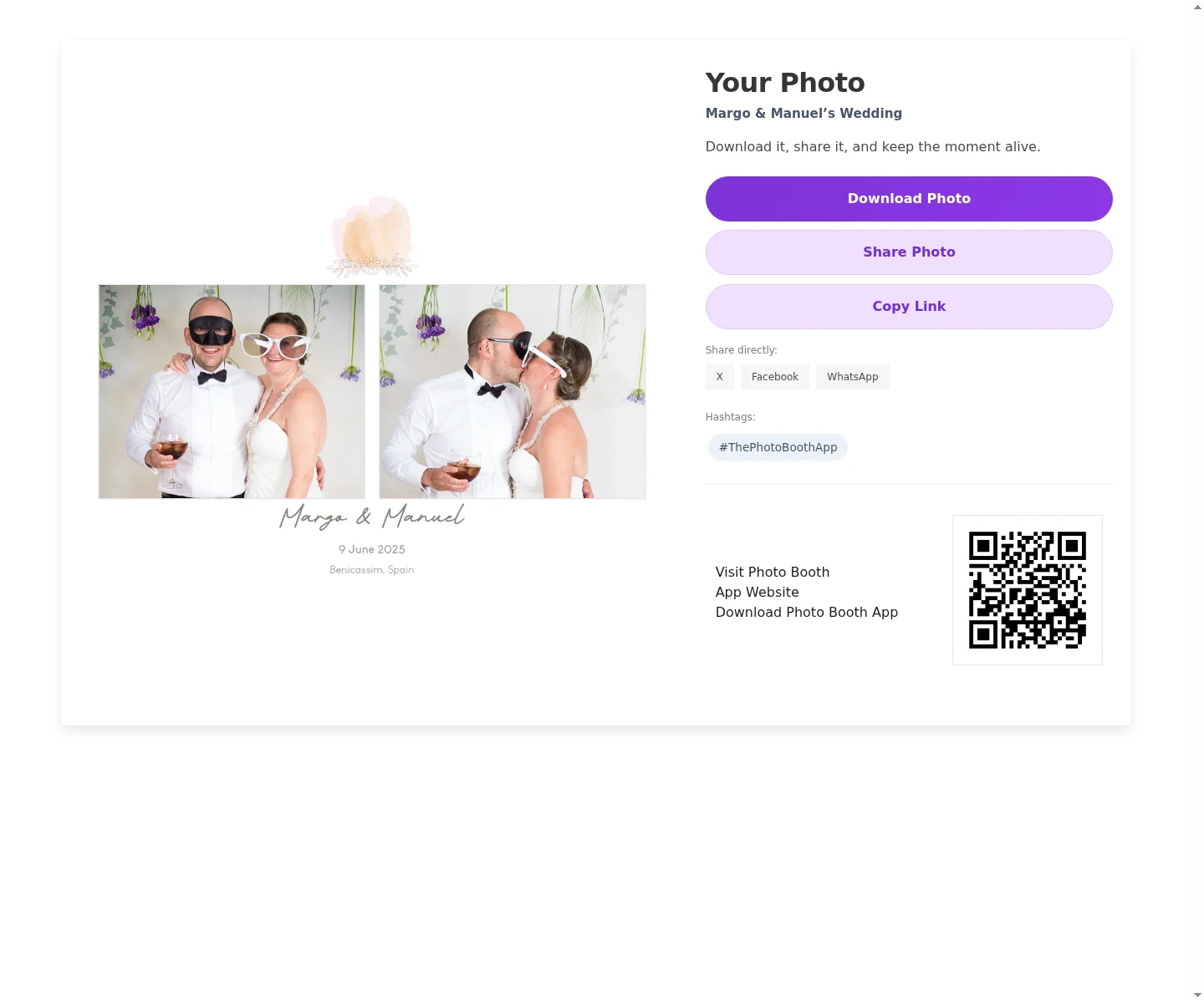
- Share the gallery link with guests, or print the gallery’s QR sign from the web dashboard.
Common questions
Can I download every photo from a gallery?
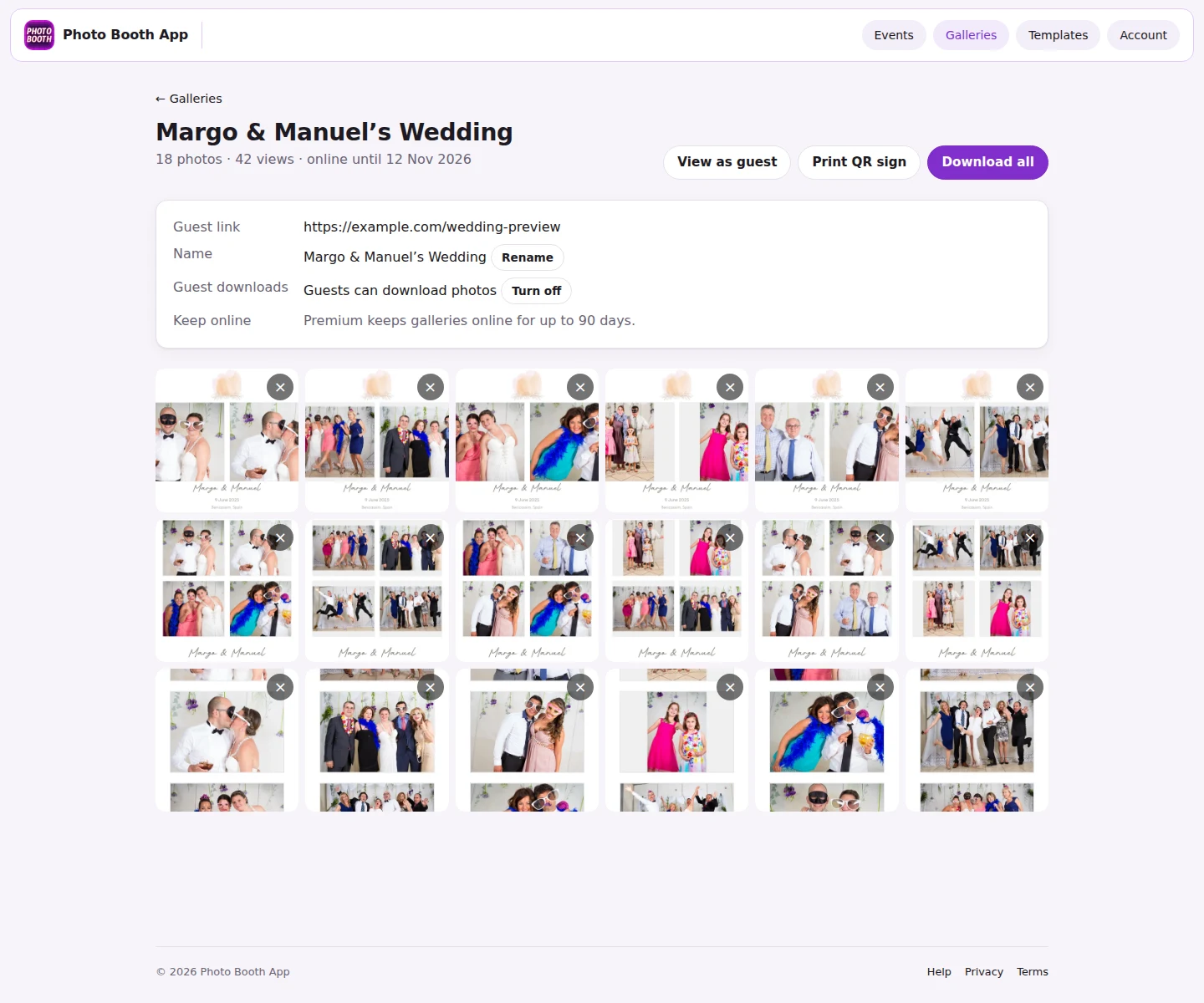
Yes. In the web dashboard you can manage online galleries, download every gallery photo, and print a QR sign for guests.
Who can see an online gallery?
Anyone who has an active gallery link can view it. Decide who gets the link, how long to keep it available, and when to remove the gallery.
Does sync upload my event photos?
No. Sync keeps your event setup up to date across devices. Uploading to an online gallery is the separate way to share photos.