Photos & GIFs
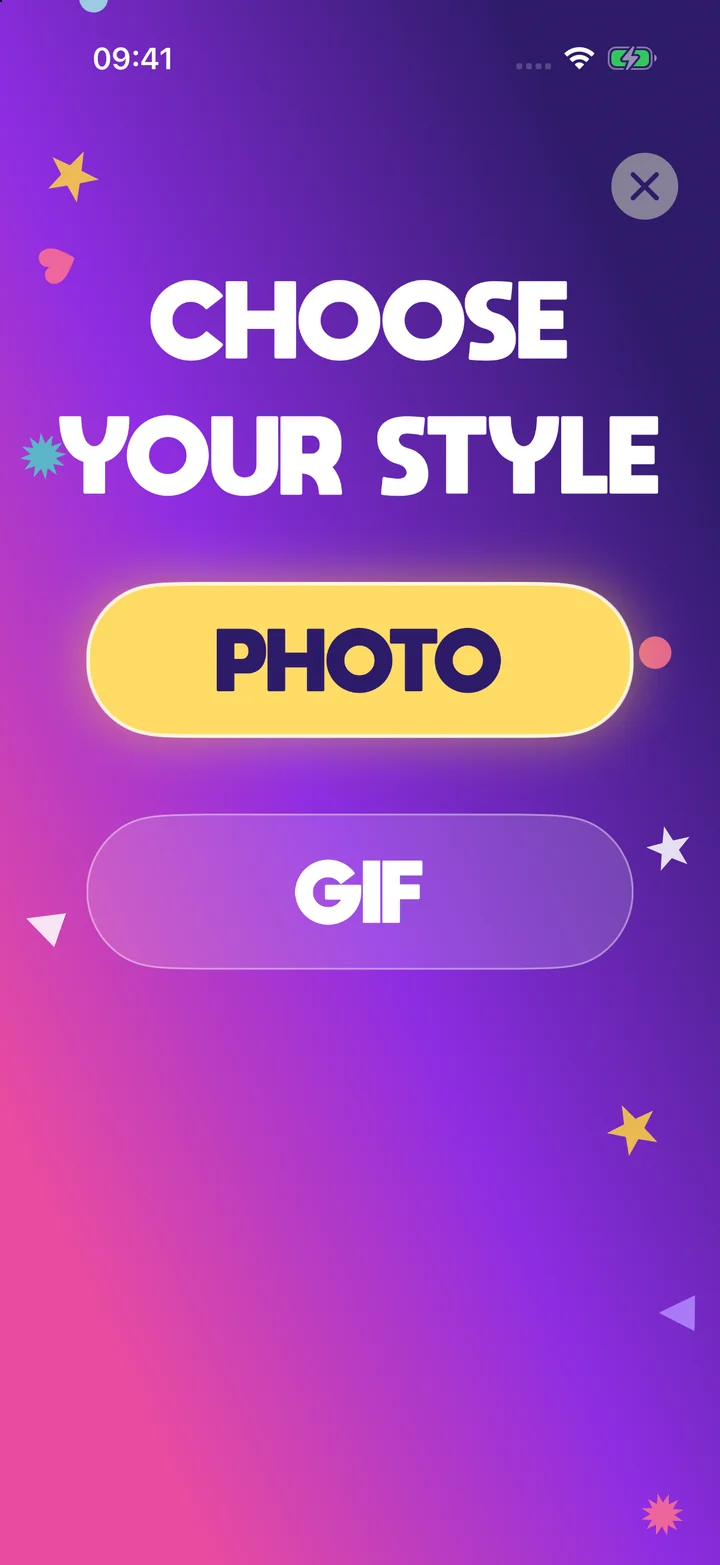
Choose whether guests can take photos or GIFs. Photos work well for strips and printed layouts; GIFs turn a few moments into a short loop. The screen shown here offers Photo and GIF.
Try each option before the event. Check the countdown, the finished photos or GIF, and how guests will receive them.
How it works
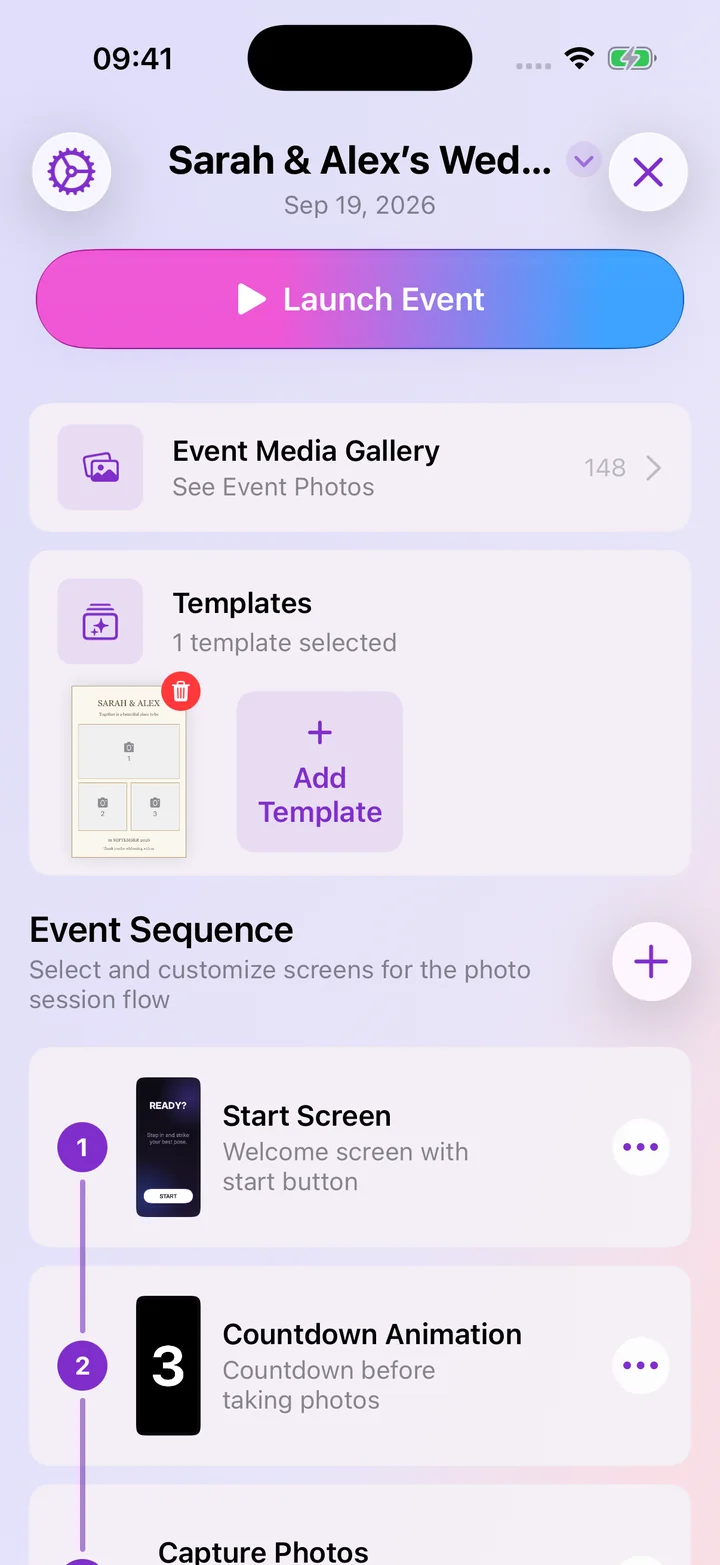
- Open your event and choose a template for the photo layout.
- To let guests choose, add a Capture Type screen to the guest sequence. Guests then pick Photo or GIF before the countdown starts.
- Launch the event and take a test photo and a test GIF. Each countdown gives guests a 3, 2, 1 before the app takes the photo.
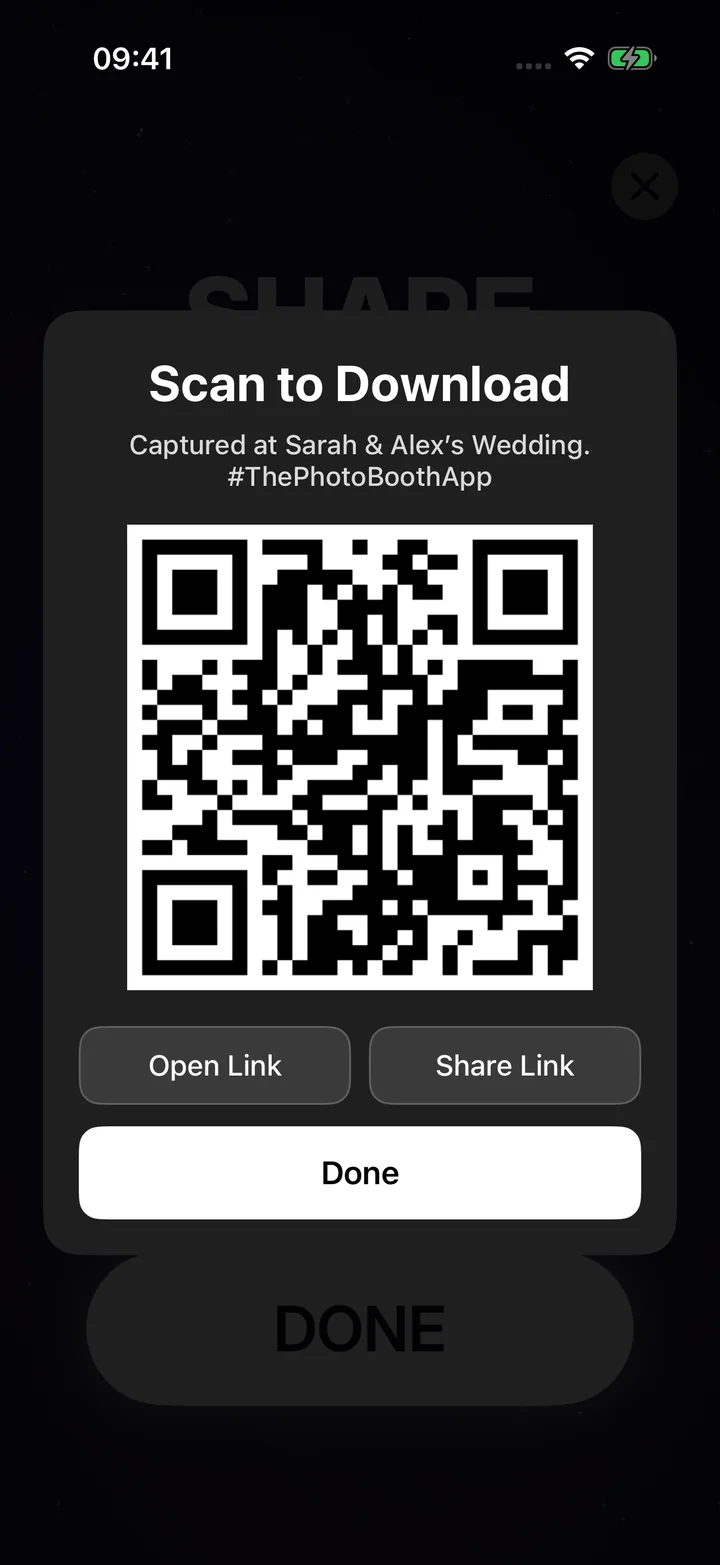
- Check the finished layout on the sharing screen, where guests can also take the photos again.
Common questions
What does the GIF option make?
When guests choose GIF on the Capture Type screen, the app records a short animated clip styled with your layout. Guests can share or save the looping GIF.
Can guests take photos without touching the screen?
Yes. Pair a Bluetooth camera remote or use the device’s volume buttons. A press does the main action of the current screen, so guests can start a session and take photos hands-free.
Are the photos saved to the device?
New events save the finished layout to your album by default, along with the individual shots. You can turn this off for each event in its Save settings.
Does the booth work in landscape?
Yes. When the device is held in landscape, the live preview stays upright and the booth takes landscape photos.