PHOTO BOOTH APP FEATURE
Online template editor
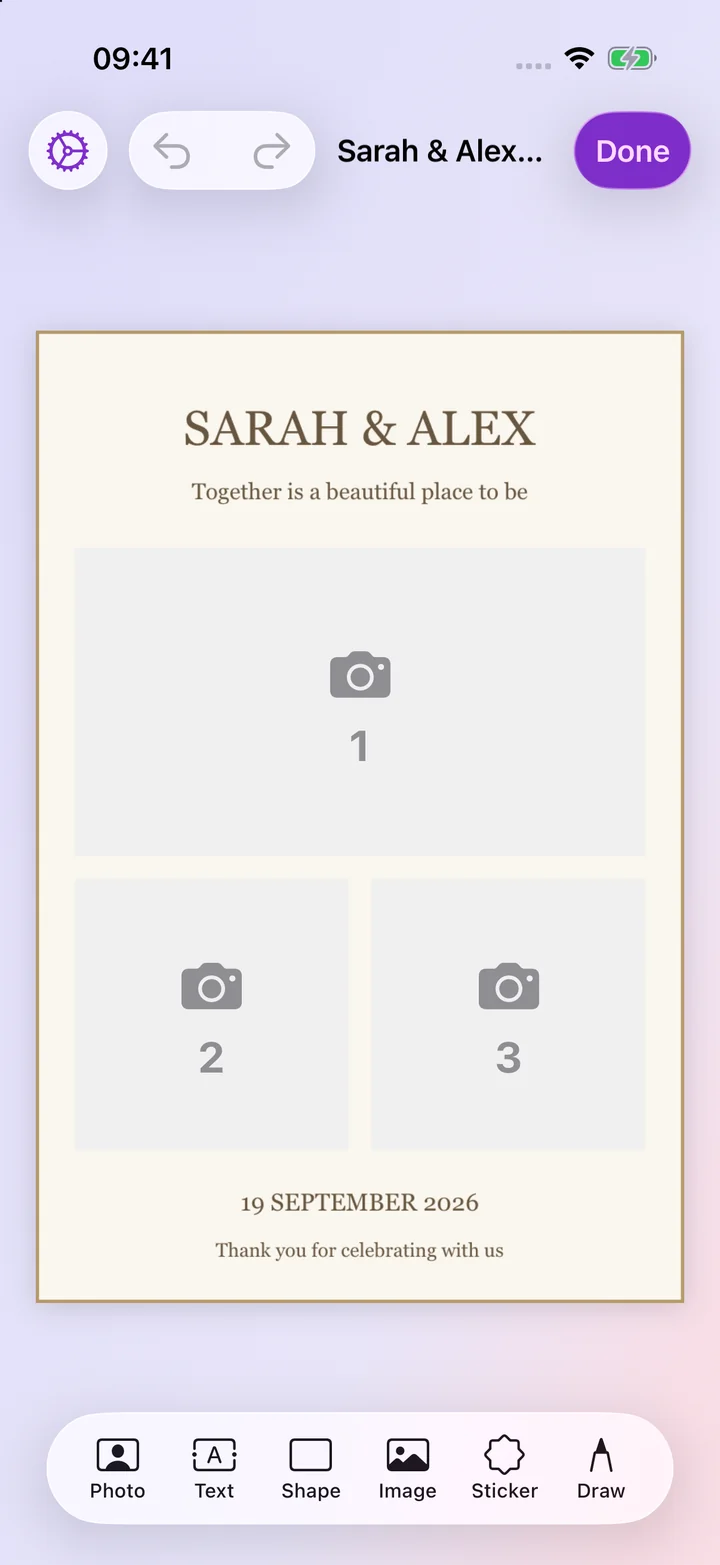
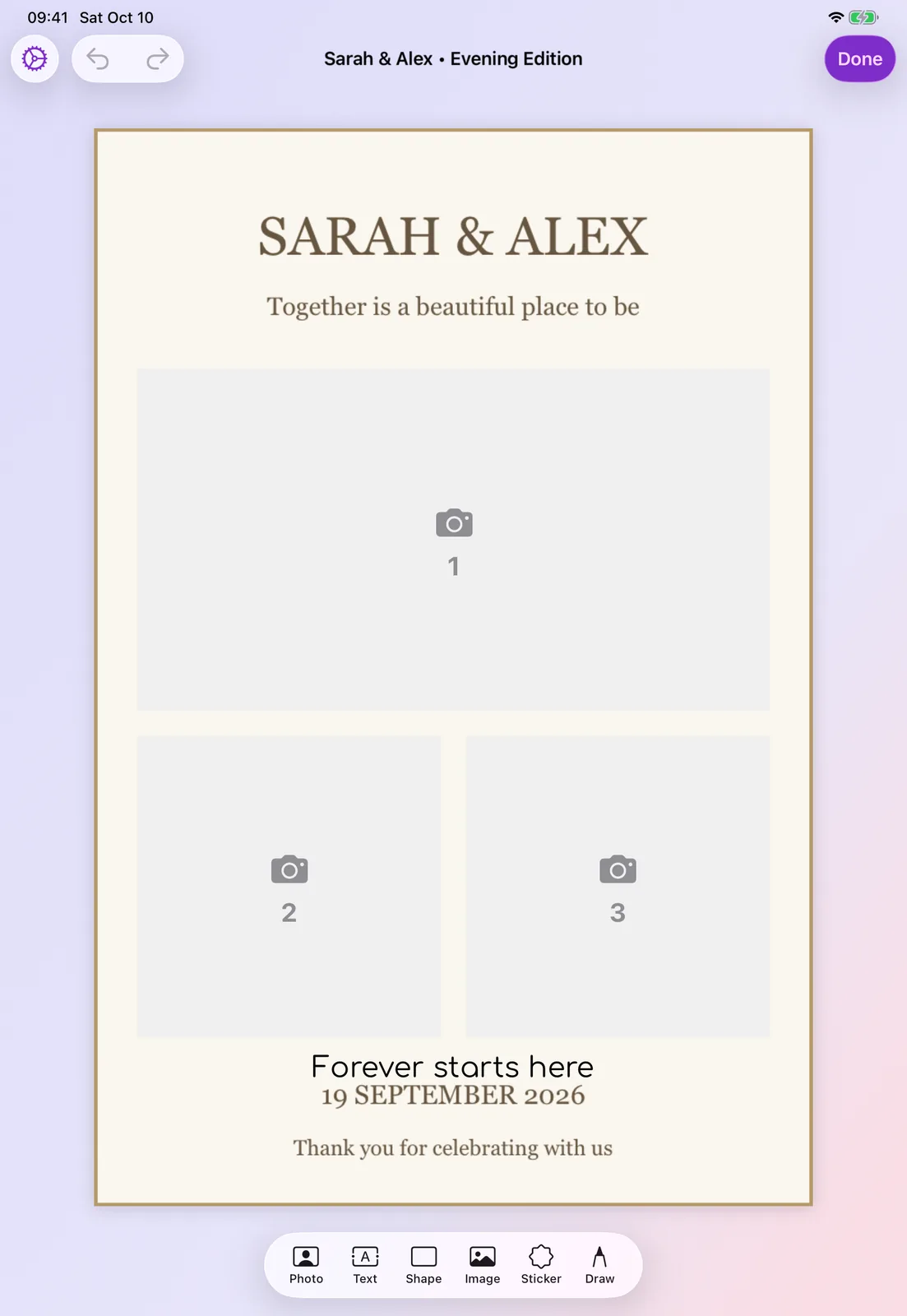
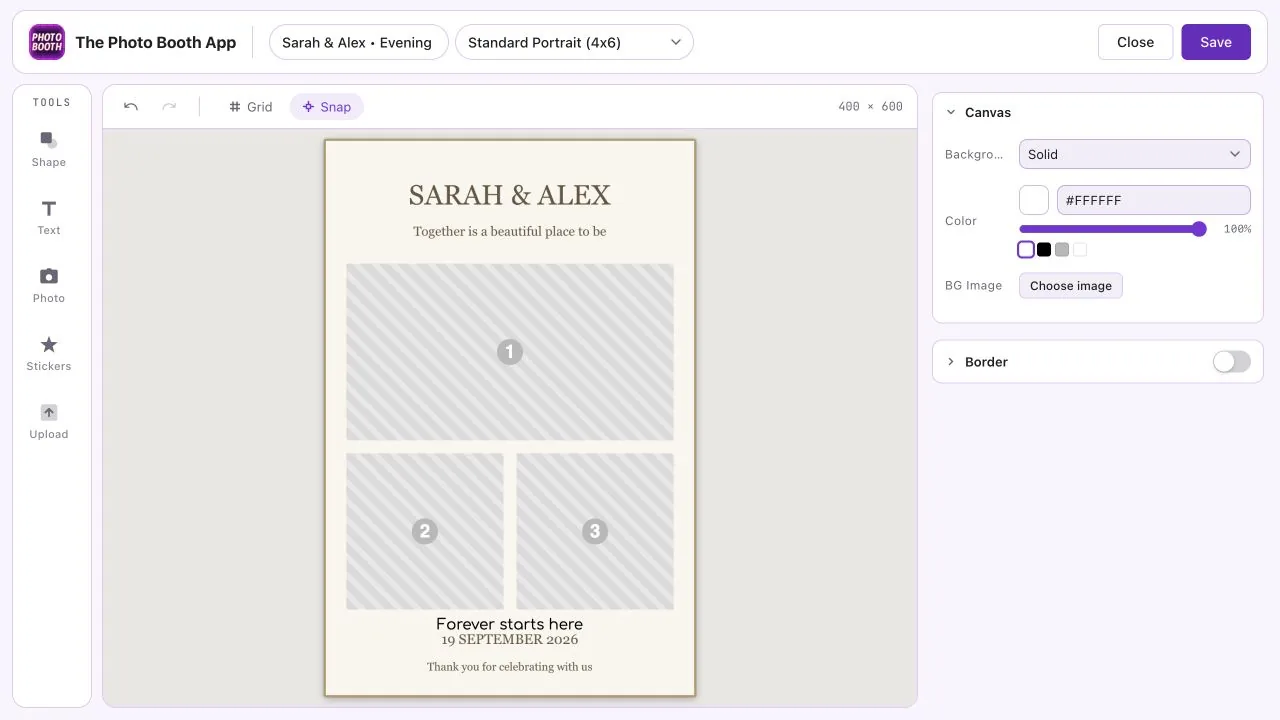
Use the web dashboard to edit event templates in a browser. Use a bigger screen to check your design and move the photo areas into place.
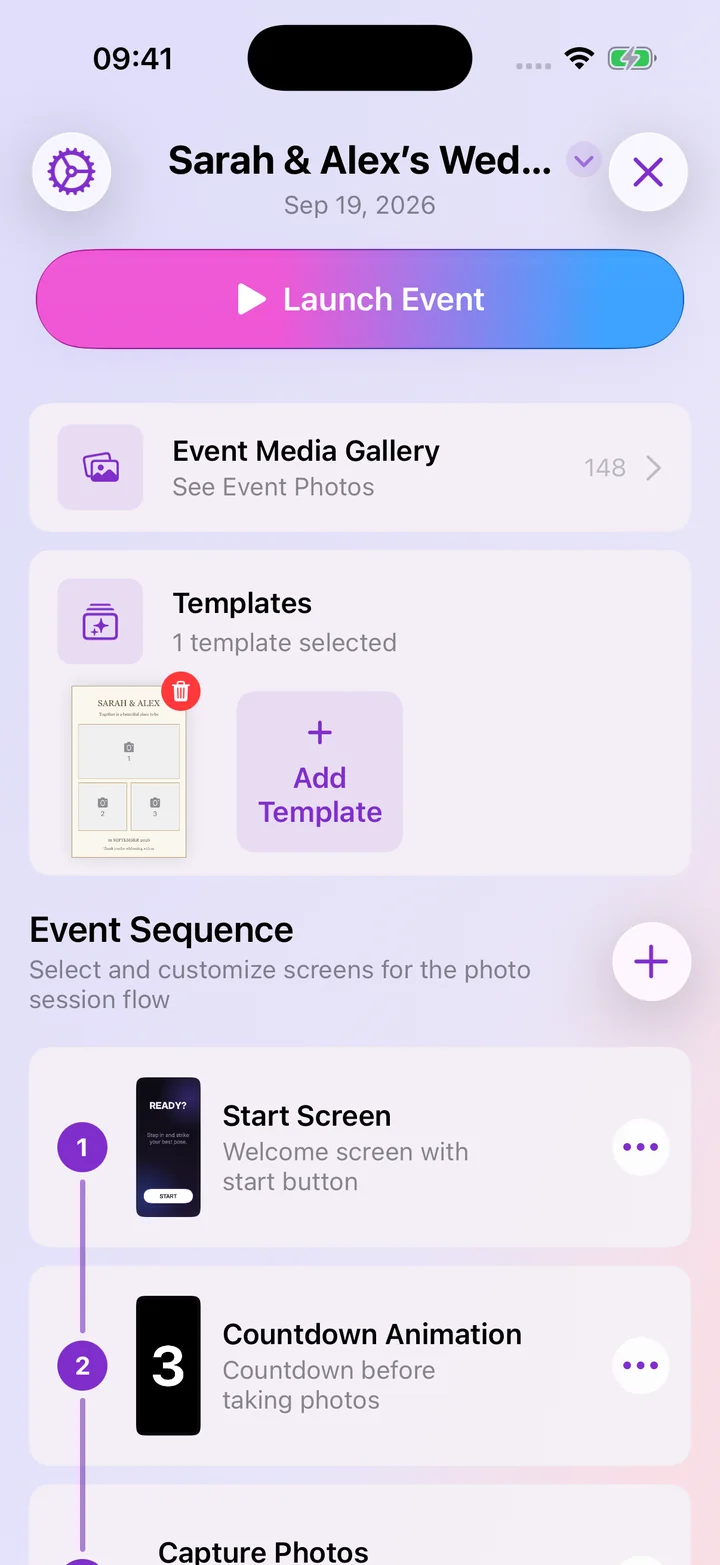
Use your signed-in booth device to check the design before launch. Take a test photo on that device and confirm the finished photo looks right before guests arrive.
How it works
- In the app, sign in with Apple so your templates belong to your account.
- From Your Profile, choose Open Web Dashboard to open it with a one-time Safari link. On a computer, choose Sign In on a Computer, scan the code shown in the browser, and approve the sign-in in the app.
- Open a template in the browser editor and move the photo areas into place.
- Open the event on your booth device, check that the template is there, and take a test photo.
Common questions
What can I do in the web dashboard?
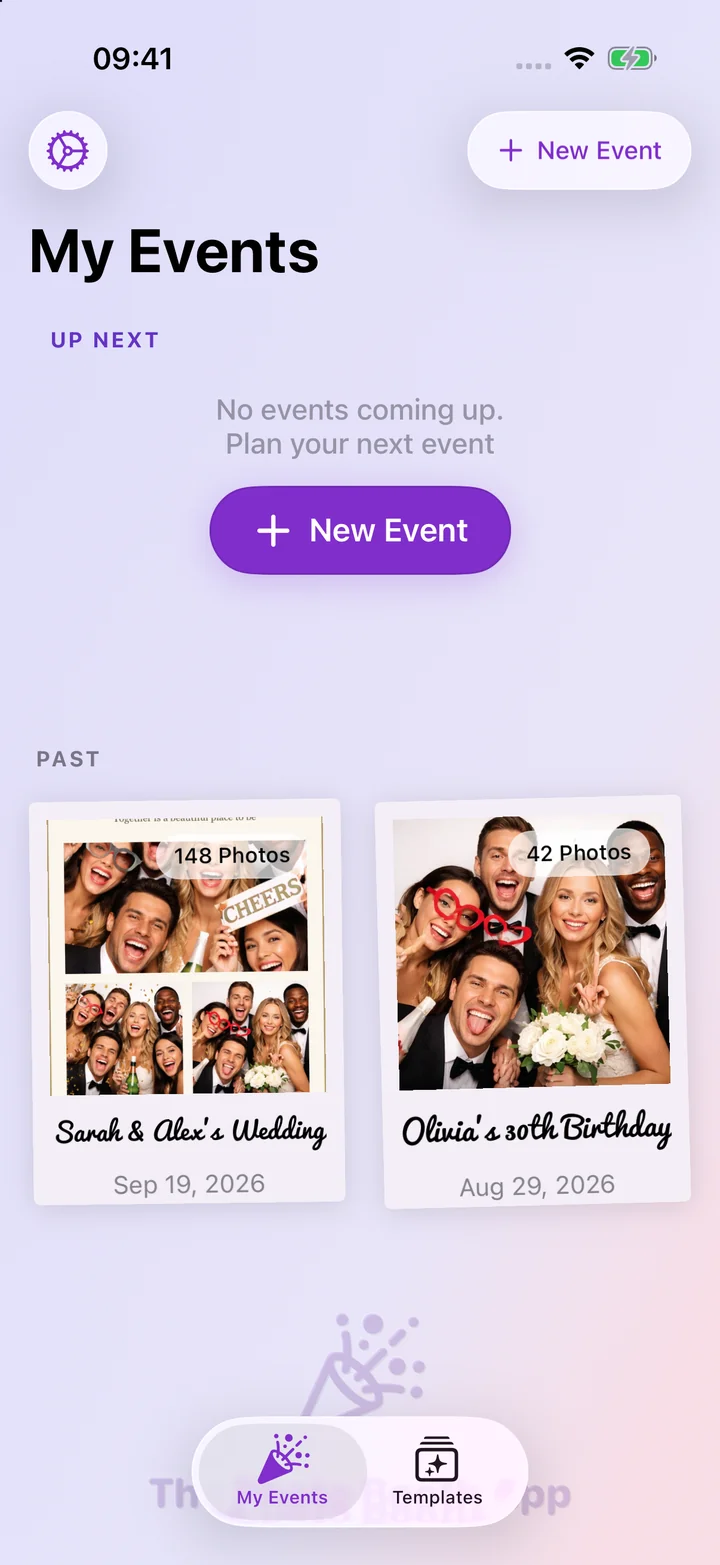
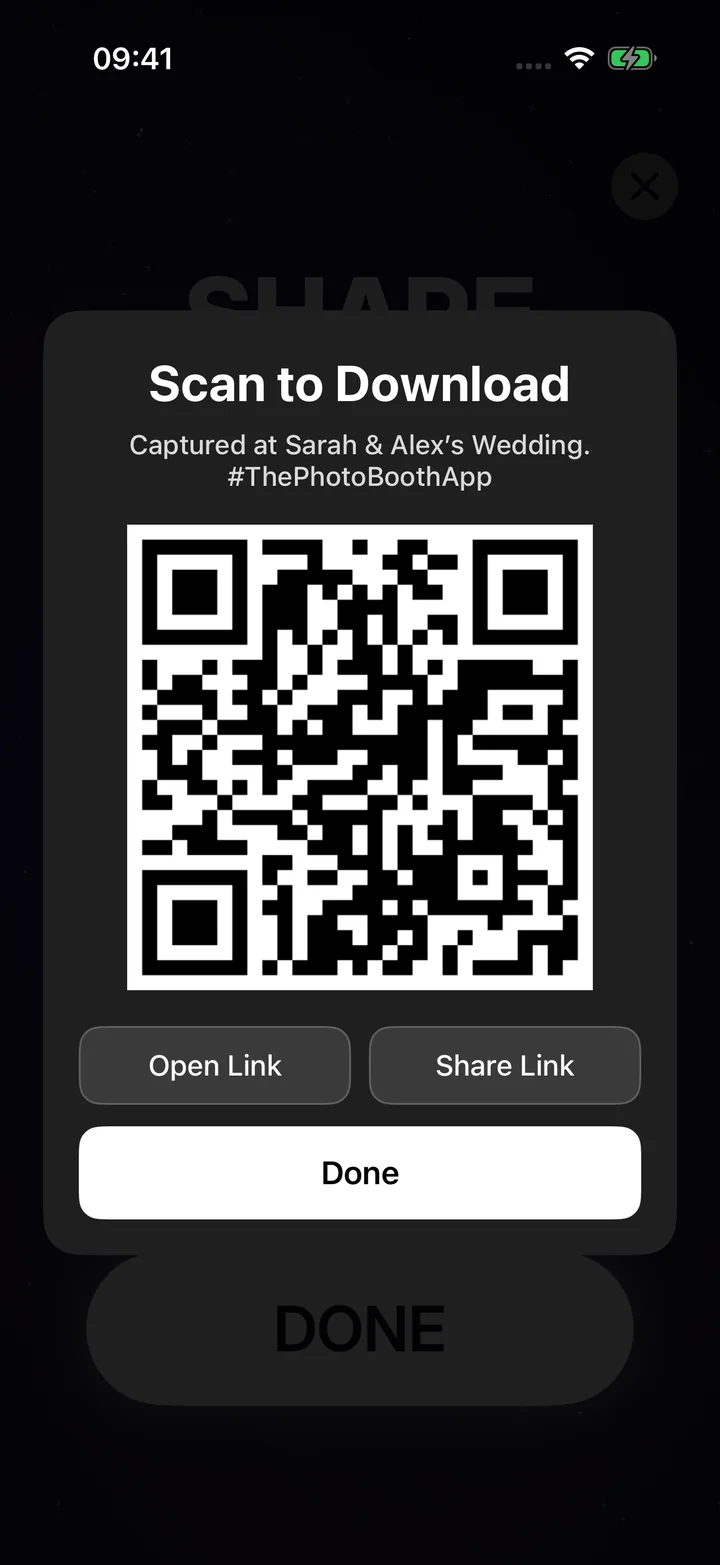
You can view and edit events and templates, manage online galleries, download gallery photos, and print a QR sign for guests.
Do my changes reach the app?
Yes. Edits and deletions sync automatically to your signed-in devices. Check the synced template on the booth device before you launch the event.
How many templates can I sync?
Free accounts can sync one custom template. Premium accounts can sync every custom design. Other designs stay on your device.