Siri, Shortcuts & Apple Watch
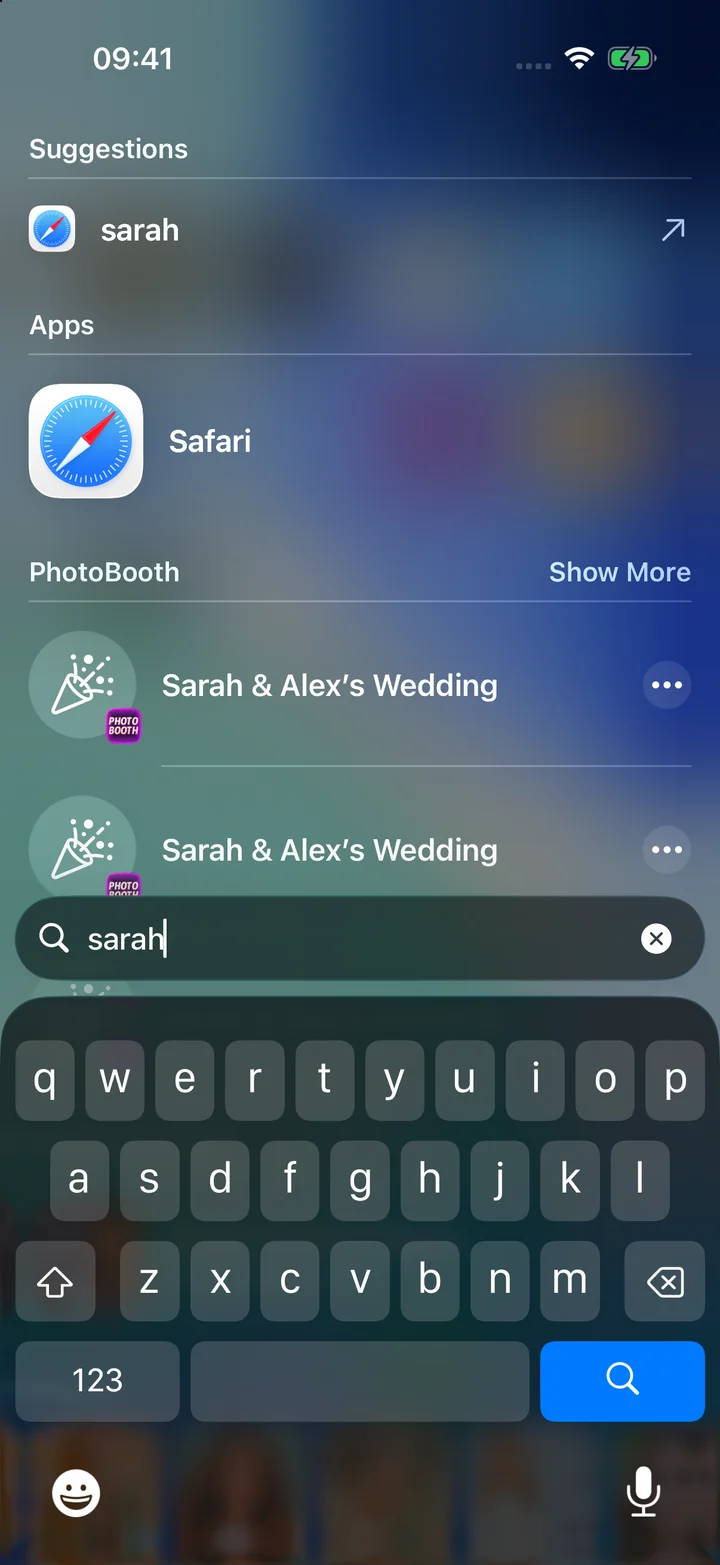
Reach your events through Siri and Shortcuts, find them in Spotlight, and use the Apple Watch remote to run the booth. They let you open an event or control the booth without touching the mounted device.
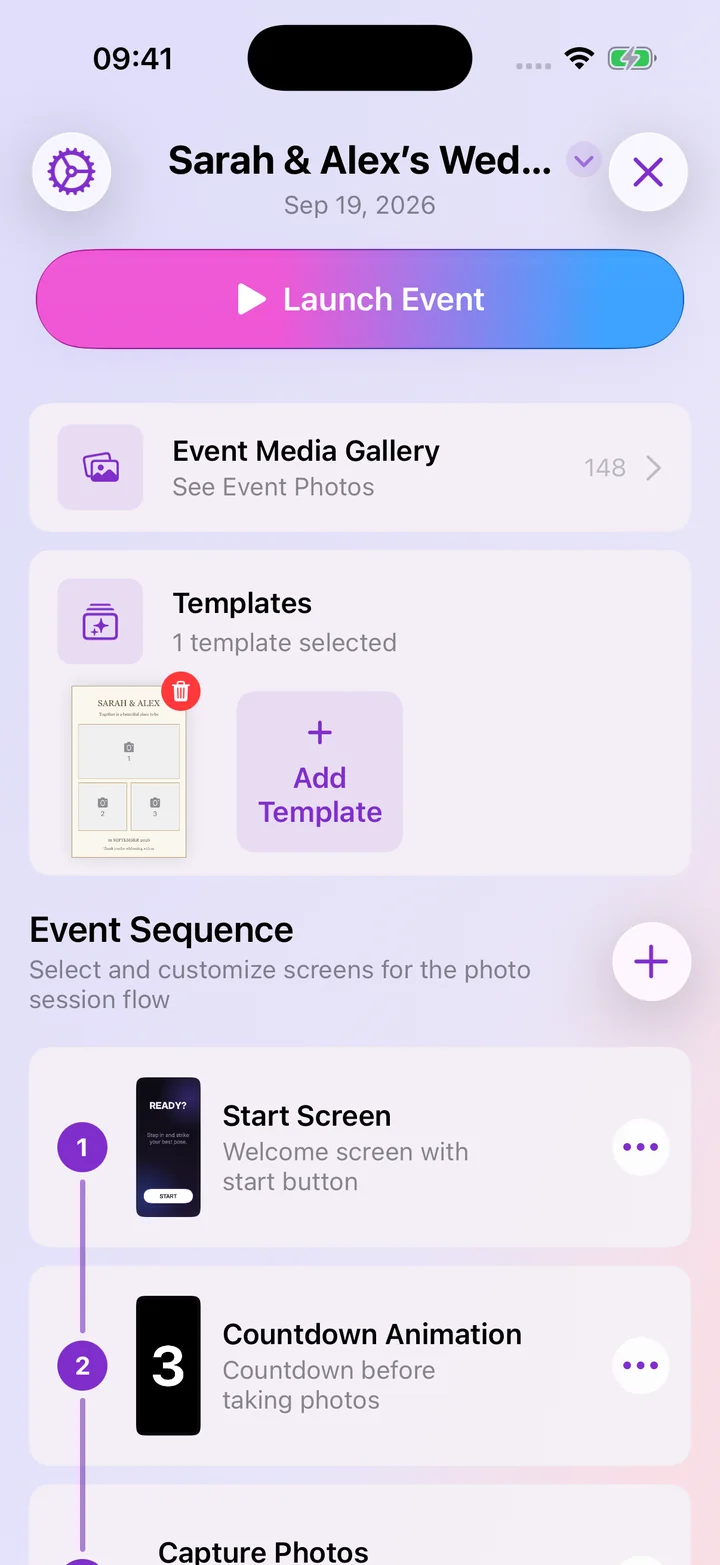
Start Booth on Apple Watch opens the most recent event on your paired iPhone. The remote can show Capture, Back, Restart, Retake, and End Session as the guest flow changes, so you can stay with guests while running the booth.
Check the connection before your event. Apple Watch needs a paired iPhone running Photo Booth App; it does not have a separate event picker. Set up and test your shortcut or remote before guests arrive.
How it works
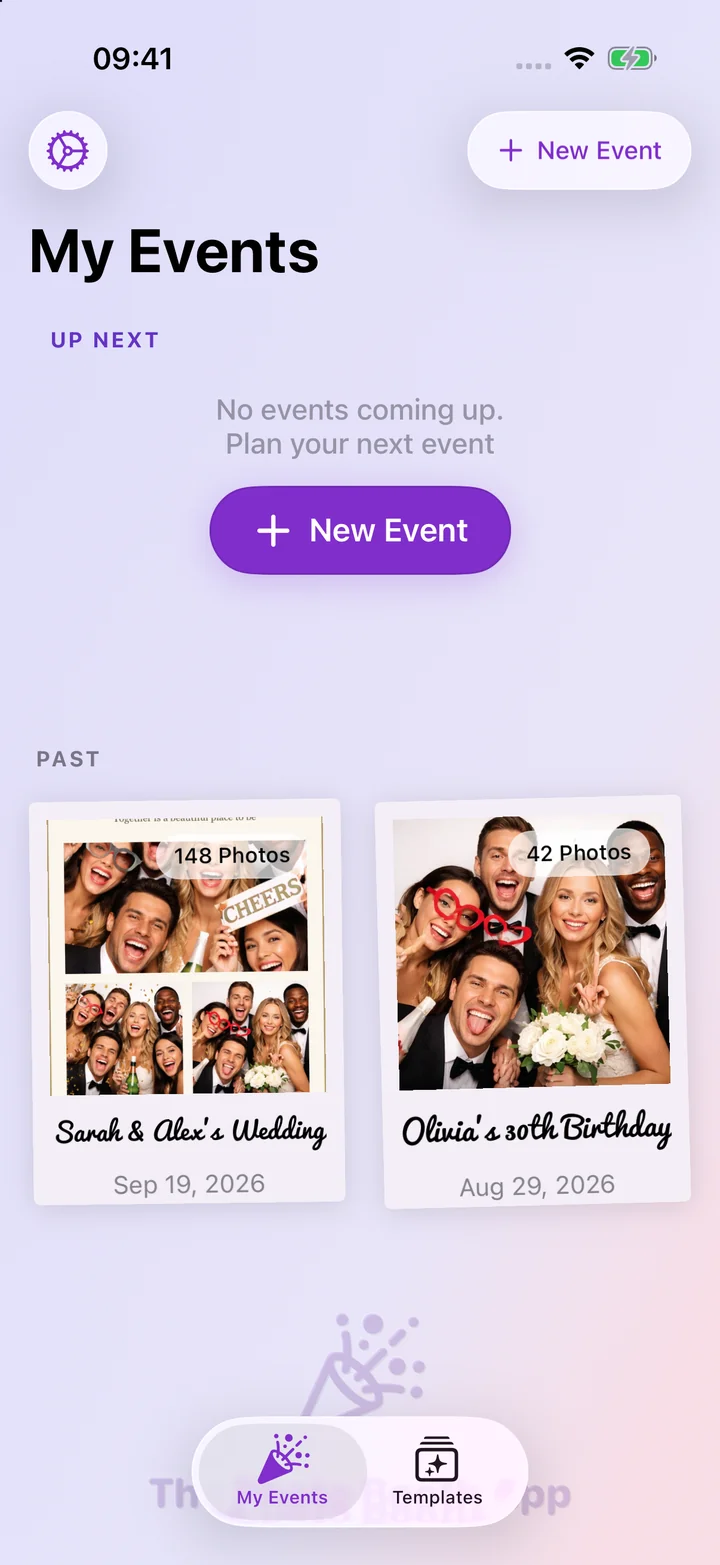
- Create your event in the app. Events appear in Spotlight and Siri without any setup.
- Say “Start my event in PhotoBooth” to open the launch screen, or “Open [event name] in PhotoBooth” to open a specific event.
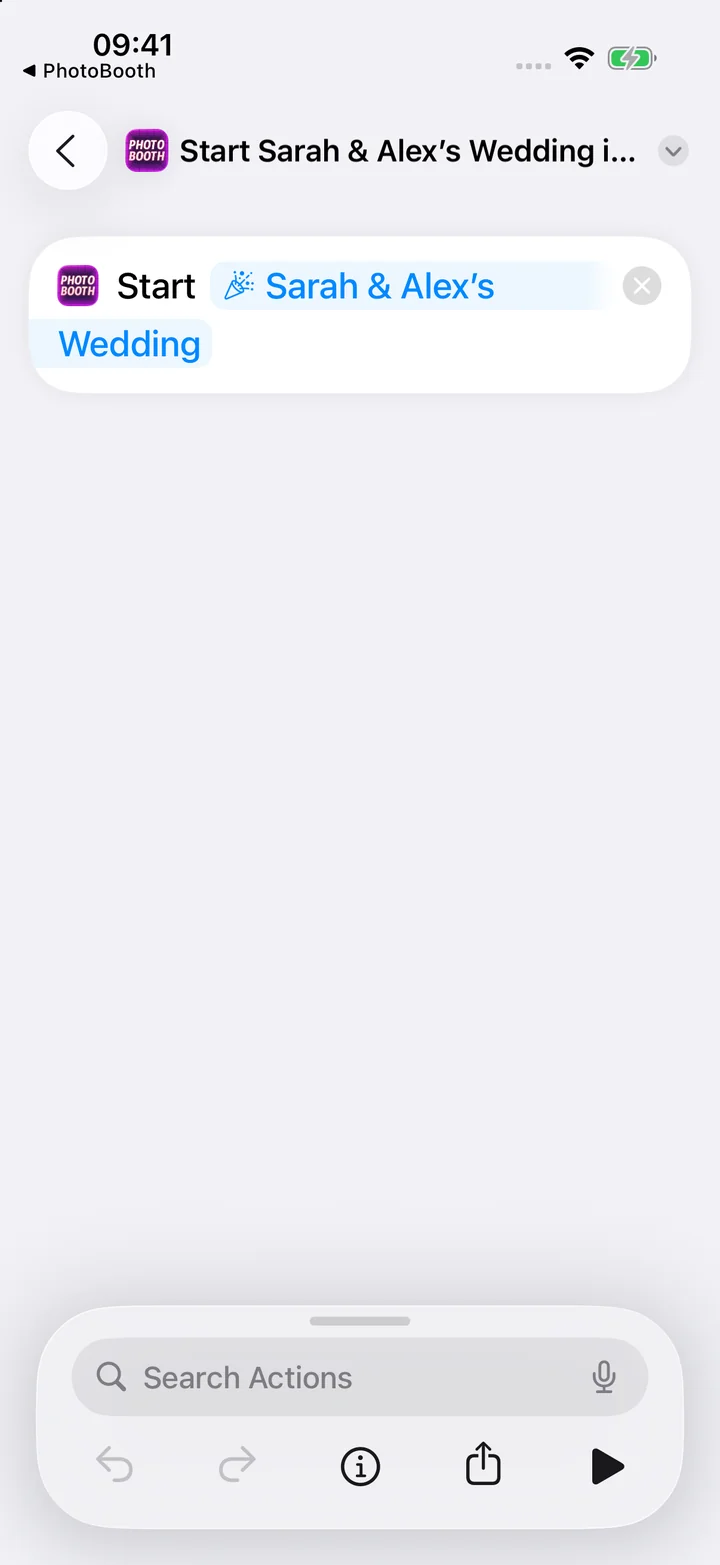
- In the Shortcuts app, add the Start Event, Open Event, New Event, or Count Event Photos actions to your own shortcuts.
- On Apple Watch, open the app and tap Start Booth. It opens the most recent event on your paired iPhone.
- While guests use the booth, use the watch to Capture, go Back, Restart, Retake, or End Session.
Common questions
Do I need to set anything up for Siri?
No. The phrases work once the app is installed. Try “Start my event in PhotoBooth” or “How many photos in PhotoBooth”.
Can Apple Watch pick which event to start?
No. Start Booth opens the most recent event on your paired iPhone. Open the event you want on the iPhone first.
Does the watch remote work with an iPad booth?
Apple Watch pairs with an iPhone, so the remote controls Photo Booth App on that iPhone. Test the connection before guests arrive.