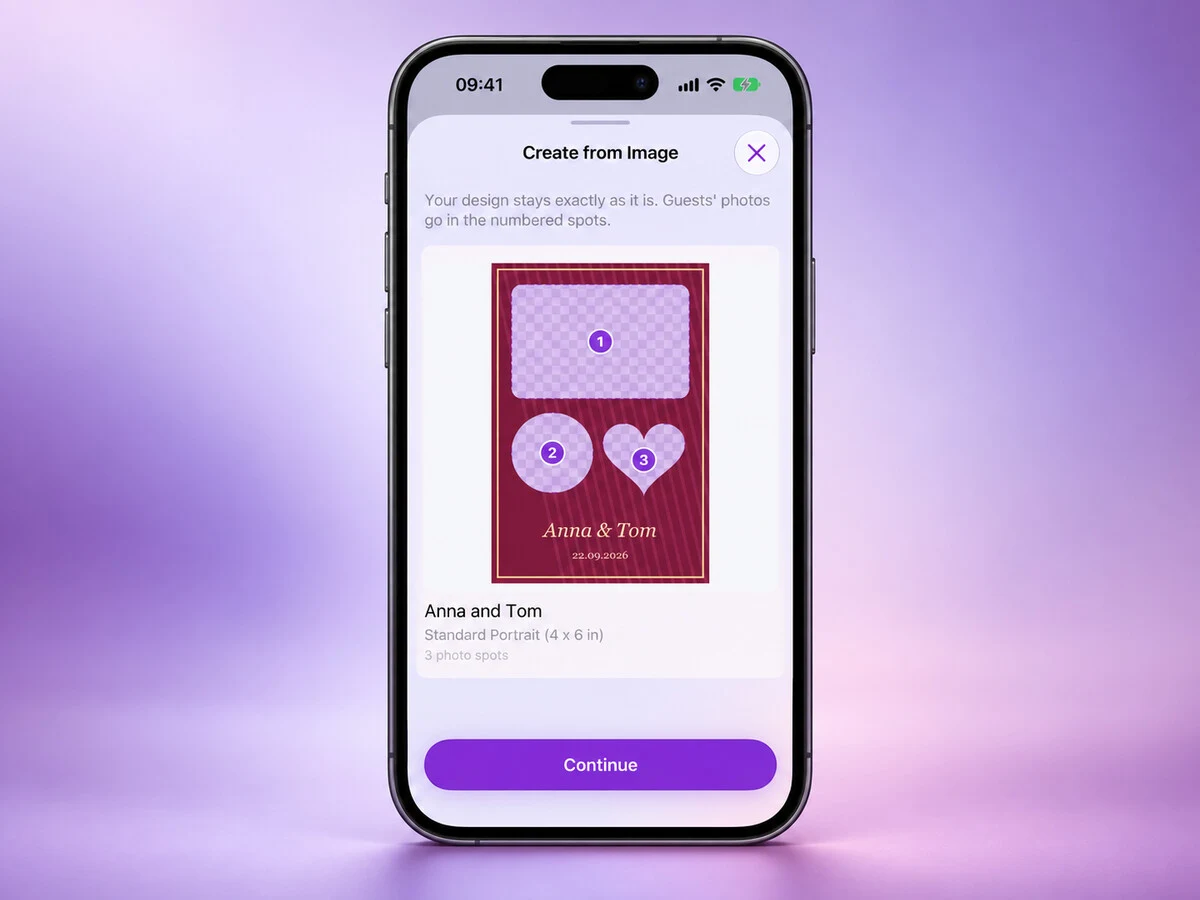
If you have already made a design for an event, you should be able to use it in Photo Booth App without building it again in the editor.
Since version 1.14.0, you can turn your own image into a template. The app keeps your artwork, fonts and colours, then puts your guests' photos in the openings.
Start with your image
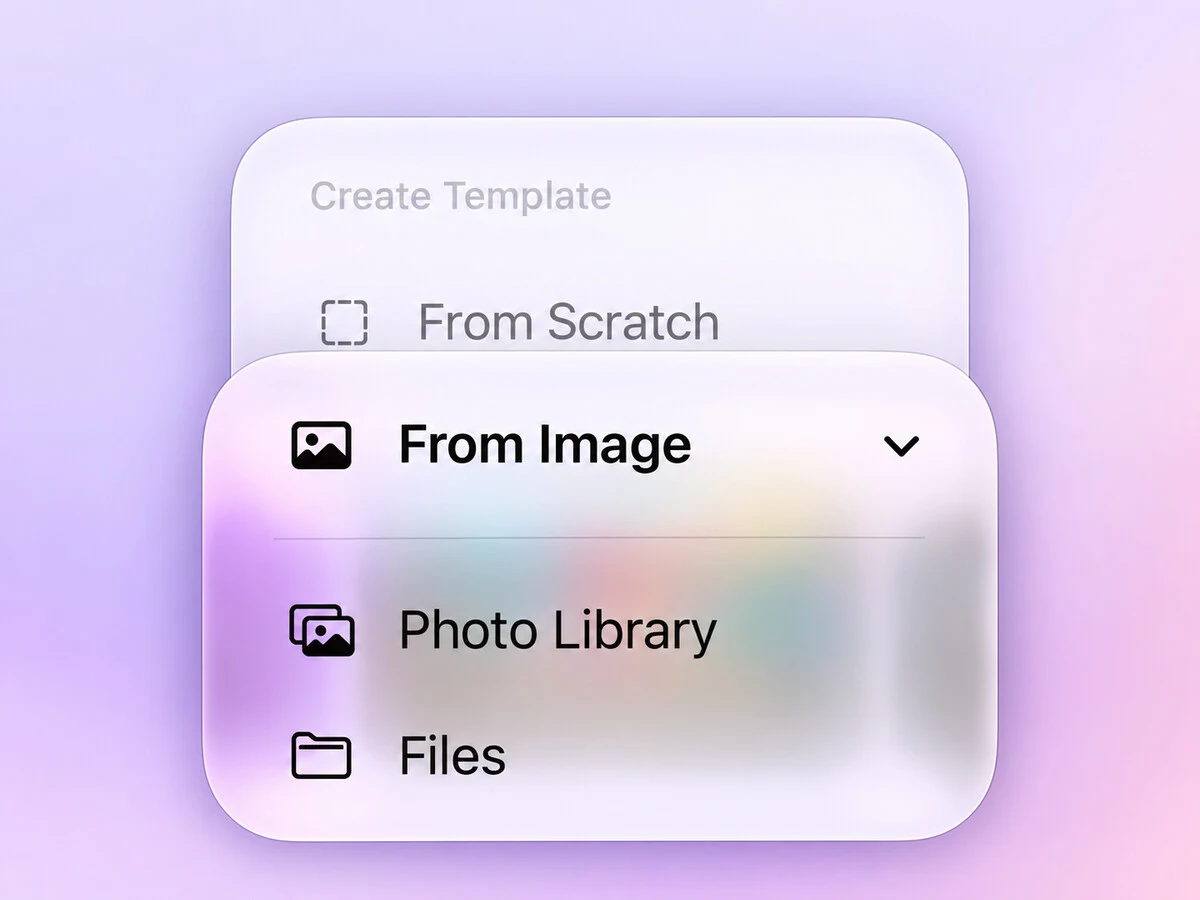
Open Create Template → From Image and choose a PNG or JPG from Photos or Files.
A PNG can have transparent openings. A JPG can have plain boxes where the photos should go. You can also import a finished design with sample photos: Photo Booth App turns those into photo spots.
Round, heart-shaped and arched openings keep their shape, so the guest photo fits the opening in your design.
You can send an image into the app from elsewhere too. Open it in Photos, tap Share → PhotoBooth, or use Open In from an app that shares image files.
Check the spots before continuing
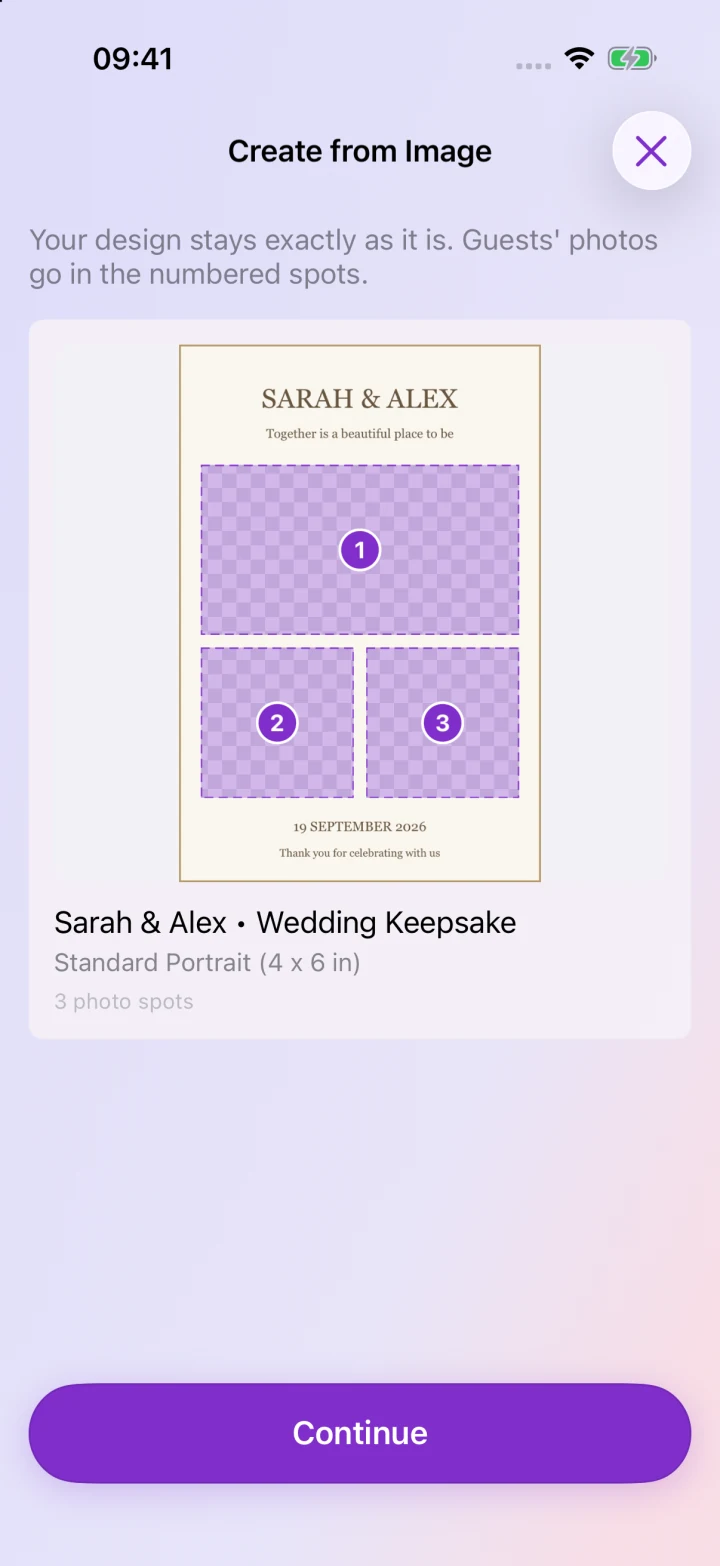
The preview shows the photo spots with numbers. Check that they are in the right places before creating the template.
The app chooses the nearest print size without stretching the artwork. If fitting it would need more than a small trim, you can crop it, choose a custom size or pick a different image.
It is worth doing this part before the event, especially if you plan to print the photos.
Keep the artwork in place
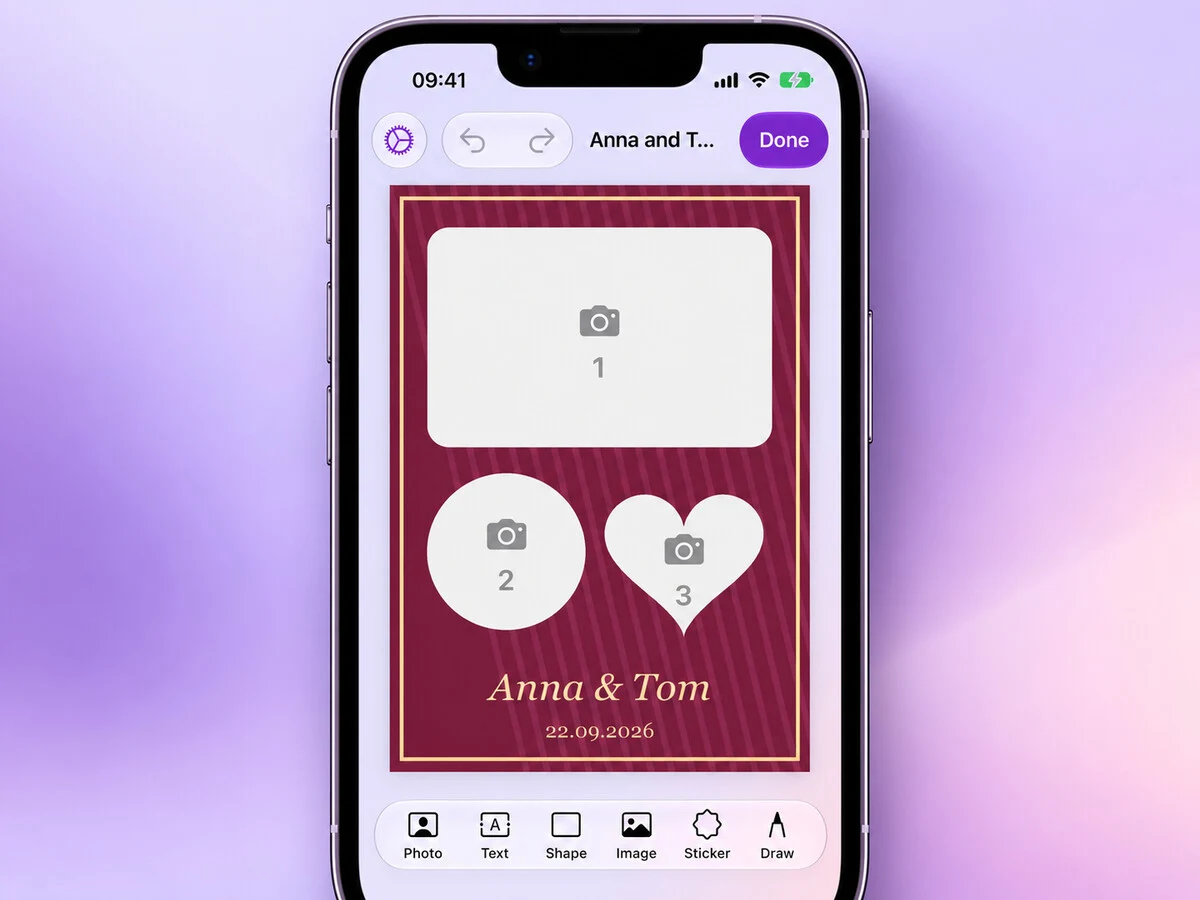
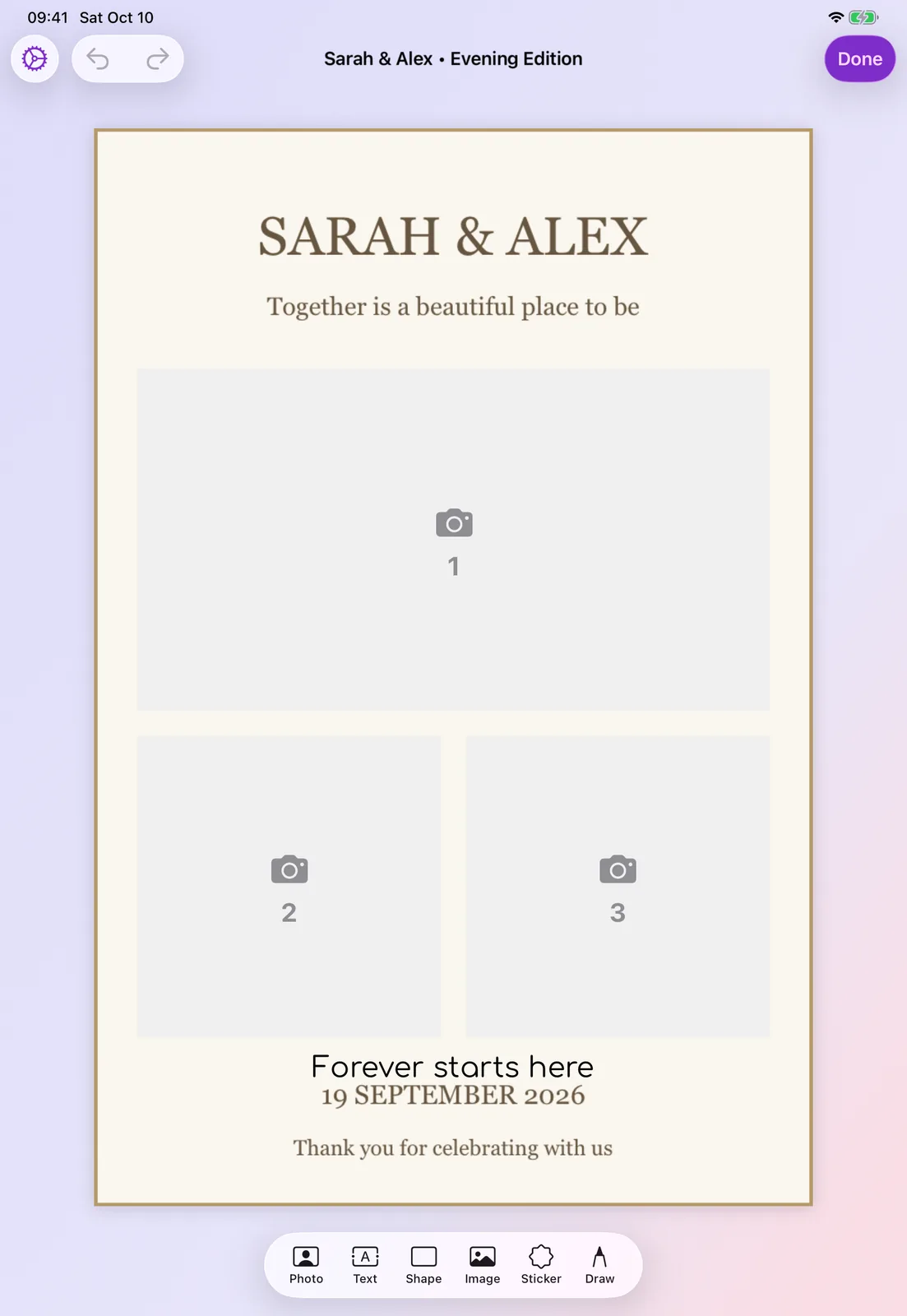
Imported designs start locked in the editor. That lets you move and resize the photo spots without accidentally dragging the background.
You can lock other elements from their ••• menu too. Press and hold a locked element to unlock it. If you update the artwork later, Replace Image swaps in the new version and adjusts the spots if its openings have changed.
This is one of the updates covered in What's New in Photo Booth App: October 2026. I hope it makes the app easier to use with designs you have already spent time on. If an image does not import as you expected, please send me your feedback.
Thank you for reading ❤️
Manuel Escrig
Try it at your next event
Download Photo Booth App on your iPhone or iPad, create an event, and test the guest flow before people arrive. Your first event is on us.
Manuel Escrig
Manuel is the creator of Photo Booth App and GoInspired LLC. He builds the iPhone, iPad, web, and event-gallery pieces behind the product. Read more about me
 Share on Facebook
 Share on X
Keep reading
All posts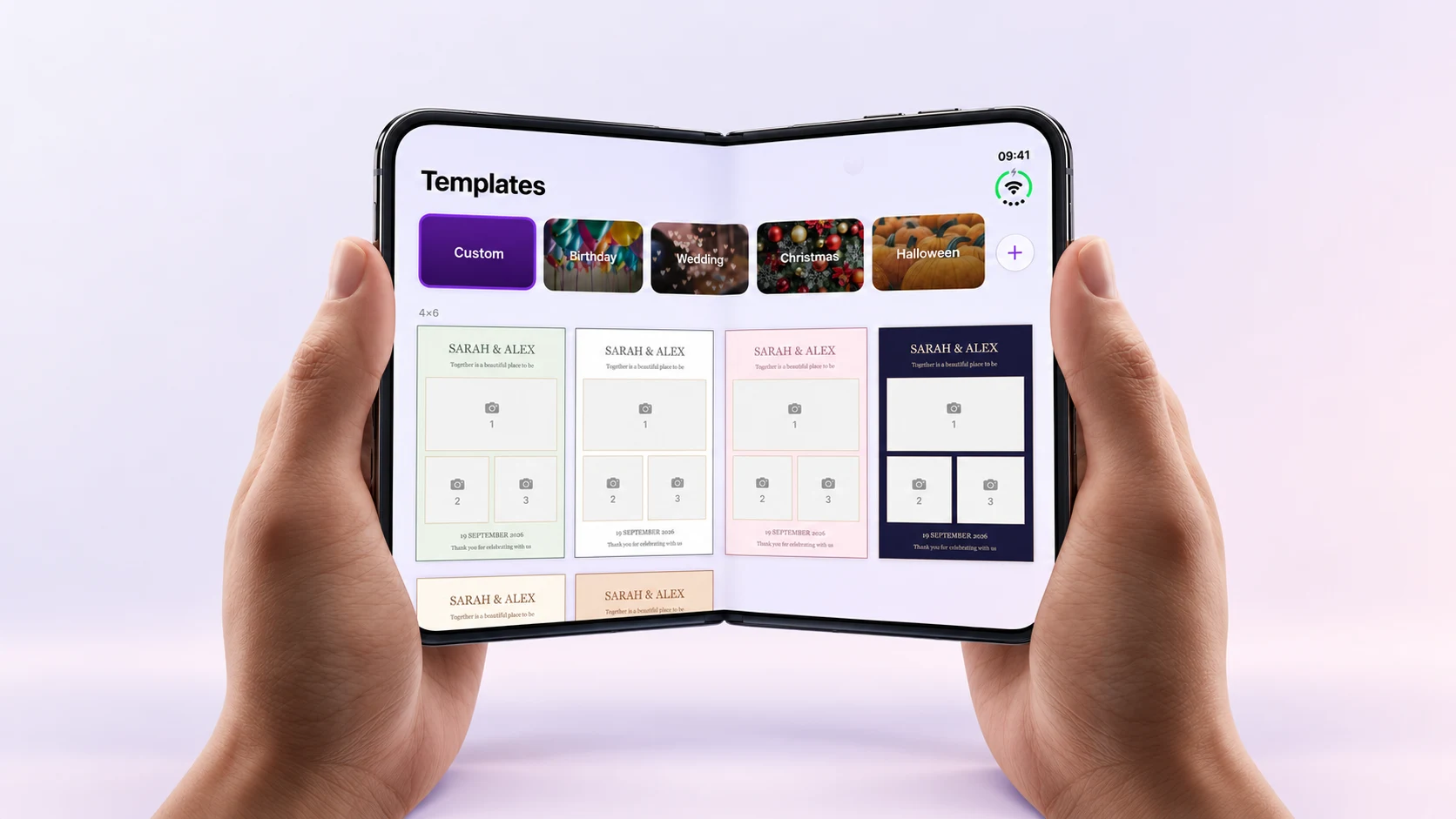
Photo Booth App Is Ready for iPhone Duo
See Photo Booth App's iPhone Duo layout in a fold video and app screenshots, and find the version that introduced it.
What's New in Photo Booth App: October 2026
Bring your own designs, sync events across devices, manage your booth from the web and get ready faster with the latest Photo Booth App updates.