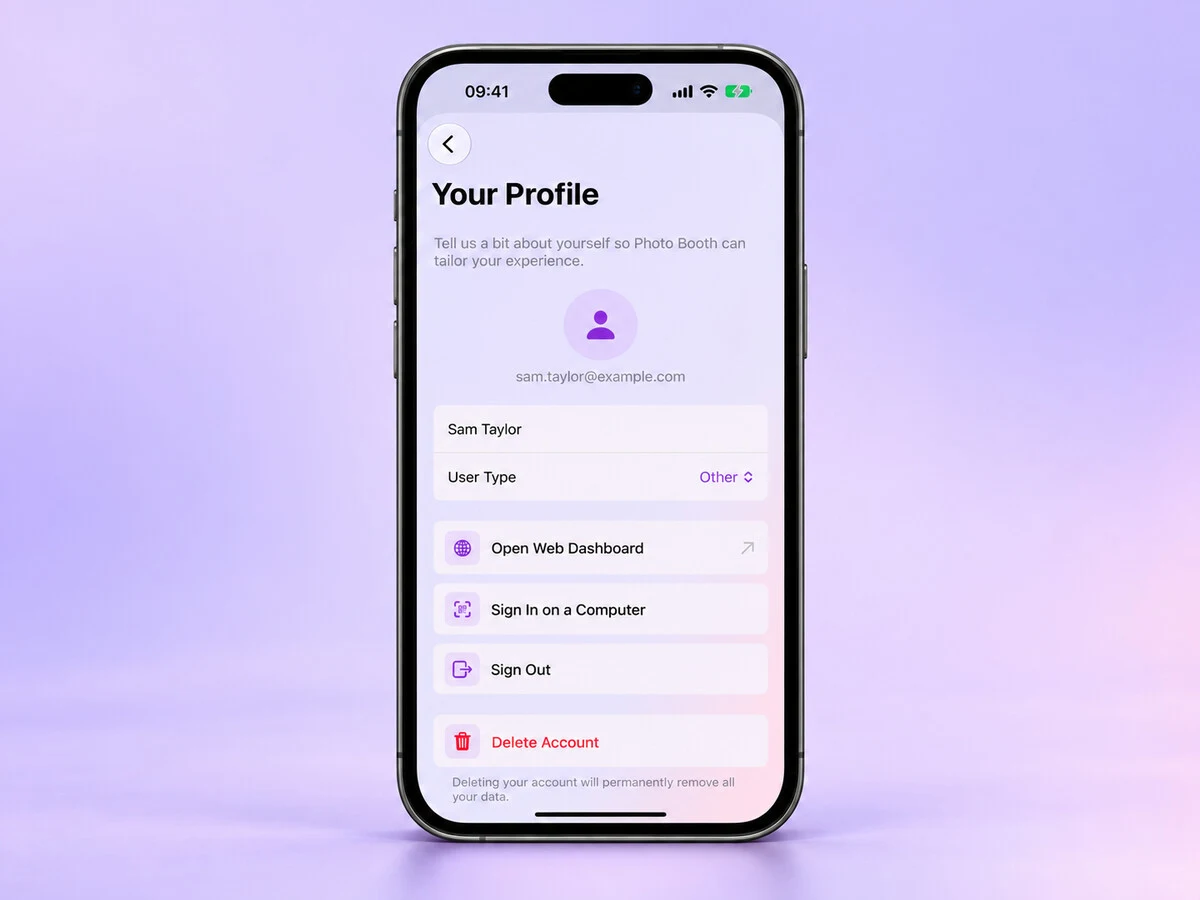
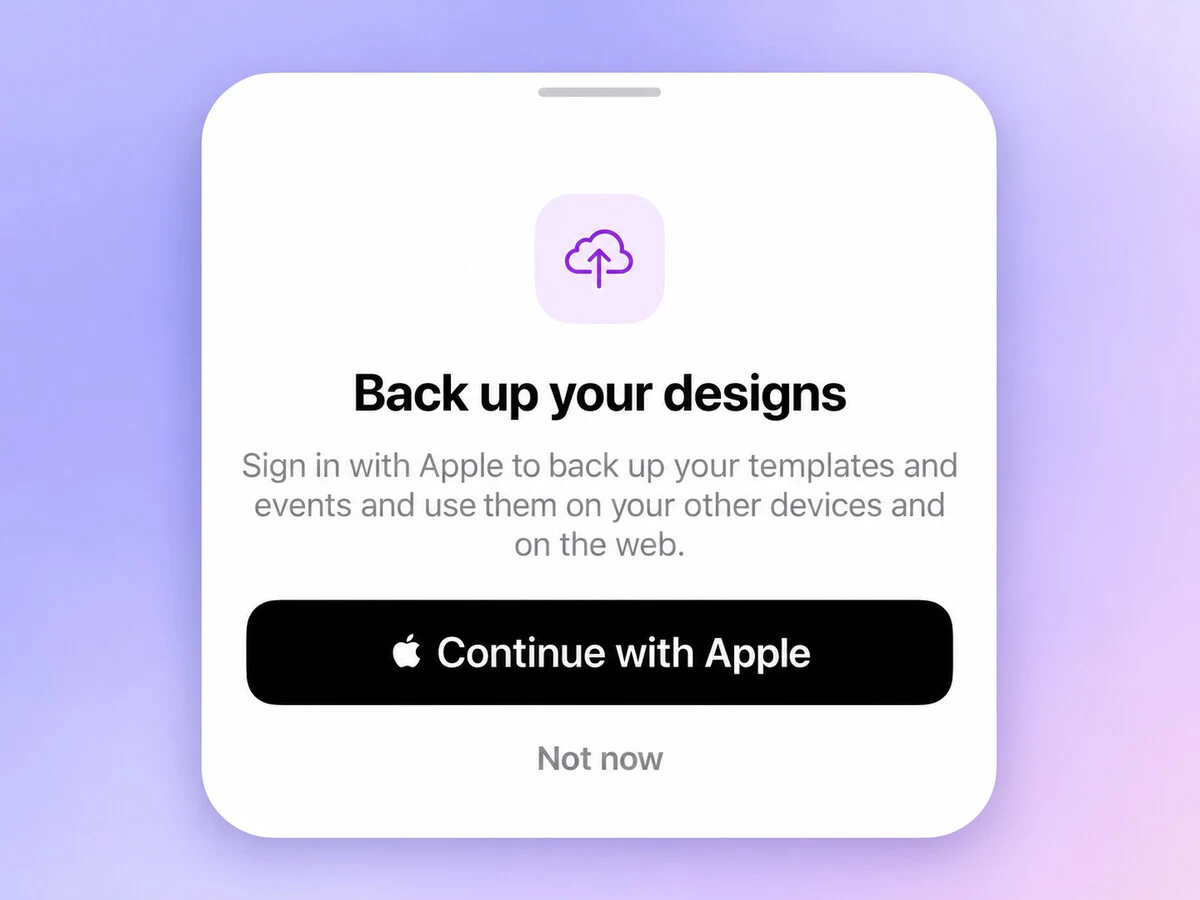
Preparing an event on one device and running it on another should be easier. Since version 1.15.0, Photo Booth App lets you sign in, back up your designs and events, and keep working on them from the web.
Sign in with Apple
Signing in backs up your custom templates, custom flow screens and events. When you sign in on another device, you can use them there too.
Edits and deletions sync automatically. Events using built-in templates or flow screens also open with the same design across your signed-in devices.
Free accounts can sync one custom template. Premium accounts can sync all their designs. If you have more designs than your plan covers, they stay on the device; the app does not remove them.
There is a web dashboard too
The dashboard at thephotoboothapp.com/app lets you view and edit events and templates from a computer.
It is also where you can manage online galleries, download their photos and print a QR sign for guests.
From Your Profile, choose Open Web Dashboard to open it with a one-time Safari link. To sign in on a computer, scan the code shown in the browser and approve it in the app. You do not have to type a password into the booth.
Designs and galleries have different jobs
Syncing your events does not upload every event photo or guest contact detail. Those stay on the booth device.
Online galleries are the separate sharing feature. Creating one asks you to sign in first, and galleries you already created are linked to your account so you can manage them on the dashboard.
That distinction matters when you are deciding what you want guests to access.
Signing out keeps your local work
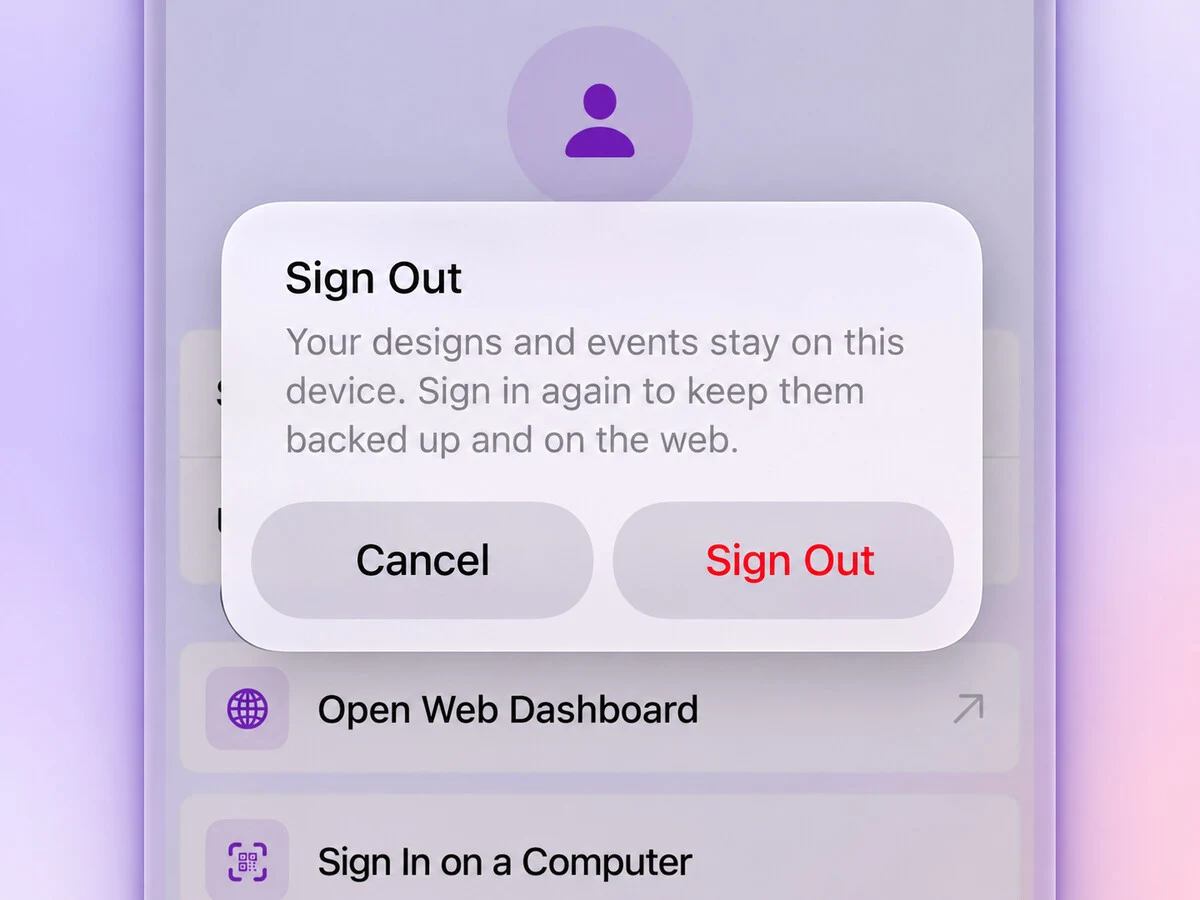
You can sign out from Your Profile. Your designs and events stay on the device, and they are not mixed into another account if you sign in again with a different one.
This is one of the updates covered in What's New in Photo Booth App: October 2026. If you use more than one booth device, I would love to hear how this works for your events. Please write to me with any feedback.
Thank you for reading ❤️
Manuel Escrig

Try it at your next event
Download Photo Booth App on your iPhone or iPad, create an event, and test the guest flow before people arrive. Your first event is on us.

Manuel Escrig
Manuel is the creator of Photo Booth App and GoInspired LLC. He builds the iPhone, iPad, web, and event-gallery pieces behind the product. Read more about me
 Share on Facebook
 Share on X
Keep reading
All posts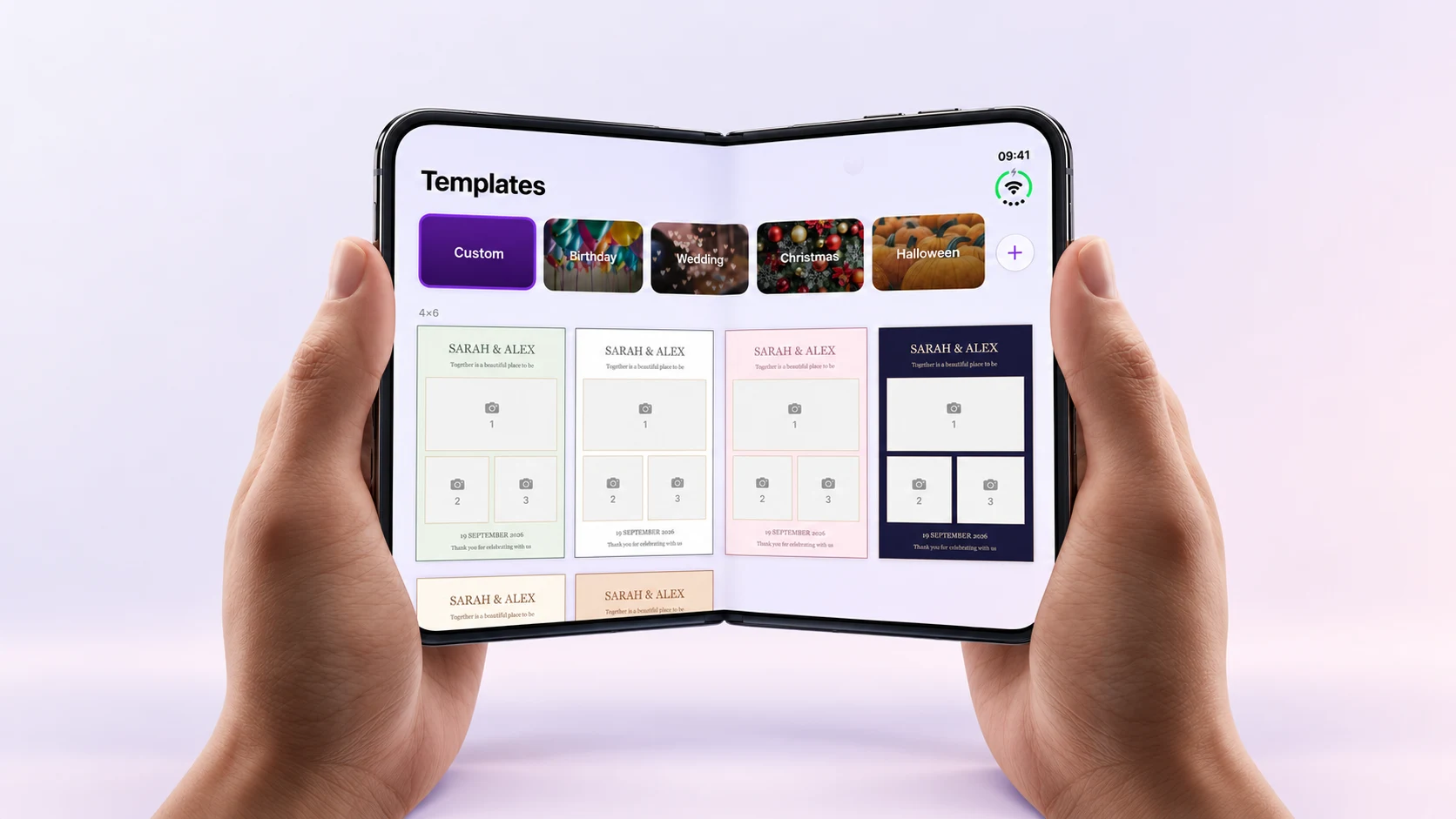
Photo Booth App Is Ready for iPhone Duo
See Photo Booth App's iPhone Duo layout in a fold video and app screenshots, and find the version that introduced it.
What's New in Photo Booth App: October 2026
Bring your own designs, sync events across devices, manage your booth from the web and get ready faster with the latest Photo Booth App updates.